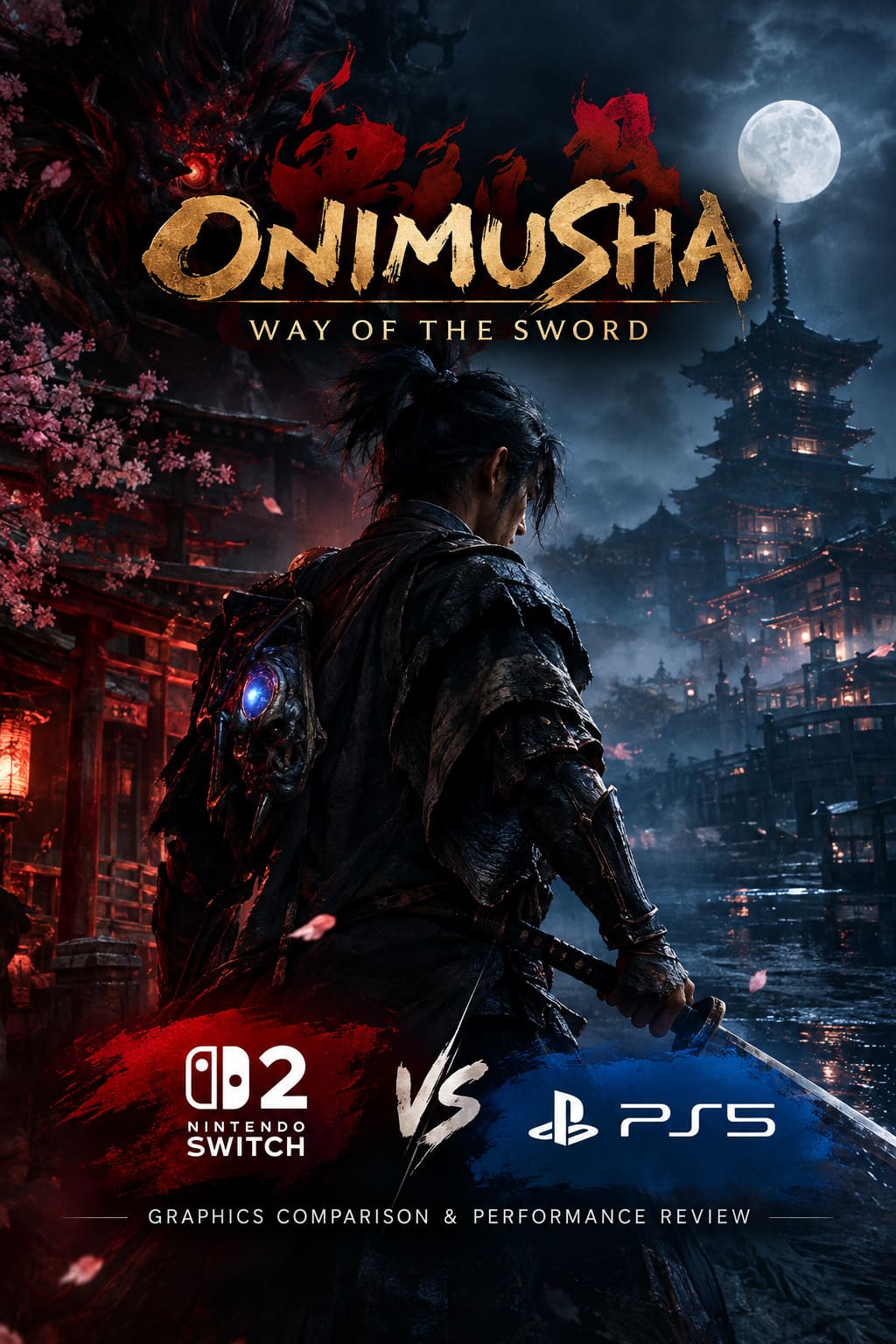
Onimusha Way of the Sword: Nintendo Switch 2 vs PS5 Graphics Comparison & Performance Review
After spending years watching classic franchises disappear into the vault, seeing Onimusha: Way of the Sword finally arrive feels pretty surreal. Capcom has brought the samurai-horror series back with a huge technical swing, throwing Miyamoto Musashi into a corrupted version of Edo-period Kyoto and pushing the RE Engine into some seriously demanding territory.
But the interesting story isn’t simply whether the game looks good. It obviously does. The real question is how well Capcom managed to squeeze this ambitious AAA production onto the Nintendo Switch 2 without turning it into a blurry, compromised port. After hundreds of hours with demanding action games, I tend to be pretty unforgiving when developers make performance sacrifices. A game can have gorgeous screenshots all day long, but if the frame pacing is awful during a boss fight, I’m going to notice.
That makes the comparison between Switch 2 and PlayStation 5 especially fascinating. The PS5 has the raw horsepower to flex its muscles, while Nintendo’s newer hybrid hardware has to balance performance, thermals, portability, and battery considerations.
And honestly? The Switch 2 version is much closer to the PS5 experience than I expected.
RE Engine Is Doing Some Serious Heavy Lifting
Capcom’s RE Engine has become one of the company’s biggest technical weapons, and Onimusha: Way of the Sword is another excellent example of what it can do. Kyoto isn’t simply a collection of pretty backgrounds. The city is packed with dense geometry, supernatural effects, volumetric fog, dynamic weather, detailed temples, wet surfaces, destructible-looking scenery, and the grim atmosphere you’d expect from a dark fantasy samurai game.
The PS5 version gets the obvious advantage. Its hardware gives Capcom considerably more room for high-resolution assets, complex lighting, geometry, texture filtering, and environmental detail. When you’re standing in front of an enormous temple or walking through a rain-soaked street, the presentation can look ridiculously cinematic.
The Switch 2 build takes a different approach. Capcom hasn’t simply gutted the game to make it portable. Instead, the developers have adjusted the rendering pipeline and reduced some of the expensive visual settings while keeping the underlying game remarkably intact.
Character animation, combat effects, physics, enemy behavior, and the overall environmental design remain surprisingly close to the larger console experience. That’s important because those are the things you actually interact with for dozens of hours.
Resolution and Image Quality: PS5 Takes the Win
This is the easiest category to judge. PS5 wins image quality, particularly if you’re sitting close to a large 4K television.
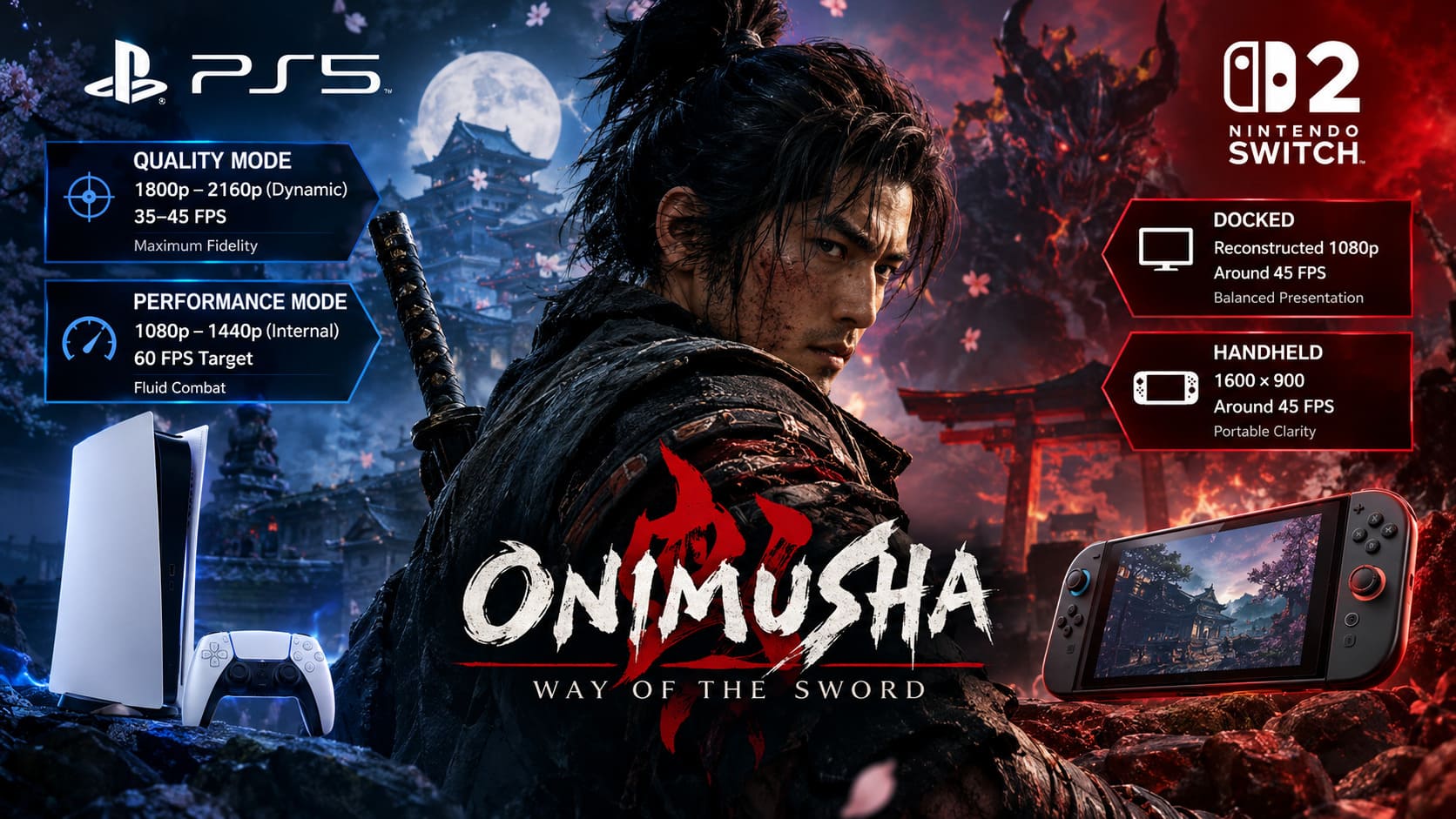
| Version | Resolution Target | Performance | Visual Focus |
|---|---|---|---|
| PS5 Quality | 1800p–2160p Dynamic | 35–45 FPS Range | Maximum Fidelity |
| PS5 Performance | 1080p–1440p Internal | 60 FPS Target | Fluid Combat |
| Switch 2 Docked | Reconstructed 1080p | Around 45 FPS | Balanced Presentation |
| Switch 2 Handheld | 1600×900 | Around 45 FPS | Portable Clarity |
On PS5, Quality Mode dynamically operates between roughly 1800p and 2160p, depending on what’s happening on screen. A quiet exploration sequence can look razor sharp, while a chaotic supernatural encounter can force the resolution downward to keep the workload under control.
Performance Mode drops the internal resolution further, generally working in the 1080p–1440p range before reconstruction pushes the final output toward 4K. You can see some softness during fast movement, but it’s a sensible trade if your priority is 60 FPS.
The Switch 2 is obviously operating in a different class. Docked gameplay aims for a reconstructed 1080p output. It’s not going to beat the PS5 in pixel-level clarity, especially on a huge television. Fine texture details, distant geometry, and hair can look less defined.
Handheld mode is where things get more interesting. The Switch 2 version operates at 1600×900, and that resolution looks considerably better on a compact high-density screen than the raw number might suggest. You’re not blowing the image up across a 65-inch television, so reconstruction artifacts and small shimmering details are much harder to notice.
I’ve always thought handheld gaming gets unfairly judged by screenshots. A screenshot zoomed to 200% can make a game look rough, while actually playing it on a six-to-eight-inch display can look fantastic. Onimusha benefits from exactly that effect.
Performance: The Switch 2 Gets Surprisingly Close
This is the part of the comparison that genuinely surprised me.
Rather than forcing the Switch 2 version into the traditional 30 FPS console-port box, Capcom allows the game to run with an unlocked frame rate in a roughly 40–50 FPS operating window. During normal gameplay, performance tends to hover around 45 FPS.
That might sound strange if you’re used to comparing everything against 60 FPS, but don’t underestimate how much smoother 45 FPS feels than a poorly paced 30 FPS presentation. When frame delivery is consistent, combat feels responsive, camera movement looks cleaner, and the entire game has more energy.
That matters enormously in Onimusha because combat isn’t some basic hack-and-slash affair. The game relies heavily on timing, counters, parries, deflections, and contextual combat animations. With more than 300 unique combat animations influencing how encounters play out, inconsistent performance can immediately affect how responsive the system feels.
The Switch 2’s stable 45 FPS presentation therefore has a funny advantage: it can feel smoother than the PS5’s Quality Mode.
PS5 Quality Mode Has a Performance Problem
Here’s where I’d actually criticize Capcom.
The PS5 Quality Mode is visually impressive, but its frame rate reportedly fluctuates around 35–45 FPS. That’s an awkward middle ground. It isn’t delivering the locked 30 FPS consistency you’d expect from a traditional cinematic mode, and it isn’t getting close enough to 60 FPS to provide that buttery response either.
If you’re playing on a television with VRR, the problem becomes easier to tolerate. Without VRR, however, those fluctuations can be much more obvious during combat and camera movement.
It’s one of those situations where the technically more powerful machine doesn’t necessarily provide the better-feeling experience in every mode.
PS5 Performance Mode changes everything. Once you switch to the 60 FPS-focused profile, the console finally delivers the experience I’d recommend to anyone who cares about combat responsiveness. The reduction in resolution is noticeable if you’re actively looking for it, but the increase in fluidity is far more important when you’re fighting aggressive Genma enemies.
For serious players, 60 FPS PS5 is still the performance king. No argument from me there.
Where the PS5 Pulls Away Graphically
There are several areas where the hardware difference becomes obvious when you put both versions side by side.
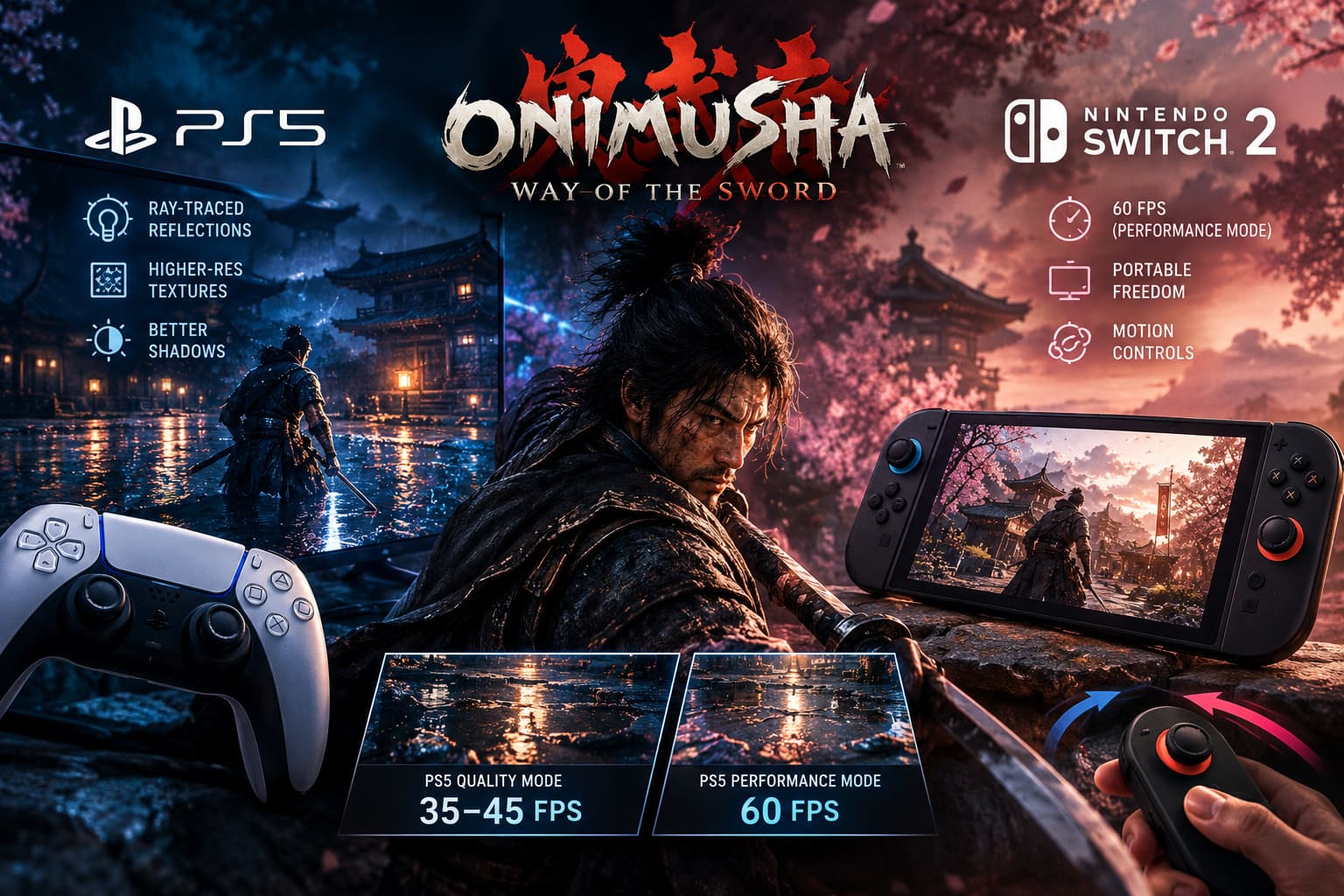
Ray-Traced Reflections
The PS5 version uses hardware-accelerated ray tracing for selected effects, particularly reflections. Wet streets, blood-covered surfaces, dark water, and supernatural environments can benefit from the extra realism.
The Switch 2 version doesn’t use the same ray-tracing solution. Instead, Capcom relies on screen-space reflections and baked environmental techniques. The result still looks convincing during normal gameplay, but reflections don’t react with quite the same accuracy.
Shadows
Shadow quality is another easy giveaway. PS5 gets higher-resolution shadow maps with more sophisticated filtering, producing cleaner silhouettes around buildings, characters, enemies, and environmental objects.
Switch 2 reduces shadow resolution and draw distance to save GPU resources. At normal viewing distances, this isn’t disastrous. Look closely, though, and you’ll see softer or more jagged edges, particularly in darker areas.
Textures and Environmental Density
The PS5 also gets higher-resolution textures and stronger anisotropic filtering. Stone walls, wooden structures, muddy roads, armor, and distant surfaces maintain their detail for longer.
Switch 2 scales some of this back. Background textures lose definition sooner, and smaller environmental details such as grass, debris, and other clutter may be reduced.
This is the kind of cut I can live with. I’d much rather lose a few piles of debris in the background than lose enemy animation quality or have combat collapse into a stuttery mess.
Controls and Hardware Features Change the Experience
There’s more to this comparison than pixels and frame counters.
On PS5, the DualSense controller adds a surprisingly nice layer of physical feedback. Haptic effects can emphasize weapon impacts and clashes, while adaptive triggers provide resistance during certain actions. When Musashi’s sword collides with a supernatural enemy, the controller communicates some of that weight through your hands.
Switch 2 takes a completely different route with its Joy-Con 2 controls. Motion input can be used for different sword actions, while aiming certain abilities can involve physically moving the controller.
I’m not going to pretend motion controls automatically make a game better. They don’t. But in a portable system, optional physical interaction can make the experience feel more distinctive. If you’re the type of player who enjoys experimenting with alternate control schemes, the Switch 2 has something the PS5 simply can’t replicate.
Onimusha Way of the Sword Best PC Settings: Digital Foundry Optimization Guide
Switch 2 vs PS5: Which Version Should You Buy?
After looking at the technical differences, my recommendation is pretty straightforward.
- Choose PS5 if you have a good 4K TV, want the best textures and lighting, care about ray-traced effects, and primarily want the most responsive 60 FPS experience available.
- Choose Switch 2 if portability matters, you want to play Onimusha away from the television, and you’re comfortable trading some visual fidelity for a surprisingly strong 40–50 FPS experience.
The PS5 is unquestionably the better machine for raw visual quality. Its higher resolution, superior texture detail, stronger shadows, ray tracing, and 60 FPS Performance Mode give it the overall technical advantage.
But the Switch 2 version deserves serious credit. This isn’t one of those ports where you boot the game up and immediately wonder what went wrong. Capcom has made some smart compromises. The resolution is lower, some assets are lighter, reflections are less advanced, and environmental density takes a hit. Yet the core experience remains impressively intact.
Onimusha Way of the Sword Charm Guide: Best Combinations and Locations
Final Verdict
Onimusha: Way of the Sword is one of those rare games where the Switch 2 port is interesting for reasons beyond simply existing. It demonstrates how much can be achieved when developers optimize around hardware instead of treating a portable version as an afterthought.
PS5 remains my pick for the definitive home-console presentation. Performance Mode at 60 FPS is the sweet spot, especially if you’re serious about mastering the game’s parry and counter systems. Quality Mode looks fantastic but doesn’t convince me enough to tolerate its inconsistent frame rate when Performance Mode exists.
The Switch 2, meanwhile, is the version I’d recommend to players who value freedom more than pixel counting. Getting an atmospheric RE Engine action game of this scale running around 45 FPS on a hybrid console is a pretty impressive achievement. And when you’re actually sitting on the couch or playing handheld rather than staring at comparison screenshots, the compromises become surprisingly easy to forget.
So, yes, PS5 wins the graphics battle. But Switch 2 wins something equally important: it makes Onimusha: Way of the Sword feel like a genuinely portable AAA experience rather than a heavily compromised technical experiment.
For me, that’s the biggest takeaway. The PS5 version is the prettier game. The Switch 2 version is the more impressive technical trick. And both are strong enough that choosing between them ultimately comes down to whether you care more about maximum fidelity or maximum flexibility.