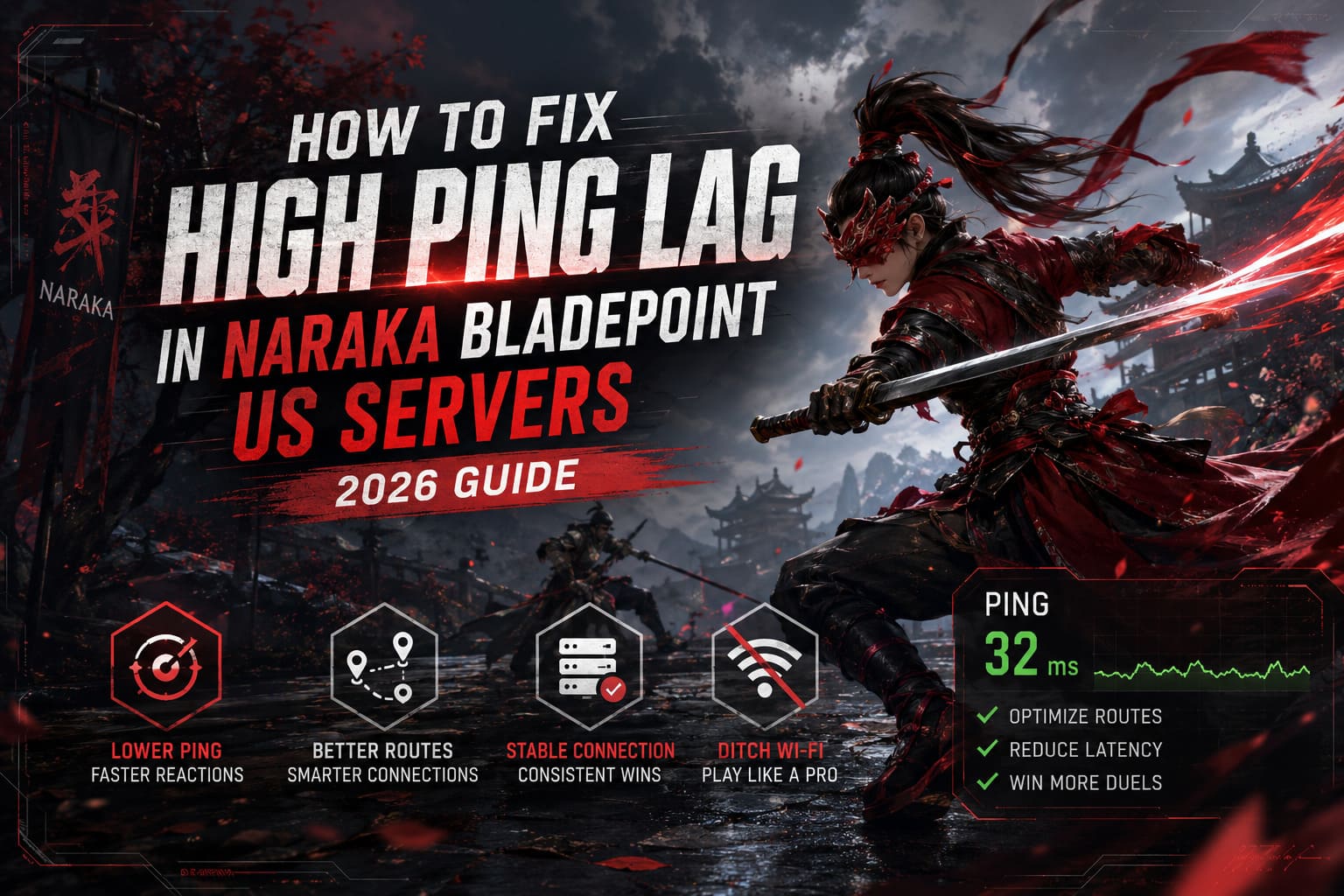
How to Fix High Ping Lag in Naraka Bladepoint US Servers (2026 Guide)
If there is one thing that can instantly ruin a great Naraka Bladepoint match, it is bad ping. I’ve spent hundreds of hours grinding ranked matches, practicing parries, perfecting combo routes, and learning every weapon matchup imaginable. Nothing feels worse than reading an opponent perfectly, hitting the parry button at the exact moment, and still watching your character get flattened because the server received your input too late.
Unlike many modern multiplayer games that aggressively hide latency through client-side tricks, Naraka Bladepoint is brutally honest. If your connection is unstable, the game lets you know immediately. Every delayed dodge, every missed counter, every strange hit registration issue becomes painfully obvious.
The good news is that most high ping problems on US servers can actually be improved. After testing countless settings, digging through community discussions, and experimenting with different networking solutions, I found several methods that consistently reduce latency spikes and make matches feel significantly smoother.
Why Ping Matters More in Naraka Than Most Games
Naraka Bladepoint is built around fast melee combat where timing decides everything.
A shooter can sometimes forgive a little latency. You might still land a bullet or trade damage. Naraka is different. The entire combat system revolves around split-second reactions.
When you:
- Attempt a perfect parry
- Dodge a charged attack
- Escape a combo chain
- Counter an ultimate ability
- Contest an enemy during aerial combat
the server must verify every action almost instantly.
Even an extra 40-60 milliseconds can be the difference between winning a duel and getting sent back to the lobby.
This becomes especially noticeable on US servers because the North American player base is spread across a massive geographic region. Players on the West Coast often connect to different infrastructure than players on the East Coast, creating inconsistent routing paths that can inflate latency without warning.
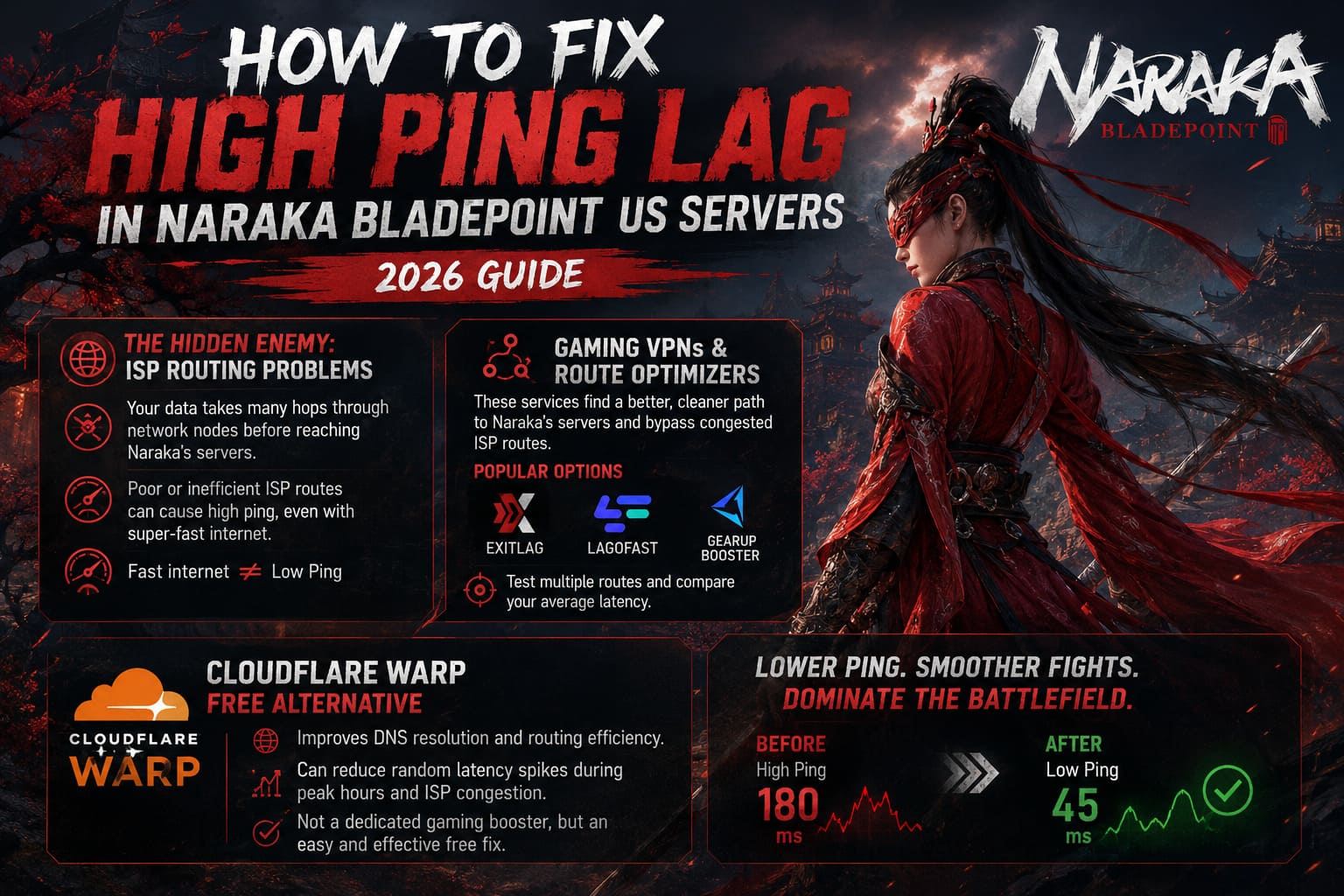
The Hidden Enemy: ISP Routing Problems
One of the biggest misconceptions in online gaming is that a fast internet package automatically means low ping.
I’ve seen players with gigabit fiber connections suffer worse latency than people using slower broadband services.
The reason is simple: routing.
Your data doesn’t travel directly to Naraka’s servers. Instead, it hops through multiple network nodes owned by various providers before reaching the destination. If your ISP chooses an inefficient route, your ping can skyrocket despite having excellent download speeds.
Gaming VPNs and Route Optimizers
Most traditional VPNs are not designed for gaming. In some situations, they can actually make latency worse.
Gaming-focused routing services work differently. Their goal is to find a cleaner path between your device and the game servers.
Popular options include:
- ExitLag
- LagoFast
- GearUP Booster
Many competitive players report significant improvements when their traffic bypasses congested ISP routes.
The best approach is to test multiple server routes and compare your average latency before committing to any subscription.
Cloudflare WARP as a Free Alternative
If you do not want another monthly expense, Cloudflare WARP is worth trying.
While it is not a dedicated gaming booster, it often improves DNS resolution and routing efficiency. In some regions, I’ve seen it reduce random latency spikes during peak evening hours when local ISP networks become congested.
The improvement won’t be universal, but it is one of the easiest free fixes available.
Stop Playing Competitive Matches on Wi-Fi
I know this advice sounds boring.
I ignored it for years.
Then I switched to Ethernet.
The difference was immediate.
Wireless networks introduce variables that gamers rarely think about:
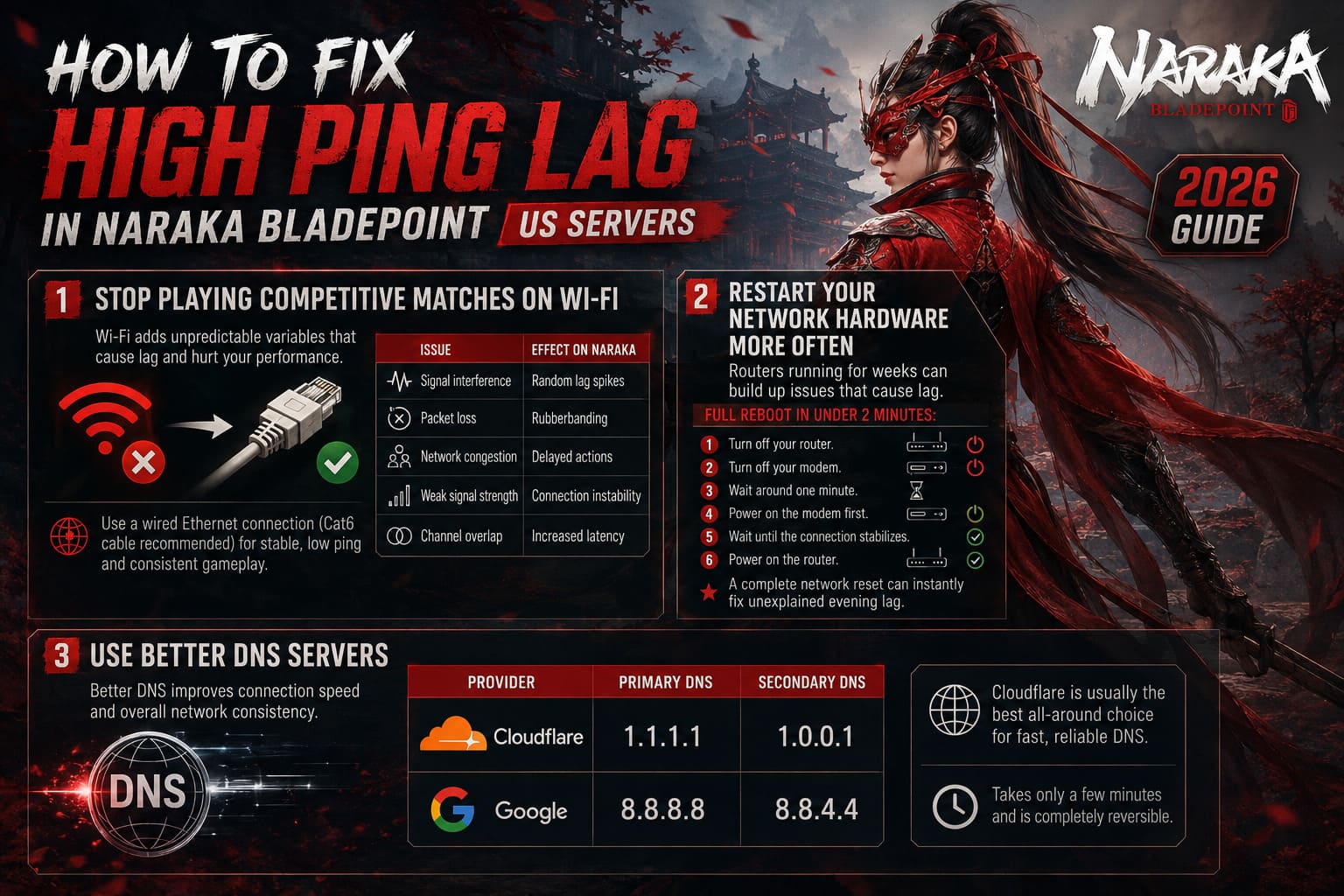
| Issue | Effect on Naraka |
|---|---|
| Signal interference | Random lag spikes |
| Packet loss | Rubberbanding |
| Network congestion | Delayed actions |
| Weak signal strength | Connection instability |
| Channel overlap | Increased latency |
A quality Ethernet connection removes most of these problems instantly.
For competitive ranked play, a Cat6 cable is one of the cheapest performance upgrades you can buy.
Restart Your Network Hardware More Often
This sounds like a cliché tech-support answer, but there is a reason it remains relevant.
Routers operate continuously for weeks or even months. Temporary routing tables, memory allocation issues, and firmware hiccups can slowly impact performance.
A full reboot takes less than two minutes:
- Turn off your router.
- Turn off your modem.
- Wait around one minute.
- Power on the modem first.
- Wait until the connection stabilizes.
- Power on the router.
I’ve personally fixed unexplained evening lag numerous times with nothing more than a complete network reset.
Use Better DNS Servers
Many internet providers still use outdated or overloaded DNS infrastructure.
While DNS does not directly lower your ping during gameplay, it can improve connection establishment and overall network consistency.
Two reliable options are:
| Provider | Primary DNS | Secondary DNS |
|---|---|---|
| Cloudflare | 1.1.1.1 | 1.0.0.1 |
| 8.8.8.8 | 8.8.4.4 |
Cloudflare is usually my first recommendation because it tends to deliver excellent response times globally.
Changing DNS takes only a few minutes and is completely reversible if you notice no benefit.
Windows Settings That Can Affect Latency
Many gamers spend hours tweaking graphics settings while ignoring the operating system itself.
Windows contains various networking features that are not always optimized for competitive gaming.
Advanced users often experiment with:
- NetworkThrottlingIndex adjustments
- TCPNoDelay modifications
- TcpAckFrequency tweaks
These registry-level changes aim to reduce network delays and improve packet handling.
Important: Always create a backup of your registry before making any modifications. Incorrect changes can cause system instability.
For most players, the gains are modest, but every millisecond matters in a game built around reaction speed.
Background Applications Can Destroy Your Connection
This is one of the most overlooked causes of high ping.
Many gamers launch Naraka while dozens of background programs quietly consume bandwidth.
Common offenders include:
- Cloud backups
- Game launcher updates
- Browser tabs streaming video
- Windows updates
- File synchronization tools
Before starting a ranked session, open Task Manager and check the Network column.
You might be surprised by how much traffic certain applications generate without any obvious warning.
Discord Settings Worth Changing
Almost everyone playing Naraka uses Discord.
What many players don’t realize is that Discord’s Quality of Service setting can occasionally interfere with gaming traffic prioritization.
Inside Discord:
Settings → Voice & Video → Advanced
Disable:
Quality of Service High Packet Priority
This small change has helped some players reduce intermittent latency spikes during voice chat sessions.
Results vary depending on network hardware, but it is an easy adjustment worth testing.
SSDs Help More Than You Think
People often separate performance issues from networking issues.
In reality, the two can overlap.
When Naraka loads complex character skins, effects, animations, and map assets from a slow hard drive, frame pacing can suffer dramatically.
Those stutters can create the illusion of network lag.
Installing the game on an SSD provides:
- Faster asset streaming
- Reduced loading times
- More stable frame pacing
- Better combat responsiveness
In 2026, running Naraka from an HDD is simply leaving performance on the table.
DirectX 11 Still Feels More Consistent
This topic sparks arguments every few months.
After extensive testing, I still prefer DirectX 11 for competitive play.
DirectX 12 can deliver impressive visuals, but many players continue to report inconsistent frametimes and occasional microstuttering.
For smoother gameplay:
| Setting | Recommended Value |
|---|---|
| Graphics API | DirectX 11 |
| V-Sync | Off |
| NVIDIA Reflex | On or Boost |
| Shadow Quality | Low |
| Effects Quality | Low |
| FPS Cap | Match Monitor Refresh Rate |
Stable performance is often more valuable than maximum graphical fidelity.
A perfectly smooth 144 FPS experience usually beats an unstable 220 FPS setup.
Verify Game Files After Major Updates
Large updates occasionally introduce corrupted files.
When strange lag appears immediately after a patch, verifying the installation should be one of the first troubleshooting steps.
Steam users can repair files through:
Library → Naraka Bladepoint → Properties → Installed Files → Verify Integrity of Game Files
This process can replace damaged assets and resolve unexpected issues caused by incomplete updates.
Naraka Bladepoint Tara Gan Lore: Guide to the Astrologist’s Story, Skills, and Meta Impact
My Personal Low-Ping Checklist
Whenever Naraka starts feeling sluggish, I run through the same routine:
- Use Ethernet instead of Wi-Fi
- Restart modem and router
- Check for background downloads
- Test Cloudflare WARP
- Verify game files
- Ensure the game is installed on an SSD
- Run DirectX 11
- Enable NVIDIA Reflex
- Close unnecessary applications
Most of the time, one of these steps identifies the culprit.
Naraka Bladepoint Myriad Season: Battle Pass Rewards, Wanchu Map, and 2026 Hero Tier List
Final Thoughts
Naraka Bladepoint is one of the most skill-intensive multiplayer games available today. The combat system rewards precision, reaction speed, and mechanical mastery unlike almost anything else in the battle royale genre.
That is exactly why network quality matters so much.
A stable 40ms connection can feel incredible. A fluctuating 120ms connection can make even the best player feel helpless. The difference between landing a perfect counter and eating a full combo often comes down to latency.
If you’re struggling with high ping on US servers in 2026, focus on the fundamentals first. Fix your routing, use a wired connection, eliminate background bandwidth usage, optimize Windows networking, and make sure your system is delivering stable performance. Once everything is working together, Naraka becomes dramatically more responsive, and every fight starts feeling fair again.
In a game where milliseconds decide victories, reducing latency is one of the most powerful upgrades you can make.