Halo Campaign Evolved Cross Progression: How PS5 and PC Shared Saves Work (2026 Guide)
When I first heard that Halo: Campaign Evolved would launch not only on Xbox and PC but also on PlayStation 5, I honestly thought the cross-platform features would come with a long list of limitations. We’ve seen plenty of games advertise “cross progression” only to hide annoying restrictions behind different launchers, cloud services, or platform policies.
After spending quite a bit of time moving between my gaming PC and PS5, I came away pleasantly surprised. The system isn’t completely magic—there are still a couple of things you need to understand—but once everything is connected correctly, swapping devices feels almost effortless.
If you’re wondering whether you can continue your campaign on another platform without losing hours of progress, here’s everything worth knowing.
Does Halo: Campaign Evolved Support Cross Progression?
The short answer is yes.
Halo Studios designed the game around a unified player profile instead of separate platform saves. Once your Microsoft Account is linked, your campaign progress is stored online rather than living exclusively on one console.
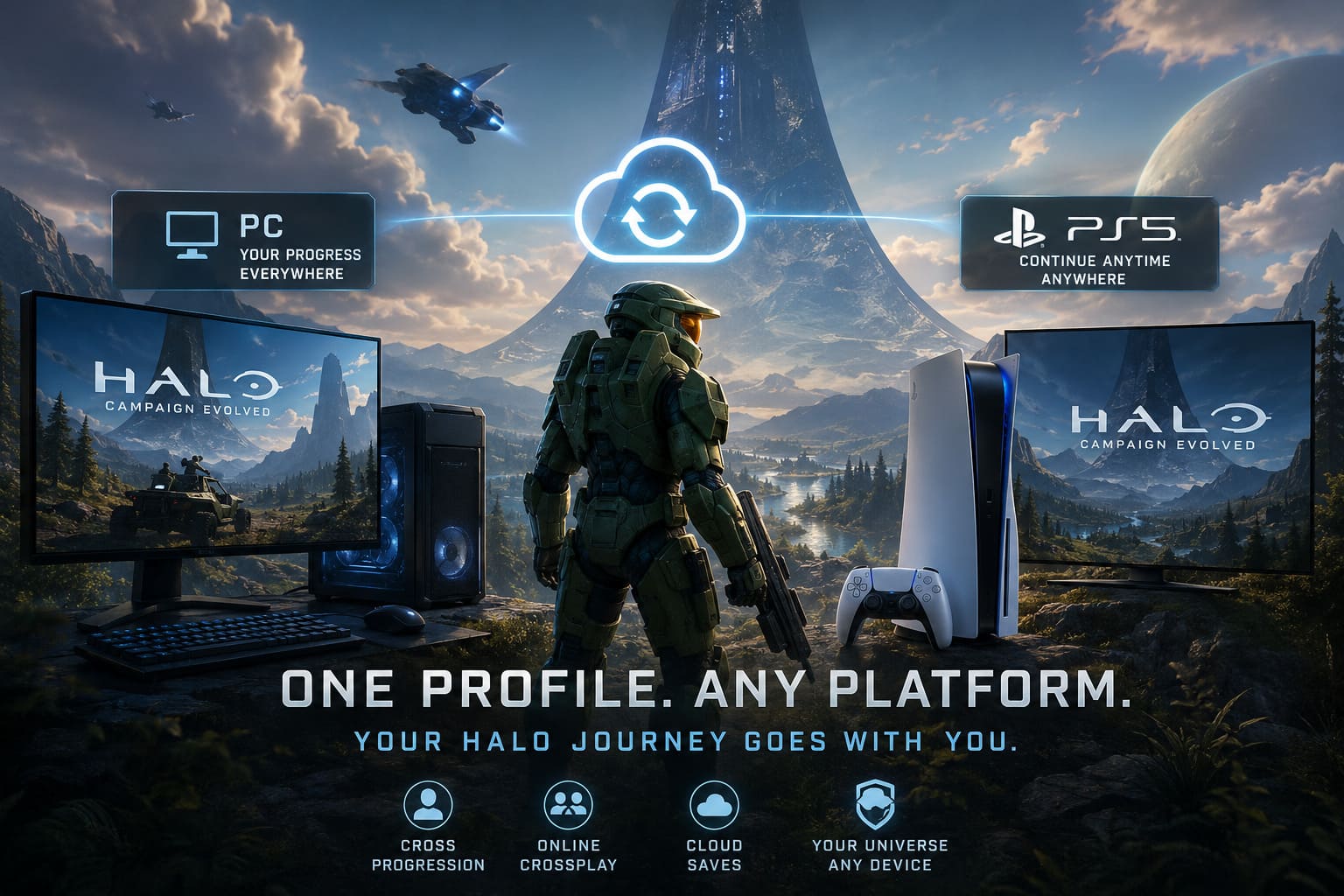
That means I could spend the afternoon clearing missions on PC, close the game, walk into the living room, launch it on my PS5, and continue almost exactly where I left off.
The biggest requirement is simple:
- Link your PlayStation Network account to your Microsoft Account.
- Stay connected to the internet so cloud synchronization can complete.
- Use the same Microsoft profile everywhere you play.
Without the Microsoft account link, PlayStation and PC behave like completely different games.
Why Microsoft Account Linking Matters
Some people dislike creating another account, and I understand why.
However, in this case it’s actually the technology that makes everything possible.
Sony, Steam, Xbox, and the Microsoft Store all operate different cloud systems. Instead of trying to synchronize those individual networks directly, Halo Studios stores your profile on its own online infrastructure that’s connected to your Microsoft account.
Once linked, your save becomes platform-independent.
Instead of thinking:
“This is my PlayStation save.”
It becomes:
“This is my Halo profile.”
That distinction makes a huge difference.
What Progress Actually Transfers?
This is where Halo: Campaign Evolved impressed me the most.
Nearly everything tied to your player profile follows you across platforms.
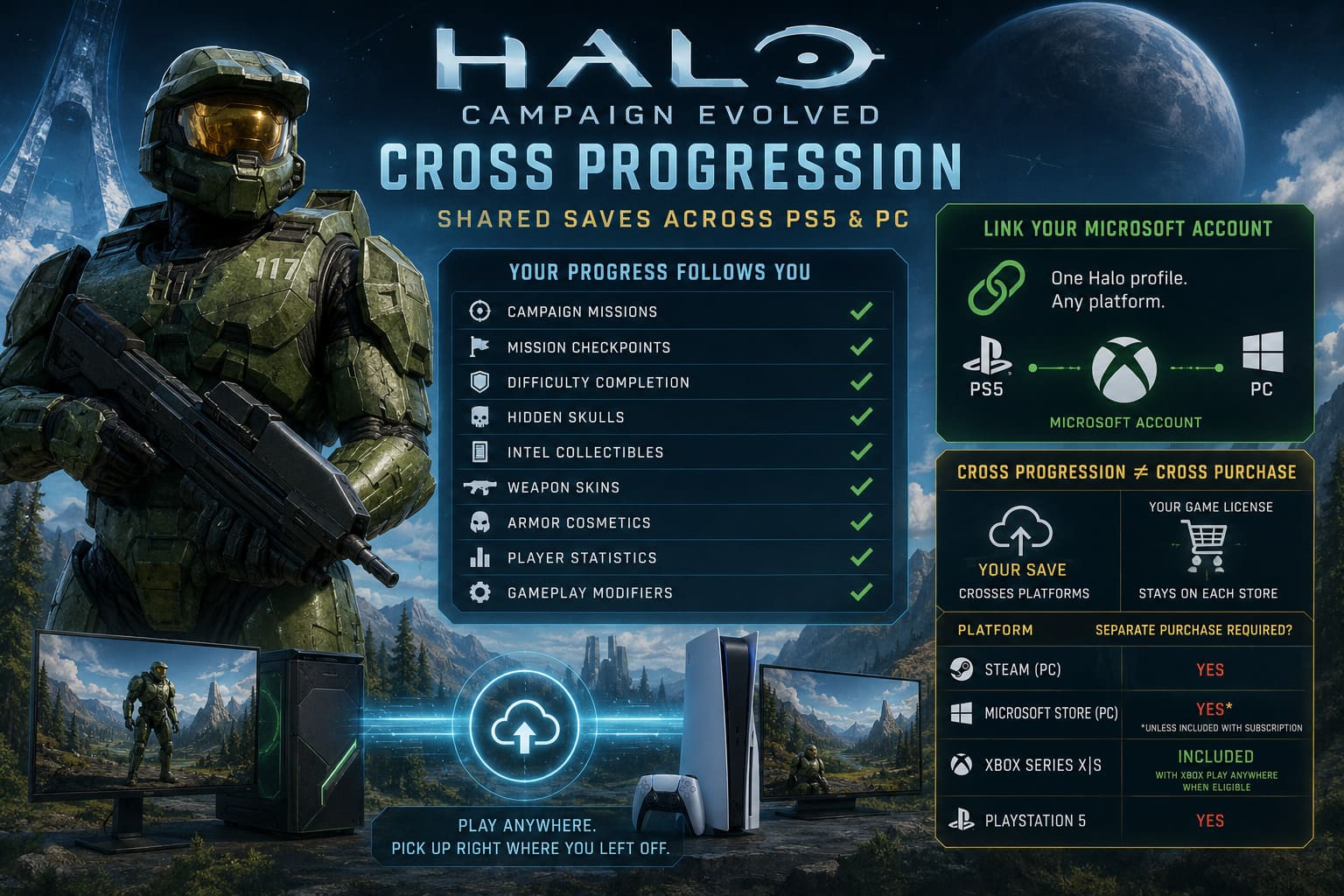
| Progress Type | Transfers Between PC & PS5 |
|---|---|
| Campaign missions | ✅ Yes |
| Mission checkpoints | ✅ Yes |
| Difficulty completion | ✅ Yes |
| Hidden Skulls | ✅ Yes |
| Intel collectibles | ✅ Yes |
| Weapon skins | ✅ Yes |
| Armor cosmetics | ✅ Yes |
| Player statistics | ✅ Yes |
| Gameplay modifiers | ✅ Yes |
After unlocking several collectibles on PC, I didn’t need to repeat the hunt on PlayStation. Everything appeared automatically once synchronization finished.
Considering how many hidden secrets the remake contains, that’s easily one of my favorite quality-of-life features.
Cross Progression Doesn’t Mean Cross Purchase
This is probably the most common misunderstanding.
Your save file moves freely.
Your game license does not.
Here’s how it works.
| Platform | Separate Purchase Required? |
|---|---|
| Steam | Yes |
| Microsoft Store PC | Yes (unless included with subscription) |
| Xbox Series X/S | Included with Xbox Play Anywhere when eligible |
| PlayStation 5 | Yes |
If you own the game through Steam, PlayStation won’t recognize that purchase.
Likewise, buying it on PS5 doesn’t unlock the PC version.
Personally, I think this is disappointing, but it’s also the reality of different digital storefronts.
The important part is that your progress survives regardless of where you purchased the game.
Setting Up Cross-Save Takes Only a Few Minutes
Fortunately, the initial setup isn’t complicated.
Here’s the process I followed:
- Install and launch the game on my primary platform.
- Allow the first save to upload online.
- Start Halo: Campaign Evolved on PS5.
- Scan the QR code displayed on screen.
- Sign into the exact same Microsoft Account.
- Confirm the account pairing.
That’s basically it.
The game downloaded my existing campaign automatically.
No manual save copying.
No USB drives.
No complicated menus.
Everything simply appeared after synchronization completed.
Online Crossplay Makes Co-Op Even Better
One thing I genuinely appreciate is that Halo Studios didn’t stop with shared saves.
The remake also supports full crossplay.
During testing, players across multiple platforms could join the same cooperative session without worrying about hardware differences.
A single lobby can include players using:
- PC
- Xbox Series X
- Xbox Series S
- PlayStation 5
- PS5 Pro
That’s exactly how modern multiplayer games should work.
Instead of managing separate friend lists across every platform, everything revolves around Microsoft Gamertags.
Once everyone is added, inviting friends becomes surprisingly straightforward.
Local Split-Screen Is Different
There is one limitation worth mentioning.
If you’re hoping for couch co-op on every platform, that’s not the case.
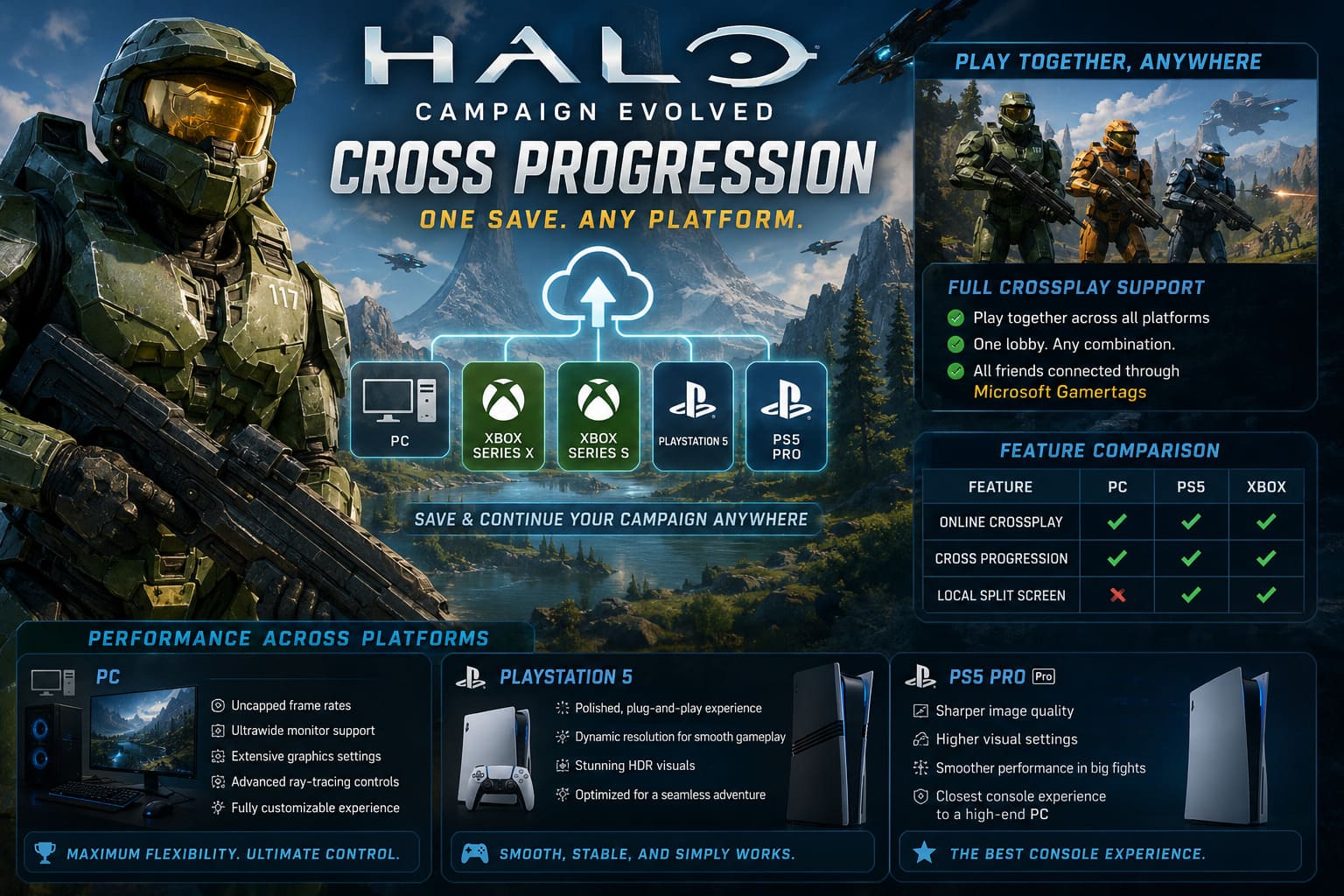
| Feature | PC | PS5 | Xbox |
|---|---|---|---|
| Online Crossplay | ✅ | ✅ | ✅ |
| Cross Progression | ✅ | ✅ | ✅ |
| Local Split Screen | ❌ | ✅ | ✅ |
PC players must rely entirely on online multiplayer.
Meanwhile, console owners still get the traditional split-screen experience that many longtime Halo fans remember.
Honestly, I was happy to see Halo preserve that classic feature on consoles.
Performance Differences Between PC and PS5
PC
If you’ve invested in modern hardware, PC naturally offers the most flexibility.
You get:
- Uncapped frame rates.
- Ultrawide monitor support.
- Extensive graphics settings.
- Advanced ray-tracing controls.
- Customizable image quality.
For enthusiasts, it’s definitely the best place to appreciate Unreal Engine 5.
PlayStation 5
The standard PS5 delivers a very polished experience.
Instead of endless graphics menus, everything simply works.
The dynamic resolution system keeps gameplay smooth while HDR makes Halo’s environments look fantastic.
PS5 Pro
This is probably the closest console experience to a high-end gaming PC.
Image quality looks noticeably sharper, and the upgraded hardware maintains higher visual settings while staying smooth throughout large battles.
Common Cross-Save Problems (And How I Fixed Them)
During the first few days after launch I experienced one synchronization delay.
Fortunately, it wasn’t difficult to solve.
Here are the fixes that worked.
Return to the Main Menu
Instead of closing the game immediately after finishing a mission, return to the main menu first.
That gives cloud synchronization enough time to complete.
Check Your Internet Connection
Cross progression obviously depends on online services.
If your connection drops before synchronization finishes, your newest progress may not upload immediately.
Verify Microsoft Services
Occasionally the issue isn’t your console at all.
If Microsoft’s authentication services experience maintenance, synchronization can temporarily stop until everything comes back online.
Sign Back Into Your Account
One community recommendation I found surprisingly effective was unlinking and reconnecting the Microsoft Account from the game’s settings.
After signing back in, the latest campaign data appeared almost instantly.
Halo: Combat Evolved Speedrun Routing Guide & Easter Eggs List (2026 Edition)
Is Cross Progression Worth Using?
Absolutely.
In fact, I think it’s one of the strongest features of Halo: Campaign Evolved.
Modern players rarely stick to a single gaming device anymore.
Some nights I want to sit at my desk with keyboard and mouse.
Other times I’d rather relax on the couch with a controller.
Being able to continue the exact same campaign without thinking about save management genuinely changes how I play.
Sure, buying separate copies isn’t ideal, especially if you’re using Steam alongside PlayStation. But once you’ve accepted that limitation, the actual cross-save implementation is refreshingly seamless.
Halo Combat Evolved Flood Guide: How to Beat the Parasite on Legendary
Final Thoughts
Halo has always been one of gaming’s most recognizable franchises, but Halo: Campaign Evolved feels like more than just a visual remake. It represents a shift in how platform ecosystems can work together.
The combination of cross progression, crossplay, and unified online profiles removes a lot of the friction that usually comes with multi-platform gaming.
For me, the biggest win isn’t the technology itself—it’s the freedom it creates. I never had to think about which system I should play on because my progress followed me everywhere. That’s exactly how cross-save should work.
If you regularly switch between PC and PlayStation 5, linking your Microsoft Account is one of the first things you should do. Once it’s set up, you’ll spend less time worrying about cloud saves and more time doing what Halo has always done best: exploring massive environments, discovering hidden secrets, and surviving one more firefight on Legendary difficulty.