Does ReStory Chill Electronics Repairs Demo Progress Transfer to Full Game? Everything You Need to Know Before Launch
I’ve played plenty of cozy simulators over the years, and one thing always worries me before launch day: Will everything I did in the demo actually matter? Some games let you continue exactly where you left off, while others force everyone to begin from scratch. After spending hours repairing old gadgets and organizing my tiny workshop in ReStory: Chill Electronics Repairs, I definitely didn’t want to lose all that progress.
Fortunately, this is one of those situations where players don’t have much to worry about. If you’ve been enjoying the Steam demo and wondering whether your repairs, money, upgrades, and story choices will survive the jump to the full release, the answer is encouraging. There are still a few details worth knowing before August 6, 2026, so here’s everything I’ve learned.
ReStory Chill Electronics Repairs Release Date, Price, and Gameplay Guide
Good News: Demo Progress Carries Into the Full Game
The biggest question surrounding ReStory: Chill Electronics Repairs has finally become one of the easiest to answer.
Yes, the demo save is designed to transfer into the full version.
That means the hours you spent restoring retro electronics aren’t simply a preview—they’re the beginning of your actual journey. Instead of replaying the opening hours, you’ll be able to continue building the repair shop you’ve already invested time in.
As someone who enjoys management games, I really appreciate this approach. Repairing devices isn’t difficult, but doing it carefully, earning money, buying better tools, and slowly improving the workshop takes time. Losing all of that would have been disappointing.
What Progress Is Saved?
The save transfer is surprisingly generous. Most of your workshop data remains intact when moving from the demo to the retail release.
Here’s what players can expect to keep:
- Workshop upgrades
- Unlocked repair tools
- Money earned from completed jobs
- Inventory and stored electronics
- Replacement parts
- Story progression
- Customer relationships
- Dialogue decisions
For me, the story progression is almost more important than the money. ReStory isn’t just about unscrewing consoles and cleaning circuit boards. Many customers have their own personalities, problems, and little stories that slowly develop as you continue repairing their devices.
It would have felt strange to repeat those conversations after already making choices during the demo.
What Doesn’t Transfer?
Nothing is ever completely perfect. There are a couple of things tied specifically to Steam rather than your save file.
| Feature | Transfers? |
|---|---|
| Workshop Progress | ✅ Yes |
| Money | ✅ Yes |
| Inventory | ✅ Yes |
| Tools & Upgrades | ✅ Yes |
| Story Choices | ✅ Yes |
| Steam Achievements | ❌ No |
| Demo Playtime | ❌ No |
Achievements have to be earned again inside the full release, which isn’t unusual. Steam generally separates demo applications from retail versions, so achievement progress doesn’t carry across.
Your recorded playtime also starts fresh once you launch the complete game. Honestly, I don’t mind either limitation. I’d rather keep my workshop than my Steam statistics.
Why Save Transfer Matters So Much Here
Some demos are tiny slices of gameplay that last twenty minutes. ReStory feels completely different.
Even during the demo, you’re managing money, buying tools, organizing storage, handling customer requests, and making narrative decisions. That’s a surprising amount of progression packed into just a preview version.
Because of that, restarting would almost feel like replaying the first chapter of a long novel you’ve already finished. The developers clearly understood this. Building the demo around compatible save data makes the transition much smoother and respects the player’s time.
That’s something I always appreciate, especially with simulation games.
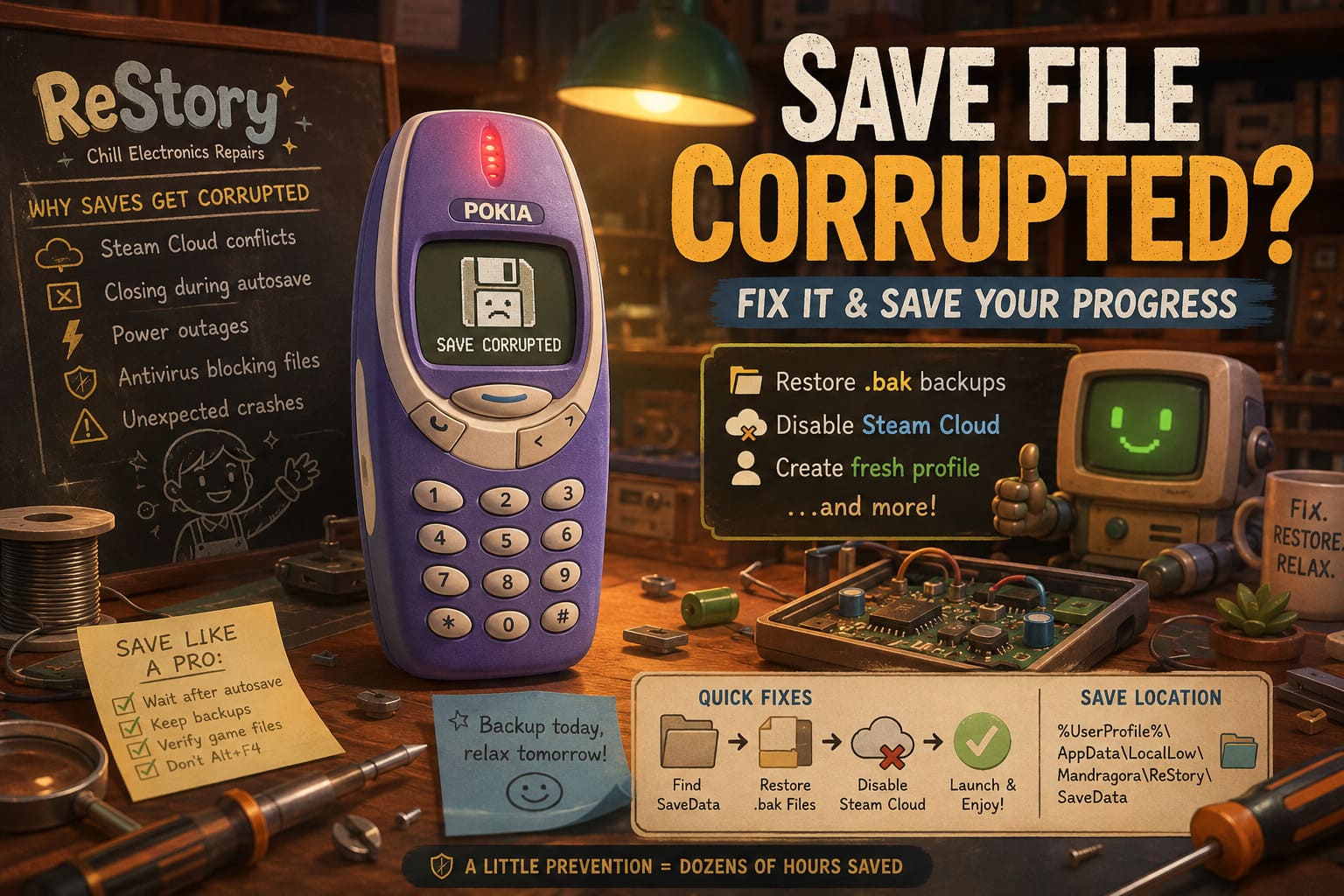
Should You Still Back Up Your Save?
Absolutely. Even though the import process should happen automatically, making a backup only takes a minute or two.
Before release, consider doing this:
- Open the Windows Run dialog.
- Enter %appdata%.
- Navigate back to the Local folder.
- Locate the ReStory or Mandragora save directory.
- Copy the folder somewhere safe.
It’s one of those things you hope you’ll never need, but if something goes wrong after launch, having a backup can save hours of progress. I’ve learned that lesson the hard way in other games.
The Automatic Import Process
When launching the full version for the first time, the game should search for compatible demo saves stored on your computer.
If everything is detected correctly, you’ll receive an import prompt asking whether you’d like to continue with your existing workshop. Accepting it should restore everything from your previous session, including your finances, inventory, tools, and narrative progress.
The process sounds almost effortless, which is exactly how save importing should work.
Why Some Players Might Prefer a Fresh Start
Here’s where opinions start to differ.
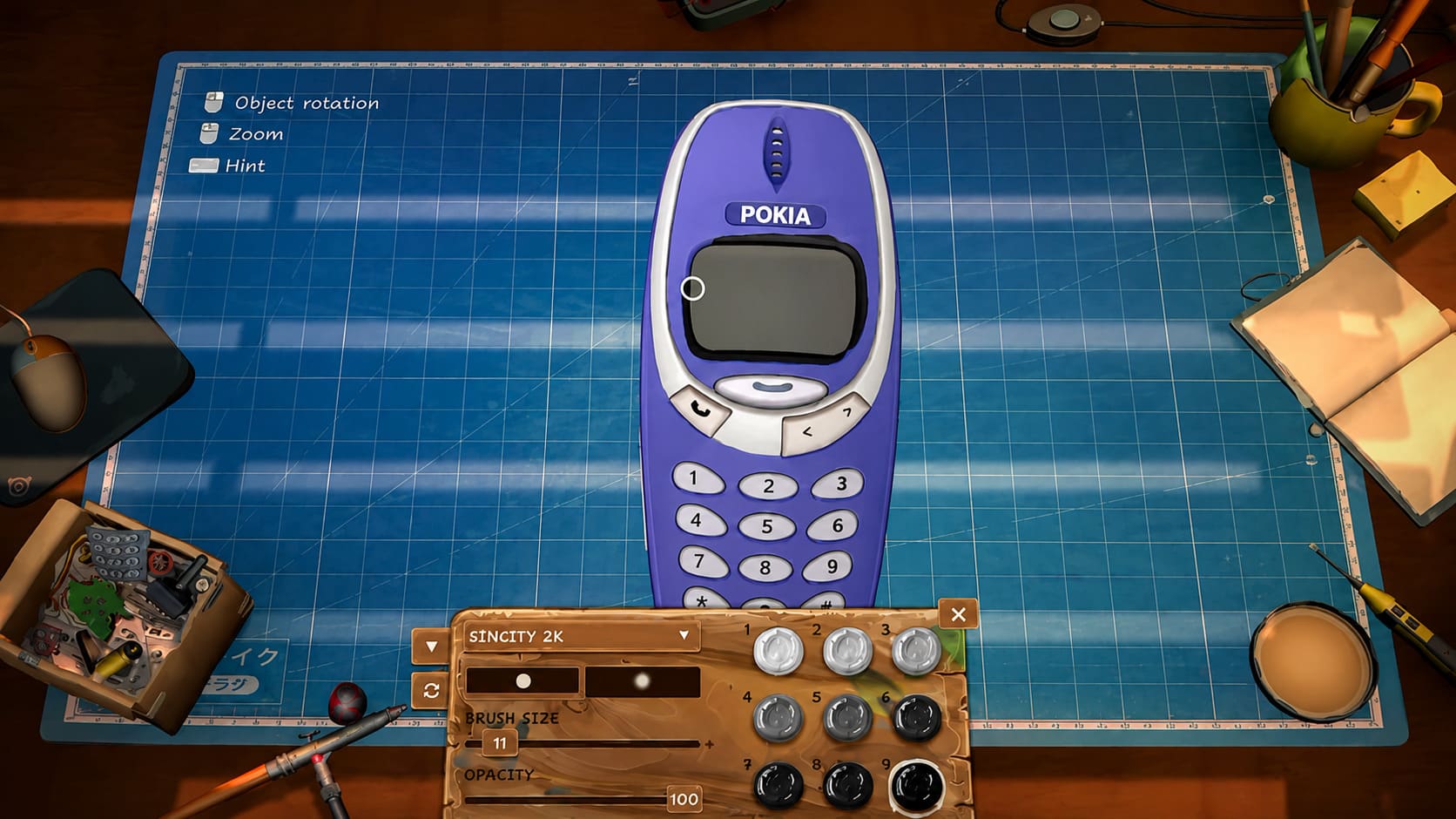
Even though I’ll probably import my save, I completely understand why someone would click New Game instead. The demo naturally skips or shortens certain moments to get players into the gameplay faster.
The finished release is expected to introduce additional dialogue, refined pacing, balance improvements, and launch-day adjustments that weren’t included in the preview build. Starting over lets you experience those opening hours exactly as intended.
Some players enjoy seeing how much has changed between demo and launch, especially if they’ve been following development closely.
My Personal Take
If you’ve only played for an hour or two, I’d actually recommend starting fresh. The opening section helps establish the atmosphere, introduces the neighborhood, and slowly teaches each repair mechanic. Experiencing that polished version for the first time could be more enjoyable than jumping directly into the middle of the game.
On the other hand, if you’ve already invested ten or fifteen hours into the demo, I’d definitely continue using your existing save. That’s a lot of repairs, customer interactions, and earned money to throw away.
One thing I really like about ReStory is that it never feels rushed. Cleaning old handheld consoles, replacing batteries, organizing parts, and restoring forgotten electronics somehow becomes relaxing instead of repetitive. It’s the kind of game where I tell myself I’ll repair ‘just one more device,’ and suddenly another hour has disappeared.
Why ReStory Has My Attention
There are plenty of cozy simulators releasing every year, but very few choose electronics repair as their main gameplay loop.
Instead of farming vegetables or decorating houses, you’re surrounded by flip phones, portable music players, handheld gadgets, vintage gaming hardware, and classic Y2K technology. For anyone who grew up during the early 2000s, there’s a genuine sense of nostalgia every time another familiar device lands on the workbench.
I also like that the game isn’t only about fixing hardware. The customers gradually become part of the experience, giving the repair jobs more meaning than simply earning extra cash. That combination of storytelling and workshop management gives ReStory its own personality.
Final Thoughts
After following the game throughout its demo period, I’m happy the developers chose to support save transfers instead of forcing everyone back to square one. It feels like a player-friendly decision that respects the time people spent exploring the preview.
Whether you decide to import your existing workshop or experience everything again from the beginning, ReStory: Chill Electronics Repairs looks ready to become one of the standout cozy indie releases of 2026. The satisfying repair mechanics, nostalgic atmosphere, and relaxed pacing already made a strong impression in the demo, and the complete version should only expand on that foundation.
Personally, I’ll probably back up my save first, import it on launch day, and then start a second playthrough later just to see how different choices change the story. For a game built around repairing old technology, that’s a pretty good problem to have.