Aniimo Crossplay Guide: How to Add Friends and Play PC vs PS5 (2026)
Aniimo is finally here, and honestly, one of the first things I wanted to test was the crossplay. A creature-catching open-world RPG like this feels much more interesting when you can jump into Idyll with friends, regardless of whether they’re playing on Steam, PS5, or Xbox.
The good news is that Aniimo supports cross-platform multiplayer. The less obvious part is how its server structure and account linking work. That’s where things can get confusing, especially if you’re starting on PC and later moving to PS5.
Aniimo launched on PC, PS5, and Xbox on September 16, 2026, with the mobile version scheduled for September 23. The official launch information confirms that progress is shared across platforms when you’re playing on the same server.
So, if you’re trying to figure out how to add friends in Aniimo, how PC and PS5 crossplay works, or how to move your character between platforms, here’s what you actually need to know.
Does Aniimo Have Crossplay?
Yes. Aniimo is designed as a cross-platform multiplayer game, allowing players on different platforms to play together.
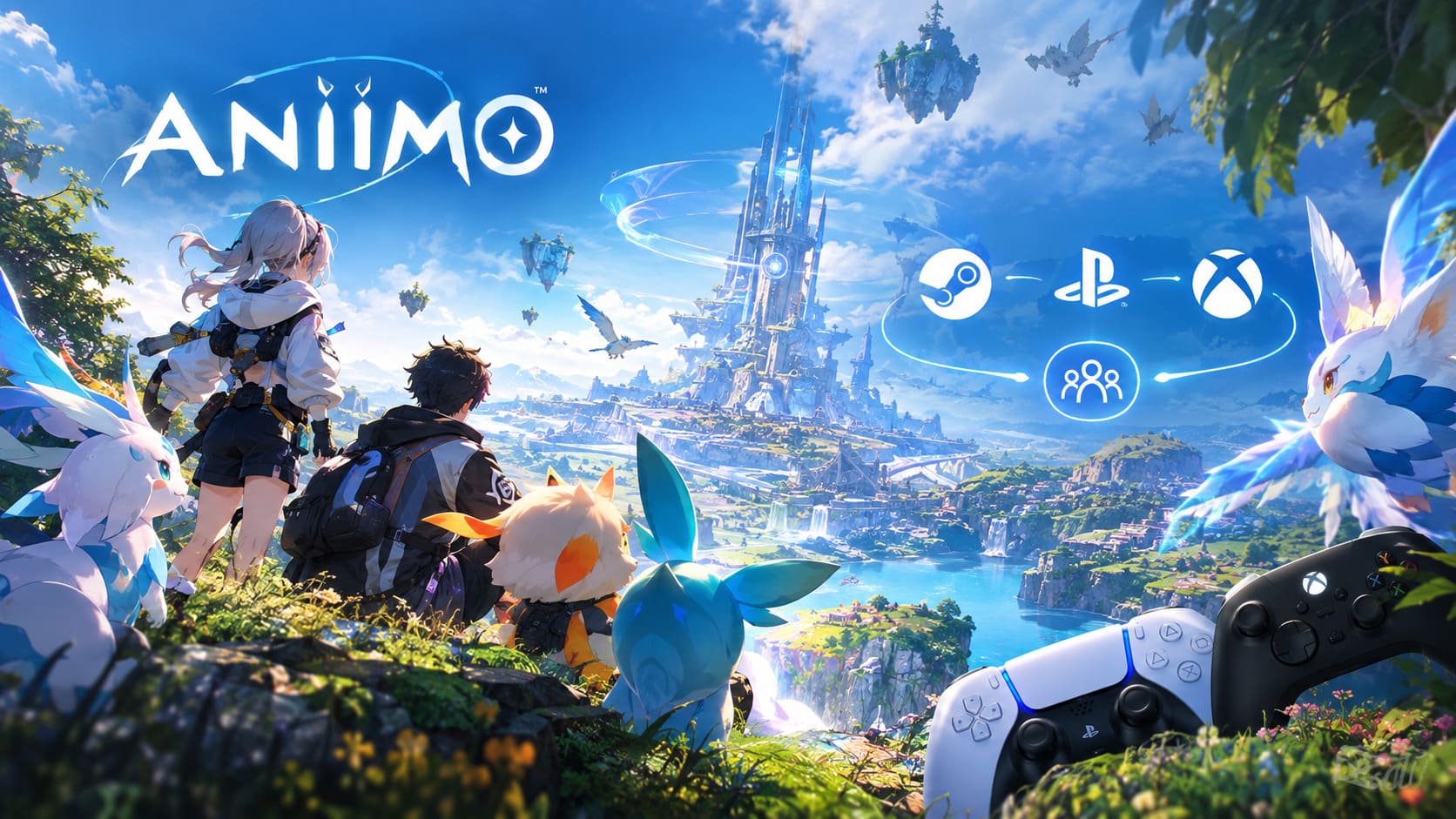
At launch, that means:
| Platform | Aniimo Availability | Cross-Platform Play |
|---|---|---|
| PC | Steam / Epic Games Store | Yes |
| PS5 | PlayStation 5 | Yes |
| Xbox | Xbox Series X|S | Yes |
| iOS / Android | September 23, 2026 | Part of the same ecosystem |
The important detail is that crossplay and cross-server play are not the same thing.
You can play with someone on another platform, but you need to be on the appropriate server. According to Aniimo’s official FAQ, data on different servers is independent, while progress is shared between platforms within the same server.
And this is probably the first thing I’d check before spending hours creating a character.
The Server Rule You Really Need to Know
Aniimo currently has three main regional servers:

- Aniimo-America
- Aniimo-Europe
- Aniimo-APAC
PC players have more flexibility because the client allows them to select their regional server. PS5 is different. Your server is automatically determined by the registered region of your PSN account.
This creates an easy situation to overlook.
Imagine you’re playing Aniimo on PC and choose Aniimo-Europe, while your friend starts the game on a US-region PSN account. Their PS5 will put them on Aniimo-America.
You can have the same game, the same friends list, and the same Aniimo Pass — and still not be able to play together.
Crossplay works across platforms, but your server has to match.
That’s also important for cross-progression. A character created on one regional server doesn’t simply jump to another server because you’ve linked the same account. The official FAQ specifically states that data between different servers is independent.
How to Add a Friend in Aniimo
Once you’ve confirmed you’re on the same server, adding someone from another platform is pretty straightforward.
The general process is:
- Start Aniimo on PC, PS5, or Xbox.
- Enter the game world.
- Open the main menu.
- Go to the Friends section.
- Use the player search function.
- Enter your friend’s account information or in-game identifier.
- Find the correct profile.
- Send the friend request.
- Have your friend open their incoming requests and accept it.
I’d strongly recommend using the exact account identifier whenever possible rather than relying only on a display name. That’s the easiest way to avoid accidentally sending a request to the wrong Pathfinder.
Once the request is accepted, the important part is done. You don’t need to be playing on the same hardware.
A PC player can be on Steam while their friend is sitting on a PS5, and that’s exactly the kind of setup Aniimo’s cross-platform multiplayer is intended to support.
How to Play Aniimo With a PC and PS5 Friend
After you’ve added each other, one player can host the multiplayer session.
The basic flow is simple:

Host enters the world → opens Friends → selects the online friend → sends an invitation → friend accepts → both players enter the same session.
This is where Aniimo starts feeling much more like the social creature RPG it wants to be.
Instead of simply comparing your collections with a friend, you can actually explore Idyll together, hunt creatures, collect resources and spend time messing around with the game’s various systems.
There is one distinction, though: joining someone’s world doesn’t mean you’re simultaneously progressing both story campaigns.
How Co-Op Progression Works
This is one of those systems I wish more games explained properly.
When you join another player’s world, the host’s world remains the primary progression environment for that session. Story and world progression are tied to the host’s game state rather than automatically advancing the guest’s own campaign.
But that doesn’t mean your entire session is wasted once you leave.
Your character can still retain things you actually earned while playing.
Depending on the activity, that includes things such as:
- Aniimo you capture
- Items and materials
- Gear and accessories
- Experience and other character progression
So there is still a very good reason to jump into a friend’s world even when you’ve already completed the same section of your own adventure.
For me, this is actually the more interesting side of Aniimo’s multiplayer. You don’t necessarily need to treat co-op as a second copy of the campaign. It can simply become the place where you hunt creatures, experiment with builds and help a friend find something they haven’t caught yet.
Aniimo Cross-Progression Between PC and PS5
This is where you need to be particularly careful.
Aniimo uses an Aniimo Pass account system for linking platforms. The official launch FAQ confirms that PC and console progress can be shared when the appropriate accounts are linked and the character is on the same server.
If you’re starting on PC and plan to move to PS5 later, I would set up your account correctly before creating your main console character.
On PC
When using Steam, Aniimo provides an account-linking flow for connecting your Steam account with an Aniimo Pass email account. If you skipped the initial process, the official FAQ says Steam players can use the in-game Email Link option later.
On PS5
This part is more important.
When a PSN account that hasn’t previously logged into Aniimo launches the game, you’re presented with the opportunity to link an existing Aniimo Pass.
Don’t casually skip this screen.
The official FAQ warns that the first console login is significant. If you skip the linking prompt, the PSN account can register a new Aniimo Pass, and the existing account may no longer be linkable through that same process.
That’s the kind of thing I’d rather know before creating a character than after putting 30 hours into one.
PC to PS5 Cross-Save: The Biggest Catch
There’s one more piece of the puzzle: server compatibility.
Let’s say your PC character was created on Aniimo-Europe.
Your PS5 account is automatically assigned a server based on its registered PSN region. If that PS5 account corresponds to Aniimo-America, linking the same Aniimo Pass doesn’t magically merge the two regional characters.
The official documentation is clear that different servers maintain independent data.
So before you commit to a main character, think about where you’re going to play long-term.
| Situation | What Happens |
|---|---|
| PC + PS5, same server | Progress can be shared |
| PC + PS5, different servers | Progress remains separate |
| PC + Xbox, same server | Cross-platform progression supported |
| Different regional servers | No shared progression |
| PS5 server selection | Determined by PSN region |
That’s the real rule behind most of the “my Aniimo save isn’t showing up” confusion.
What About Aniimo Mobile Crossplay?
Mobile players don’t have access at the initial PC/console launch. iOS and Android launch on September 23, 2026.
Aniimo’s official launch announcement says PC and mobile share the same data, so the mobile version is clearly being built as part of the broader cross-platform ecosystem rather than as a completely separate game.
That opens up some interesting possibilities.
You could potentially spend your evening exploring Idyll on PS5, then continue your adventure from another device later. The exact boundaries of every platform combination are still something I’d keep an eye on as the launch version develops, though.
Aniimo Omega World Bosses Guide: How to Unlock Every End-Game Boss (2026)
What I Would Do Before Starting Aniimo
If you’re planning to play Aniimo seriously with friends, I’d spend five minutes sorting this out first.
1. Decide which server your group is using.
Don’t let everyone randomly create characters and hope the game sorts it out later.
2. Check your PSN region if you’re playing on PS5.
Your console server isn’t simply based on where you happen to be sitting when you launch the game.
3. Create and use one Aniimo Pass.
Especially if you expect to switch between PC and console.
4. Link the account during the first console login.
This is particularly important because of the first-login restrictions described in the official FAQ.
5. Add your friends using their account information.
Don’t rely entirely on display names if you can use a unique identifier.
6. Test crossplay early.
Before investing dozens of hours, jump into a friend’s session and make sure everything is connected correctly.
Aniimo Beginner Guide 2026: How to Level Up Fast and Dominate Idyll
Is Aniimo Crossplay Worth Using?
For a game built around exploring a huge world and collecting creatures, crossplay makes a lot of sense for Aniimo.
The best part isn’t simply being able to say “PC and PS5 can play together.” It’s what that actually means when you’re playing.
One friend can be on a gaming PC, another can be on PS5, and another can eventually join from a different supported platform. You can still meet in Idyll, chase Aniimo together and work through multiplayer activities without everyone buying the same hardware.
The server system is the part I’d pay the most attention to.
It’s not complicated once you understand it, but it is easy to overlook when you’re excited to start the game. Same account and same server are the two rules to remember.
And honestly, that’s the main thing I’d want to know before pressing that “Create Character” button.
Aniimo already has plenty of systems competing for your attention — Twining, creature collecting, exploration, gear and the evolving world of Idyll. You don’t need your account setup becoming another boss fight.
If you and your friends sort out the server and Aniimo Pass first, PC vs PS5 crossplay is much less intimidating than it initially looks.