Task Bar Hero Priest Class Guide: How to Unlock and Claim Free DLC
When I first launched Task Bar Hero, I expected another simple idle game that would sit quietly on my Windows taskbar while I worked. A few hours later, I found myself constantly checking loot drops, tweaking formations, and optimizing character builds far more than I originally planned.
For such a lightweight game, Task Bar Hero has managed to create a surprisingly addictive progression loop. Your heroes keep fighting while you focus on other things, but there is still enough strategy involved to make every class choice matter. Among all the available character options, one stands out as arguably the best value in the entire game: the Priest Class DLC.
The best part? It costs absolutely nothing.
While some additional classes require a purchase, the Priest is available as a free download. Yet many players either miss it entirely or struggle to activate it correctly. After spending time experimenting with different team setups and browsing community discussions, I have become convinced that unlocking the Priest should be one of the first things every new player does.
In this guide, I’ll explain how to claim the free DLC, how to activate it properly, common problems that can prevent it from appearing, and why the Priest has quickly become one of the strongest classes in the current meta.
Why the Priest Is More Important Than It Looks
At first glance, many players assume the Priest is simply a support character designed to stand safely in the backline and heal teammates.
That assumption is wrong.
One of the most surprising aspects of Task Bar Hero is how the Priest actually functions in combat. Instead of behaving like a traditional healer from classic MMORPGs, the class often finds itself directly involved in frontline battles. This completely changes how you should build and use the character.
What makes the Priest special isn’t just healing. It’s the combination of:
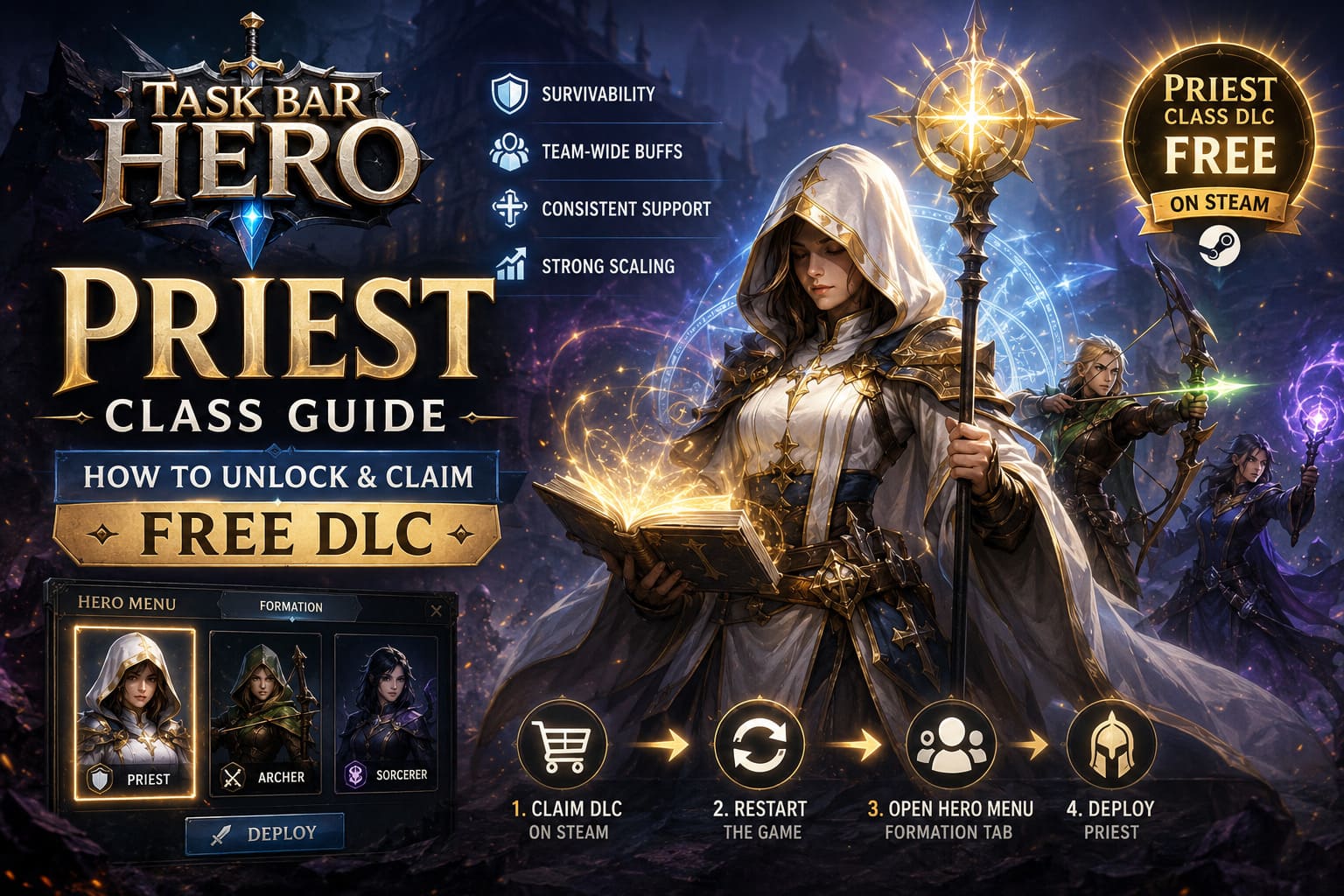
- Survivability
- Team-wide buffs
- Consistent support value
- Strong scaling into later stages
Many early-game classes perform well during the first few acts but begin to fall off once enemy damage increases dramatically. The Priest remains useful throughout the entire progression curve because its utility affects the entire party rather than only its own damage output.
How to Claim the Free Priest DLC
The process is straightforward, although some players overlook one important step.
To add the Priest DLC to your account:
- Open Steam.
- Search for Task Bar Hero.
- Visit the game’s store page.
- Scroll down to the DLC section.
- Locate Priest (Class).
- Click the DLC page.
- Select the option to add it to your Steam account.
Once completed, the DLC license becomes attached to your Steam profile.
A common mistake is assuming the character instantly appears inside the game. In reality, there are additional steps required before the class becomes available.
Activating the Priest Inside the Game
After claiming the DLC, completely close Task Bar Hero if it is currently running.
Then:
- Restart the game.
- Open the Hero Menu.
- Navigate to the Formation tab.
- Find the Priest portrait among available classes.
- Select the class.
- Press Deploy.
- Assign the character to your preferred formation slot.
If everything synced correctly, the Priest should immediately become part of your active roster.
One thing worth mentioning is the formation cooldown system. Every deployment adjustment triggers a short lockout period. Because of this, it is worth planning your formation carefully before making multiple changes.
Common Priest DLC Problems and How to Fix Them
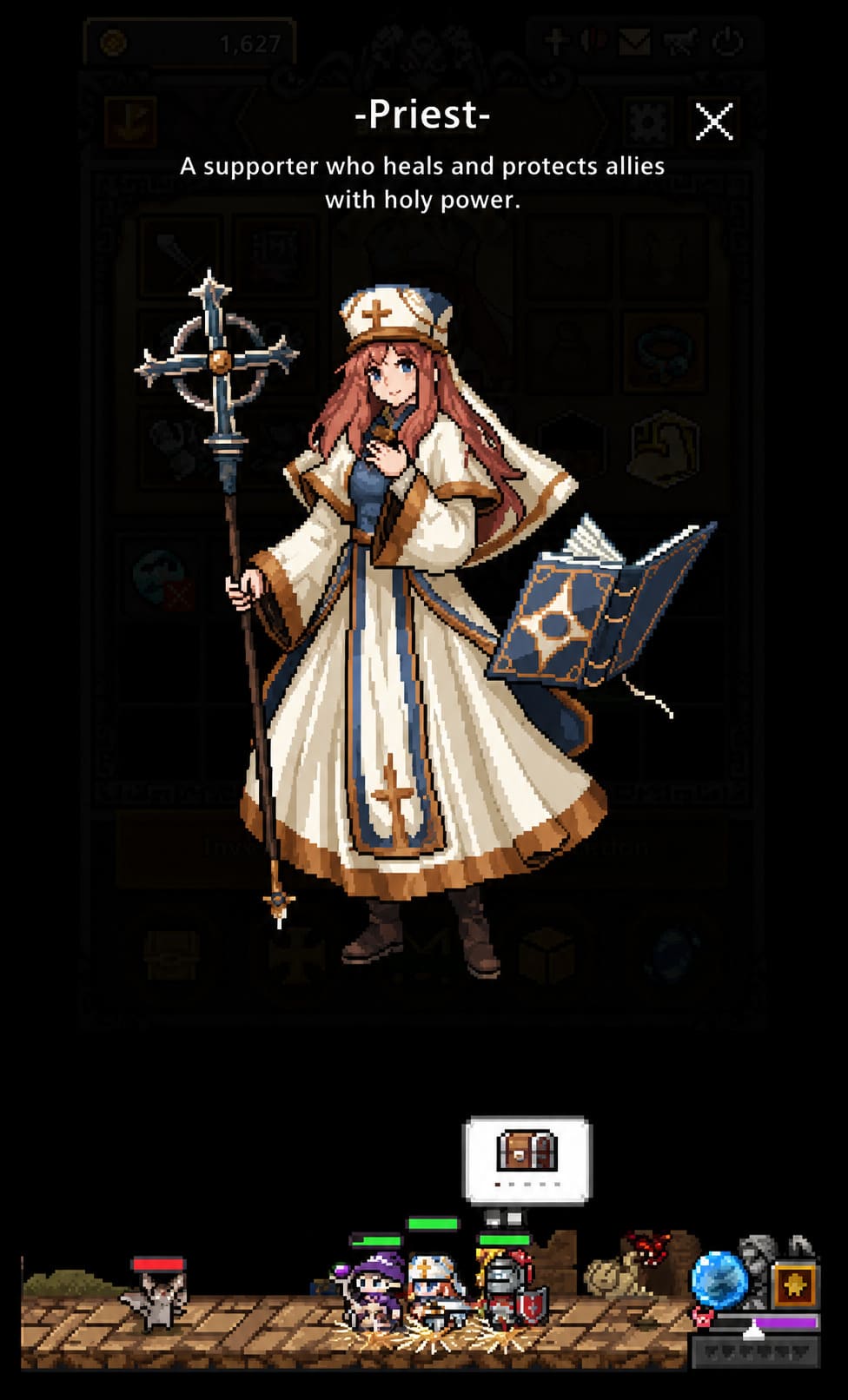
During the first week after launch, community forums filled with reports from players who had claimed the DLC but still couldn’t use the Priest.
Fortunately, most of these issues have relatively simple solutions.
Check DLC Installation Status
The first thing I recommend is verifying that Steam actually enabled the DLC.
Follow these steps:
- Open Steam Library
- Right-click Task Bar Hero
- Select Properties
- Open the DLC tab
- Confirm the Priest DLC box is checked
If the checkbox is already enabled but the class remains unavailable, try disabling it and re-enabling it before restarting Steam.
This surprisingly simple fix has worked for many players.
Verify Game Files
Corrupted or missing files can occasionally prevent DLC content from loading properly.
To perform a file verification:
- Open Properties
- Navigate to Installed Files
- Click Verify Integrity of Game Files
Steam will automatically scan and replace damaged files.
Accept Updated Terms of Service
This sounds strange, but several players discovered that failing to fully accept updated startup agreements could interfere with DLC validation.
If you skipped any launch prompts, reopen the game and carefully complete any pending confirmations.
My Recommended Priest Build
After experimenting with several approaches, I’ve found that newer players often overinvest in healing.
That isn’t necessarily the most effective strategy.
The Priest already provides valuable support naturally. Instead of trying to become a pure healer, I found much better results by focusing on durability and buffs.
Early Game Priorities
Your first goal should be unlocking basic healing functionality.
Recommended approach:
- First skill point: Heal
- Following points: Maximum HP
This creates a surprisingly durable support unit capable of surviving frontline pressure while keeping teammates alive.
The extra health becomes especially valuable during boss encounters where burst damage can eliminate fragile characters.
Mid-Game Progression
Once additional skills become available, priorities begin to change.
At this stage, damage amplification becomes far more important than raw healing output.
This is where Blessing of Strength shines.
Many experienced players now consider it one of the strongest support abilities in the game because it improves overall team performance rather than helping only during emergencies.
The faster enemies die, the less healing your party needs in the first place.
Best Team Composition With Priest
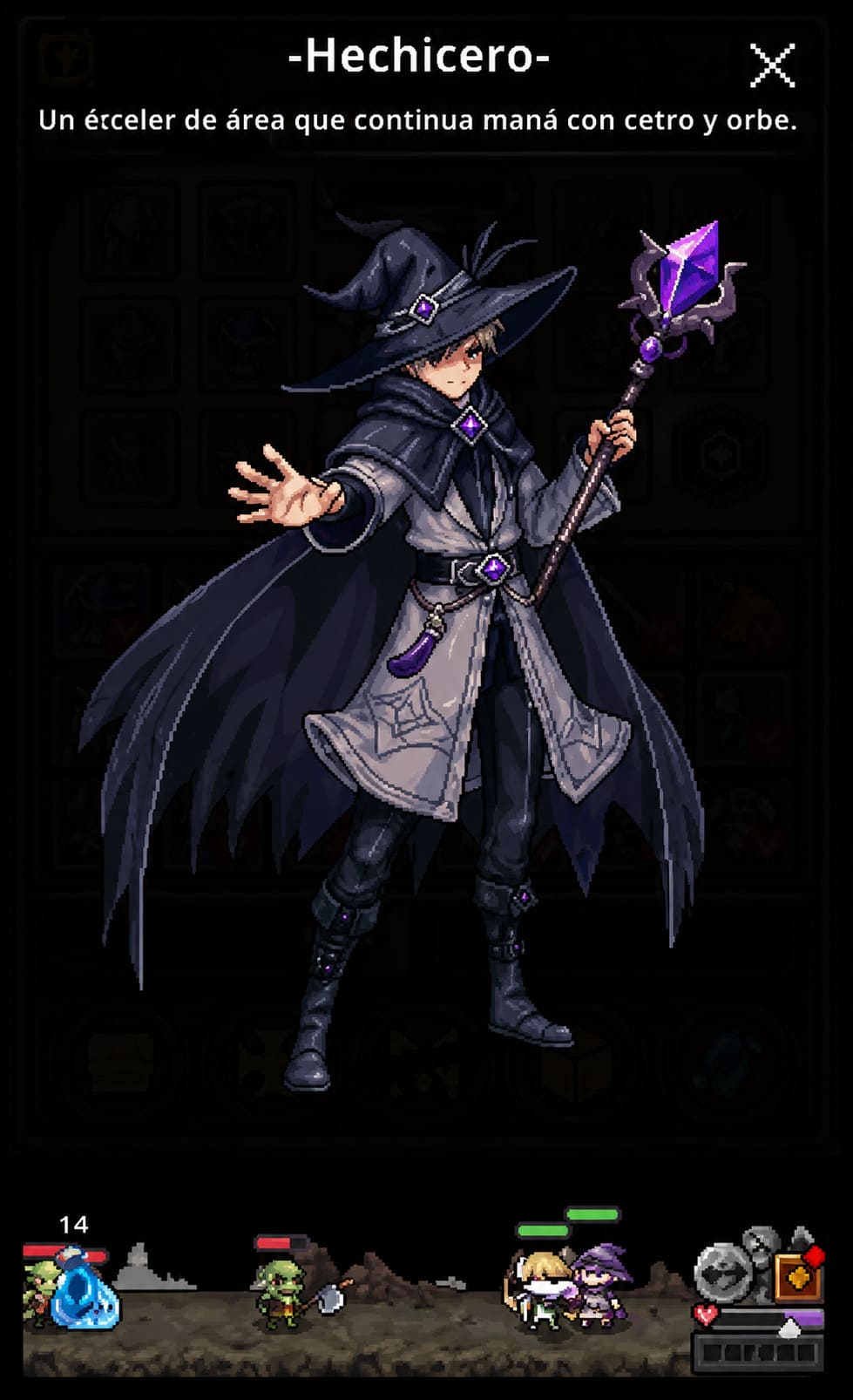
Although there are numerous viable combinations, one setup consistently performs well.
| Position | Class | Role |
|---|---|---|
| Frontline | Priest | Tank Support |
| Damage Dealer | Archer/Ranger | Single Target DPS |
| Utility DPS | Sorcerer | Area Damage |
This composition creates a balanced team capable of handling most content efficiently.
The Priest provides survivability and buffs.
The Archer delivers excellent sustained damage.
The Sorcerer clears groups of enemies rapidly.
Together, they create a powerful combination that scales surprisingly well into later chapters.
Best Class Formations in TBH: Task Bar Hero Game Guide (2026 Meta)
Why I Think the Priest Is Currently Underrated
What fascinates me most about Task Bar Hero is how quickly community perception changes.
During the first few days after launch, many players focused almost exclusively on damage classes. That’s a common pattern in RPGs. Everyone wants bigger numbers and faster kills.
But as players reached tougher content, priorities shifted.
Suddenly survivability mattered.
Party-wide buffs mattered.
Consistent progression mattered.
That’s exactly where the Priest excels.
A character doesn’t need to top the damage charts to become one of the strongest options in the game. Sometimes the most valuable hero is the one quietly making everyone else stronger.
The Priest feels like one of those classes.
Final Thoughts
If you’re currently playing Task Bar Hero and haven’t claimed the free Priest DLC yet, you’re leaving a tremendous amount of value on the table.
The installation process only takes a few minutes, the class costs nothing, and the benefits are immediately noticeable once properly integrated into your formation.
More importantly, the Priest remains useful long after many early-game choices begin to lose effectiveness. Whether you’re pushing campaign stages, farming better loot, or preparing for tougher encounters, the class consistently contributes to faster and more reliable progression.
As the Task Bar Hero meta continues to evolve, balance changes may eventually shift class rankings. For now, however, the Priest feels like one of the smartest additions any player can make to their roster.
And considering it’s completely free, there is really no reason not to grab it.