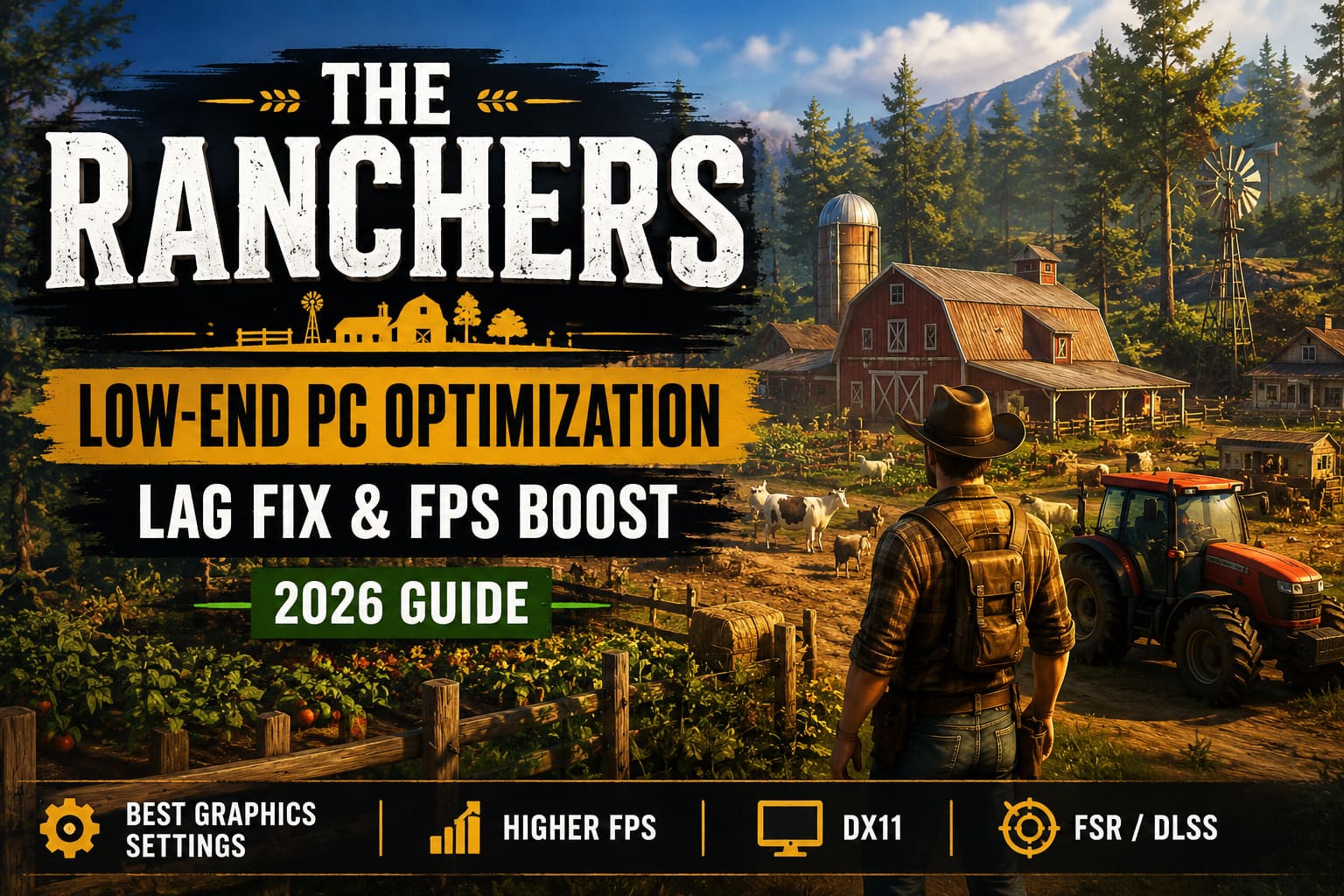
The Ranchers Low-End PC Optimization Guide: Lag Fix & FPS Boost (2026)
The Ranchers quickly became one of those games I couldn’t stop playing. There’s something satisfying about starting with an empty piece of land and slowly turning it into a thriving ranch filled with crops, livestock, workshops, and vehicles. The problem is that the game asks a lot from your hardware. If you’re playing on an older gaming PC or a budget laptop, chances are you’ve already experienced random stutters, low FPS, or sudden frame drops whenever your farm starts getting bigger.
I spent quite a bit of time experimenting with different settings, reading community discussions, and testing what actually improves performance instead of simply lowering every graphics option. The good news is that you don’t need an expensive GPU to enjoy The Ranchers. With a few smart tweaks, the game becomes much smoother while still looking surprisingly good.
This guide covers the settings and adjustments that gave me the biggest performance improvements throughout 2026.
Why The Ranchers Can Be So Demanding
Unlike many farming simulators, The Ranchers constantly simulates dozens of different systems at once. Every animal moves independently, crops continue growing, machinery keeps working, and buildings remain active even while you’re exploring other parts of the map.
The graphics engine is equally demanding. Large forests, detailed terrain, weather effects, dynamic lighting, and long render distances all place a heavy load on your GPU.
In my experience, performance problems usually come from three major areas:
- Large farms packed with animals and buildings.
- Modern lighting effects that overwhelm older graphics cards.
- Long-distance rendering of vegetation and environmental objects.
Once you understand what’s slowing the game down, optimizing it becomes much easier.
Graphics Settings That Actually Improve FPS
I usually ignore the built-in presets because they either make the game look terrible or leave performance on the table. Instead, I recommend adjusting each setting individually.
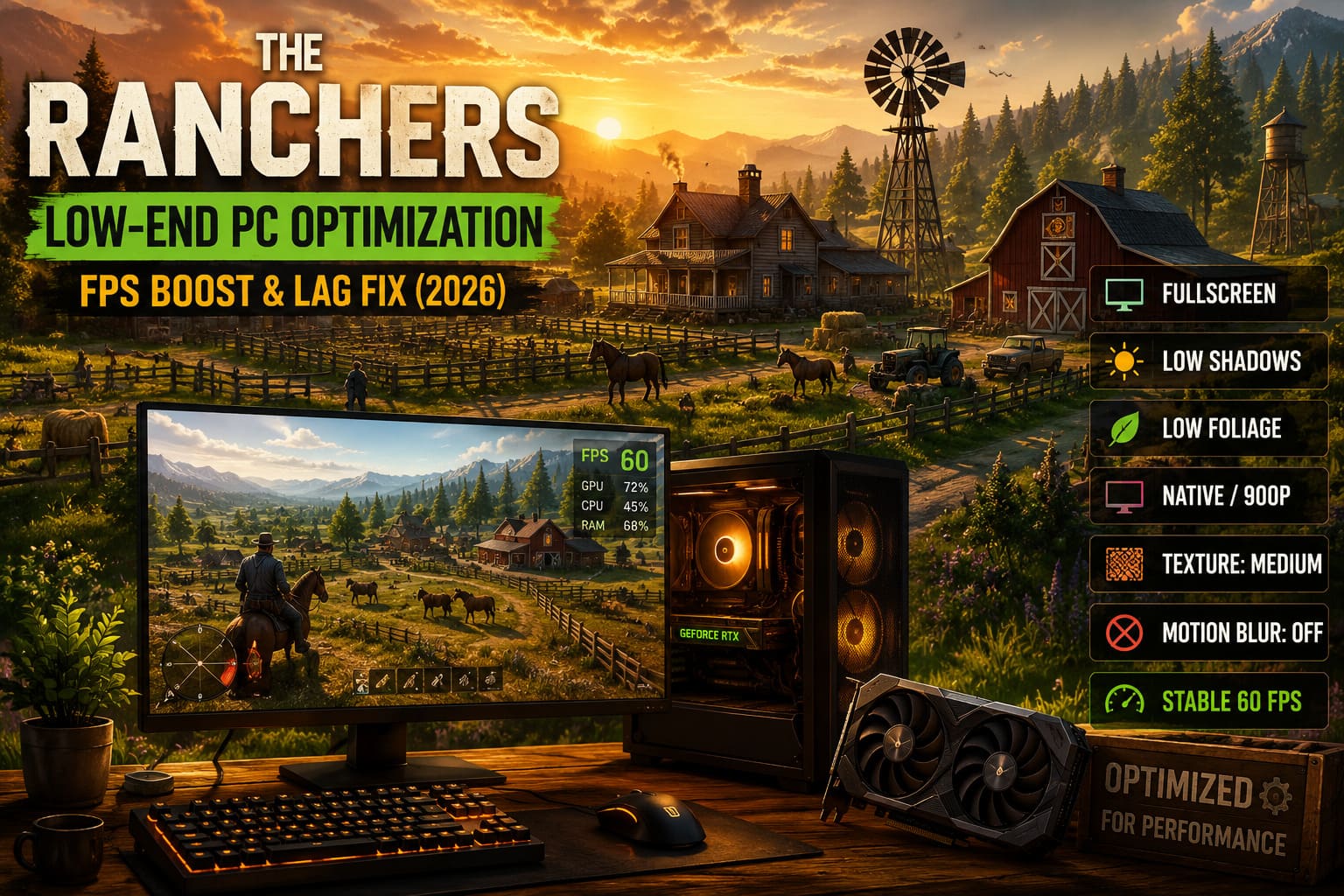
| Setting | Recommended Value |
|---|---|
| Display Mode | Fullscreen |
| Resolution | Native (or 1600×900 / 1280×720 for weaker GPUs) |
| V-Sync | Off |
| FPS Limit | 60 FPS |
| Anti-Aliasing | Low |
| Shadows | Low |
| Foliage | Low |
| View Distance | Low |
| Texture Quality | Medium |
| Motion Blur | Off |
Fullscreen generally provides the smoothest gameplay because Windows gives the game more direct access to your hardware.
If your GPU constantly sits at 99-100% usage, lowering the resolution is still one of the biggest FPS boosts available. Yes, the image becomes softer, but I’d rather have a stable 60 FPS than a slideshow running at native resolution.
Shadow quality deserves special attention. It’s easily one of the most expensive graphics options in The Ranchers, and dropping it to Low barely affects gameplay while noticeably improving performance.
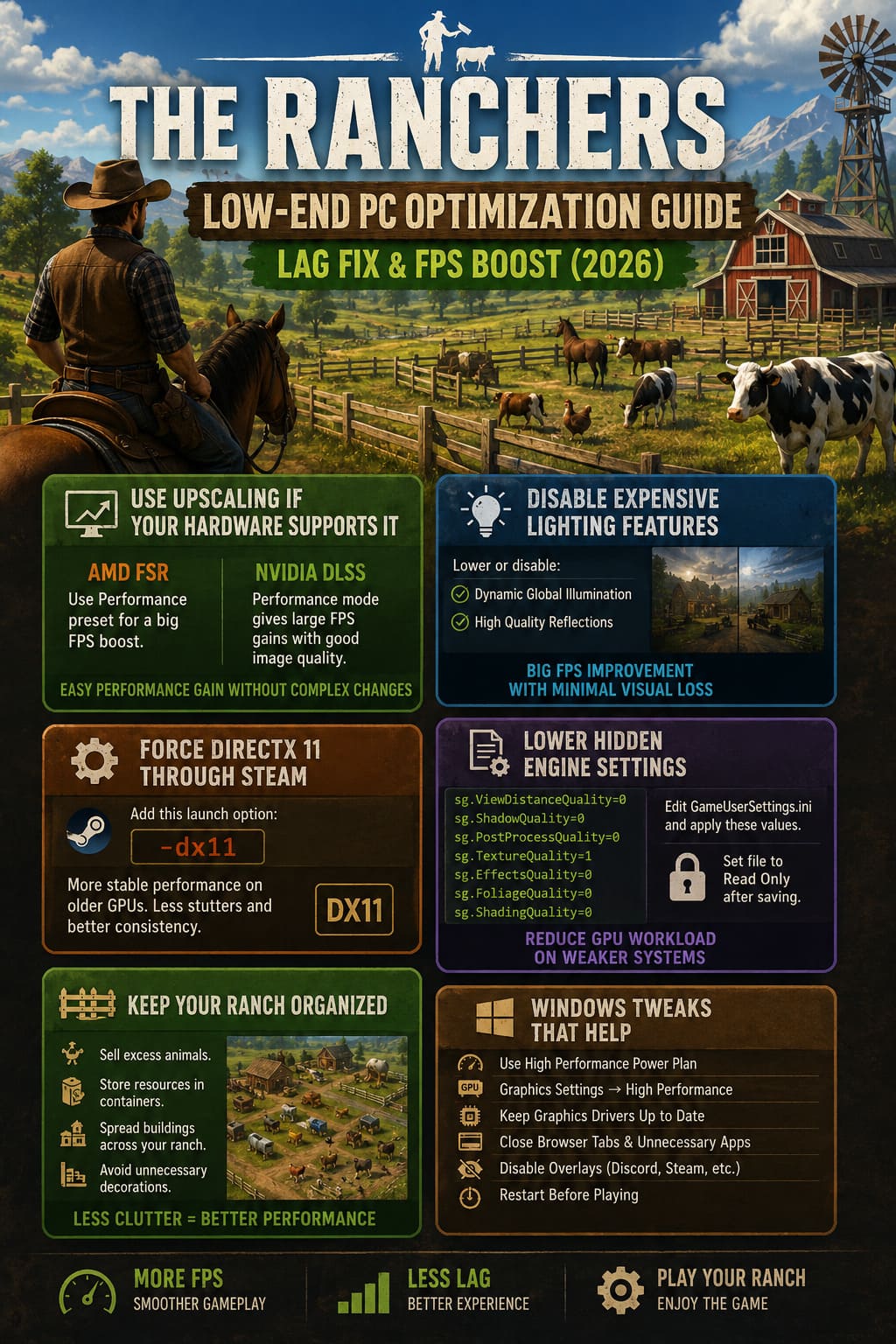
Use Upscaling If Your Hardware Supports It
Modern upscaling technologies are almost mandatory for older hardware.
If your graphics card supports AMD FSR, enable it and start with the Performance preset. I was honestly surprised how much smoother the game became after switching it on.
If you’re using an RTX GPU, DLSS is even better. Performance mode gives a substantial FPS increase while maintaining image quality that’s perfectly acceptable during normal gameplay.
These technologies don’t perform miracles, but they often provide the easiest performance gain without touching dozens of other settings.
Disable Expensive Lighting Features
This was probably the biggest improvement I noticed.
The Ranchers looks fantastic with advanced lighting enabled, but older GPUs simply struggle to keep up. Dynamic Global Illumination and high-quality reflections consume a surprising amount of GPU power.
I recommend lowering both settings to their minimum values or disabling them entirely if possible.
The visual difference isn’t nearly as dramatic as the FPS improvement, especially while you’re busy managing your farm instead of admiring lighting effects.
Force DirectX 11 Through Steam
If you’re dealing with crashes, inconsistent frame pacing, or sudden stutters while driving, switching the rendering API is worth trying.
Add this launch option in Steam:
-dx11
DirectX 12 performs well on modern systems, but older graphics cards often feel much more stable using DirectX 11. Several players have reported smoother gameplay after making this simple change, and I had similar results during longer play sessions.
Lower Hidden Engine Settings
The visible graphics menu doesn’t control every rendering option.
You can manually edit GameUserSettings.ini and lower several hidden scalability values.
sg.ViewDistanceQuality=0
sg.ShadowQuality=0
sg.PostProcessQuality=0
sg.TextureQuality=1
sg.EffectsQuality=0
sg.FoliageQuality=0
sg.ShadingQuality=0
After saving the file, I recommend setting it to Read Only. Otherwise, the game may overwrite your custom settings after future launches.
This tweak won’t magically double your FPS, but it often helps eliminate unnecessary GPU workload on weaker systems.
Keep Your Ranch Organized
Something many optimization guides overlook is that your own ranch design directly affects performance.
The bigger and messier your property becomes, the harder the CPU has to work.
I noticed much smoother gameplay after changing how I built my ranch.
These simple habits made a noticeable difference over longer play sessions:
- Sell excess animals instead of collecting huge herds.
- Store resources inside containers instead of leaving everything on the ground.
- Spread buildings across your property instead of placing everything in one crowded area.
- Avoid unnecessary decorative objects if your CPU is already struggling.
The game has to simulate every active object, so reducing clutter genuinely improves performance over time.
Windows Tweaks Worth Doing
Not every Windows optimization guide is useful, but a few changes consistently help.
| Optimization | Benefit |
|---|---|
| High Performance Power Plan | Keeps the CPU running at higher clock speeds. |
| Graphics Settings → High Performance | Forces Windows to prioritize the dedicated GPU. |
| Latest Graphics Drivers | Improves stability and adds game-specific optimizations. |
| Close Browser Tabs | Frees RAM and reduces CPU usage. |
| Disable Overlays | Reduces background conflicts and random stutters. |
| Restart Before Playing | Clears memory and closes hidden background tasks. |
I’ve found that simply closing Chrome, Discord overlays, RGB utilities, and a few startup applications often gives a smoother experience than people expect.
The Ranchers Guide: Best Crops to Grow and Essential Crafting Recipes List (2026)
My Personal Settings for Older Hardware
After plenty of testing, this is the setup I keep coming back to when playing on an older machine:
- Fullscreen
- 1600×900 Resolution
- 60 FPS Limit
- FSR Performance Mode
- Low Shadows
- Low View Distance
- Medium Texture Quality
- Motion Blur Disabled
- Dynamic Global Illumination Disabled
- DirectX 11 Launch Option Enabled
The game still looks good enough that I don’t feel like I’m sacrificing the atmosphere, yet performance is dramatically more consistent.
The Ranchers Guide: Full Walkthrough, Advanced Tips, and Hidden Mechanics (2026)
Final Thoughts
I genuinely think The Ranchers is one of the most enjoyable farming and life simulation games released this year, but it’s definitely more demanding than many players expect. Fortunately, most of the biggest performance issues aren’t impossible to fix—they simply require a bit of tweaking beyond the default presets.
If I had to prioritize only a handful of changes, I’d start with lowering shadows, reducing foliage distance, enabling FSR or DLSS, disabling expensive lighting features, and testing DirectX 11. Those five adjustments alone made the biggest difference during my own testing.
Don’t feel like you have to copy every setting exactly. Every PC behaves a little differently, so experiment until you find the balance between visuals and smooth gameplay that works best for your hardware. Once everything is dialed in, The Ranchers becomes far more enjoyable, whether you’re expanding your farm, exploring the wilderness, or simply relaxing after a long day of building your perfect homestead.