Waterpark Simulator Multiplayer Co-Op Guide: How to Join Friends and Fix Lobby Errors
When I first jumped back into Waterpark Simulator after the full 1.0 launch, I knew the biggest addition wasn’t another decoration pack or a new slide. It was online co-op. I had already spent dozens of hours building ridiculous waterparks alone, but managing a huge resort with friends completely changed the experience.
The funny thing is that getting everyone into the same lobby wasn’t as smooth as I expected on launch week. We dealt with failed connections, inactive invite buttons, and one very strange loading screen that never ended. After experimenting with different fixes and reading what other players were discussing, we eventually found a setup that worked consistently.
If you’re planning to build the ultimate waterpark with your friends, here’s everything I’ve learned about hosting multiplayer sessions, joining games, avoiding common lobby issues, and making the most of four-player co-op.
Why Multiplayer Makes Waterpark Simulator Better
Playing solo is relaxing, but once your park starts growing, there are simply too many jobs for one person.
You’re designing attractions, cleaning garbage, restocking vendors, handling finances, rescuing guests, expanding pools, and constantly reacting to new problems. In multiplayer, all of those responsibilities become shared, and suddenly the entire game flows much more naturally.
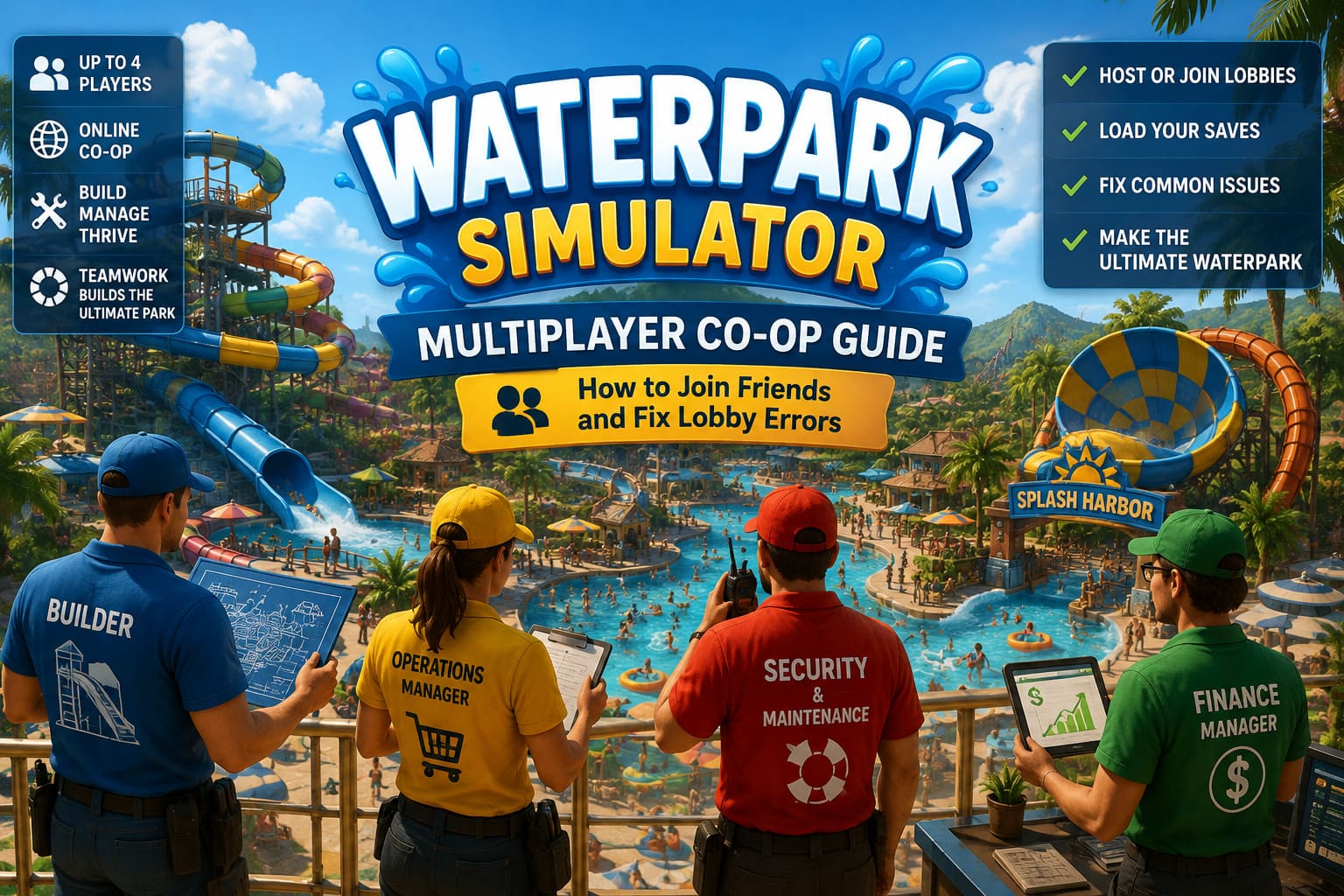
Instead of constantly pausing one project to fix another problem, everyone can specialize.
That teamwork is what makes co-op feel rewarding rather than simply adding more players.
How to Host a Multiplayer Lobby
Starting a multiplayer session only takes a few minutes.
Here’s the process I normally follow.
- Launch Waterpark Simulator through Steam.
- Open the Multiplayer menu.
- Select Host Game.
- Choose whether to create a brand-new park or load an existing save.
- Pick your preferred map.
- Configure your lobby privacy.
- Load into the park.
- Invite your Steam friends.
You’ll usually see three lobby options.
| Lobby Type | Best For | Recommendation |
|---|---|---|
| Friends Only | Playing with friends | My preferred option |
| Public | Meeting random players | Good for casual sessions |
| Password Protected | Organized groups | Best for private communities |
Personally, I almost always stick with Friends Only because random players occasionally leave halfway through a session, which can interrupt the flow of park management.
Loading an Existing Park Into Co-Op
One feature I genuinely appreciate is that you don’t have to abandon your solo progress.
Instead of creating a new world every time, you can simply load an existing save and invite everyone into the park you’ve already spent hours building.
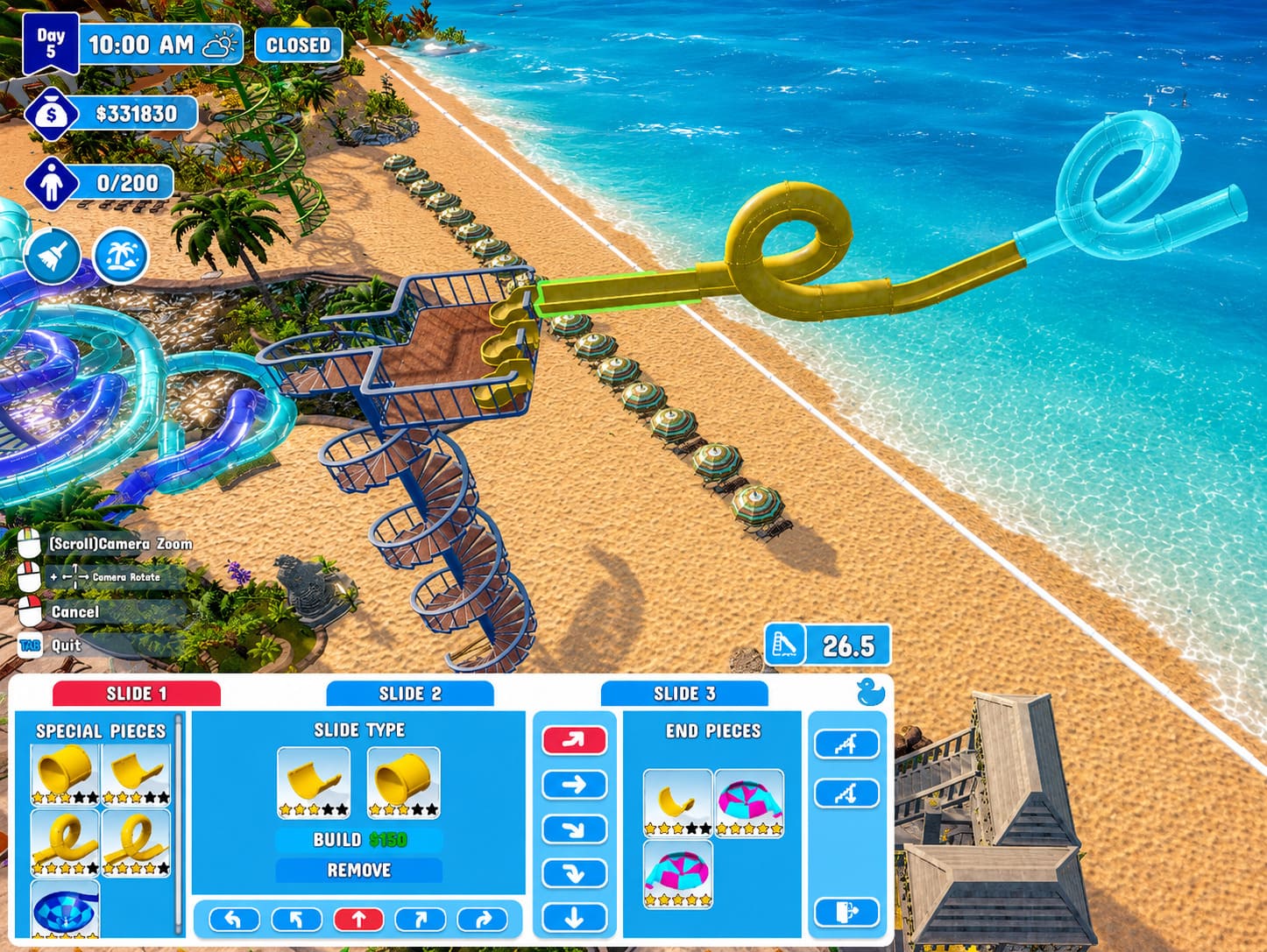
This works surprisingly well because your progress is preserved.
- Attractions
- Decorations
- Unlocked upgrades
- Finances
- Expansion progress
It’s an excellent way to show friends everything you’ve built before turning them into unpaid employees.
Joining Someone Else’s Game
Joining a friend’s park is even easier.
Most of the time I simply accept the Steam invitation, but if that doesn’t appear, the built-in browser also works.
The fastest method is:
- Make sure Steam shows both players as online.
- Accept the invite from Steam Chat.
- If no invite arrives, open Multiplayer.
- Select Join Session.
- Search for your friend’s lobby.
- Connect manually.
If the lobby doesn’t appear immediately, waiting a minute and refreshing the list usually solves the issue.
Common Multiplayer Problems (And What Actually Fixed Them)
Launch week introduced a handful of frustrating network issues.
Here are the ones my friends encountered most often.
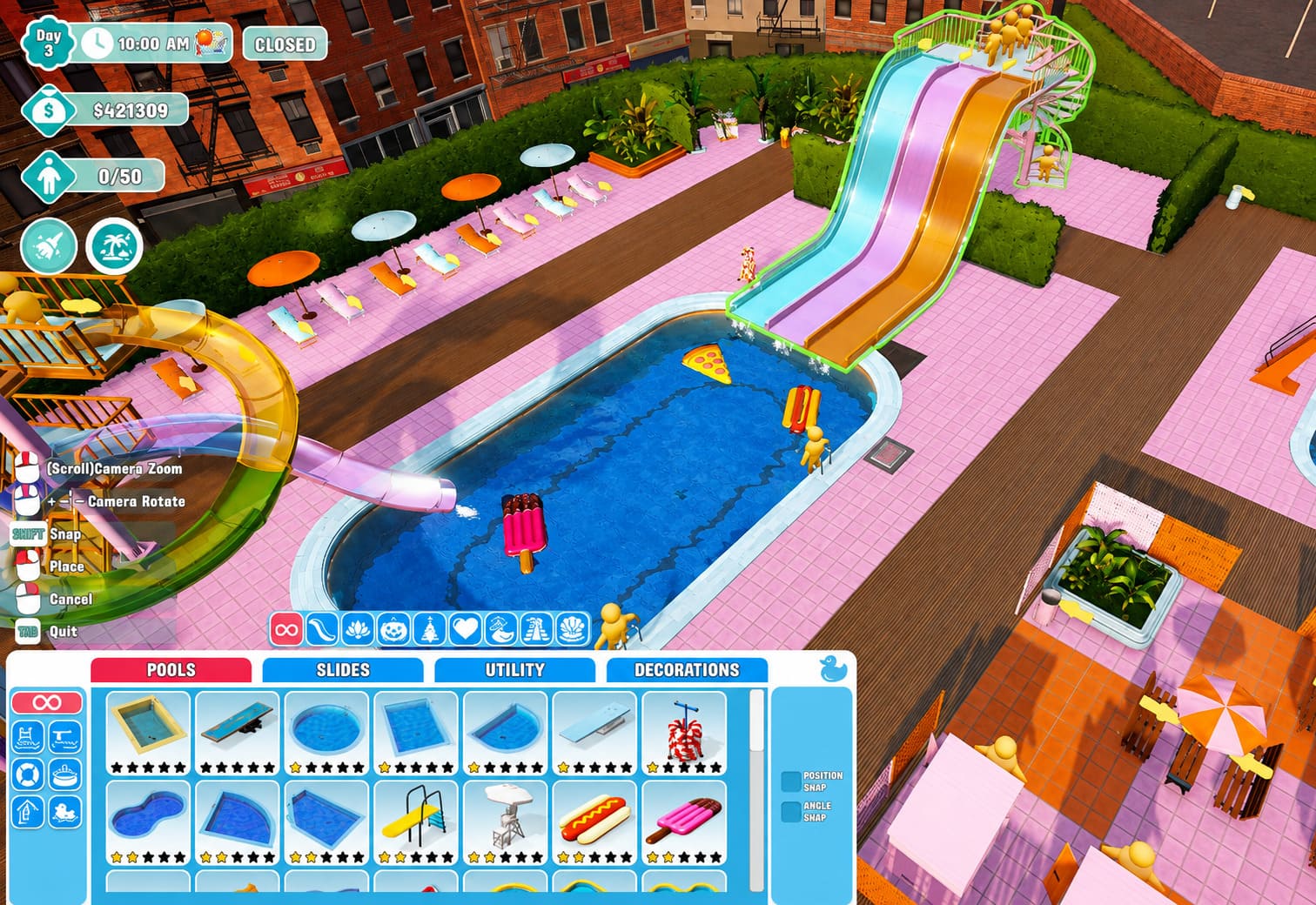
1. Invite Button Doesn’t Work
This was probably the most annoying problem.
The lobby loaded correctly, but clicking Invite Friends simply did nothing.
The fix that consistently worked for us was:
- Completely exit the game.
- Close Steam.
- Restart Steam as Administrator.
- Reopen Waterpark Simulator.
After doing that, the invite menu immediately became available again.
2. Failed Connection or Timeout
This is another issue I’ve seen multiple times.
Large parks generate a surprising amount of simulation data, especially once hundreds of guests are walking around while water physics are constantly updating.
If players keep disconnecting:
- Allow the game through Windows Firewall.
- Temporarily disable overly aggressive antivirus protection.
- Avoid Wi-Fi if possible.
- Let the host use Ethernet.
- Send direct Steam invitations instead of relying on public matchmaking.
Using a wired connection made the biggest difference during our longer sessions.
3. Infinite Loading Screen
A few players reported getting stuck forever while joining older saves.
If that happens, there’s a good chance the save originated from an older version of the game.
What helped us was:
- Creating a backup of every save.
- Loading the newest save instead of the oldest.
- Restoring the backup if corruption appeared after a crash.
Backing up your save folder before major updates is never a bad habit.
Best Team Roles for Four Players
One thing I didn’t expect was how much easier the game becomes when everyone commits to a specific role.
Here’s the setup my group now uses.
| Player | Main Responsibility |
|---|---|
| Builder | Expands pools, designs slides, places scenery. |
| Operations Manager | Restocks vendors and manages supplies. |
| Security & Maintenance | Cleans trash, handles guest problems, and rescues visitors. |
| Finance Manager | Handles loans, advertising, upgrades, and the park economy. |
Trying to have everyone do everything usually creates chaos.
Once everyone has a clear responsibility, your income grows much faster.
Waterpark Simulator 1.0 Full Release Guide: Multiplayer, New Features, and Tips
My Favorite Multiplayer Activities
Managing the park is fun, but there are also plenty of moments where everyone forgets about efficiency and simply starts messing around.
Some of my favorite multiplayer features include:
- Rubber duck water cannon battles.
- Floating basketball games.
- Night mode park management.
- Building ridiculous giant slides together.
- Testing dangerous attractions before opening them.
It’s those small moments that make multiplayer memorable.
Half the time we’re supposed to be improving the park, someone starts spraying everyone with water cannons instead.
Tips That Made Our Sessions Much Smoother
After several evenings of playing together, we settled into a routine that eliminated almost every technical issue.
Here are the habits I’d recommend:
- Keep everyone on the latest game version.
- Restart Steam before hosting long sessions.
- Let the player with the most stable internet host the lobby.
- Save frequently, especially after major construction projects.
- Avoid modifying huge sections of the park simultaneously.
- Create backup saves before installing new patches.
These simple precautions saved us from losing several hours of progress.
Is Waterpark Simulator Co-Op Worth Playing?
Absolutely.
In my opinion, multiplayer transforms Waterpark Simulator from a relaxing management game into something much more entertaining.
There’s something genuinely satisfying about watching one friend design a massive spiral slide while another races around cleaning the park, someone else balances the budget, and another accidentally launches themselves into the pool after testing a new attraction.
Yes, the multiplayer launch had a few rough edges, and you may occasionally run into connection hiccups or Steam-related lobby problems. Fortunately, most of those issues are easy to solve once you know where to look.
If you’re planning to play with friends, I’d recommend using Friends Only lobbies, letting the person with the strongest internet connection host, saving your park regularly, and relying on direct Steam invites whenever possible.
Once everything is working, Waterpark Simulator becomes one of those games where hours disappear without you noticing. Every session feels a little different because your group naturally develops its own way of running the park. Some teams chase maximum profits, while others spend half the evening building absurdly dangerous slides just to see what happens.
For me, that’s exactly what makes the game’s co-op mode so enjoyable. It isn’t just about creating the biggest waterpark—it’s about sharing the chaos with friends, laughing through the unexpected disasters, and gradually turning a small empty lot into the busiest resort on the map.