The Relic: First Guardian Performance Guide – AMD FSR 3 vs NVIDIA DLSS
After spending time with The Relic: First Guardian, I quickly realized that this is the type of action RPG where performance directly affects the entire experience. South Korean developer Project Cloud Games created a dark fantasy adventure focused on intense battles, dangerous encounters, and precise reactions. Unlike many traditional Soulslike games, the title removes standard character leveling and replaces it with a unique progression system built around more than 70 collectible artifacts and relics that completely change how your character develops.
The combat system is fast, aggressive, and extremely demanding. With five weapon categories, twelve skill trees, and around 70 challenging bosses spread across the ruined continent of Arsiltus, every dodge, parry, and counterattack needs to feel accurate. After playing many demanding PC games, from modern Soulslike adventures to heavily optimized AAA releases, I can confidently say that maintaining a stable framerate in The Relic: First Guardian is not just about visuals — it directly impacts gameplay performance.
This is exactly why choosing the correct upscaling technology is so important for PC players. Two major solutions currently dominate the market: AMD FidelityFX Super Resolution 3 (FSR 3) and NVIDIA DLSS. Both technologies can dramatically improve FPS, but they approach image reconstruction, hardware compatibility, and frame generation in very different ways.
The Relic: First Guardian Config File Location Guide (2026 Update)
FSR 3 vs DLSS: How These Technologies Work in The Relic: First Guardian
Modern games are becoming increasingly demanding because of detailed environments, advanced lighting systems, complex animations, and heavy particle effects. Upscaling technologies help reduce the workload on your graphics card by rendering the game at a lower internal resolution and intelligently rebuilding the final image at a higher resolution.
NVIDIA DLSS uses dedicated hardware found inside RTX graphics cards. The technology relies on Tensor Cores to process AI-powered image reconstruction. Instead of simply stretching a lower-resolution image, DLSS analyzes previous frames, motion information, and game data to create a sharper and more stable final picture.
DLSS Frame Generation is another major advantage for NVIDIA users. Available on RTX 40-series GPUs, this feature creates additional AI-generated frames between traditionally rendered frames. The result is a much higher displayed framerate, which can make demanding fights and visually intense areas feel significantly smoother.
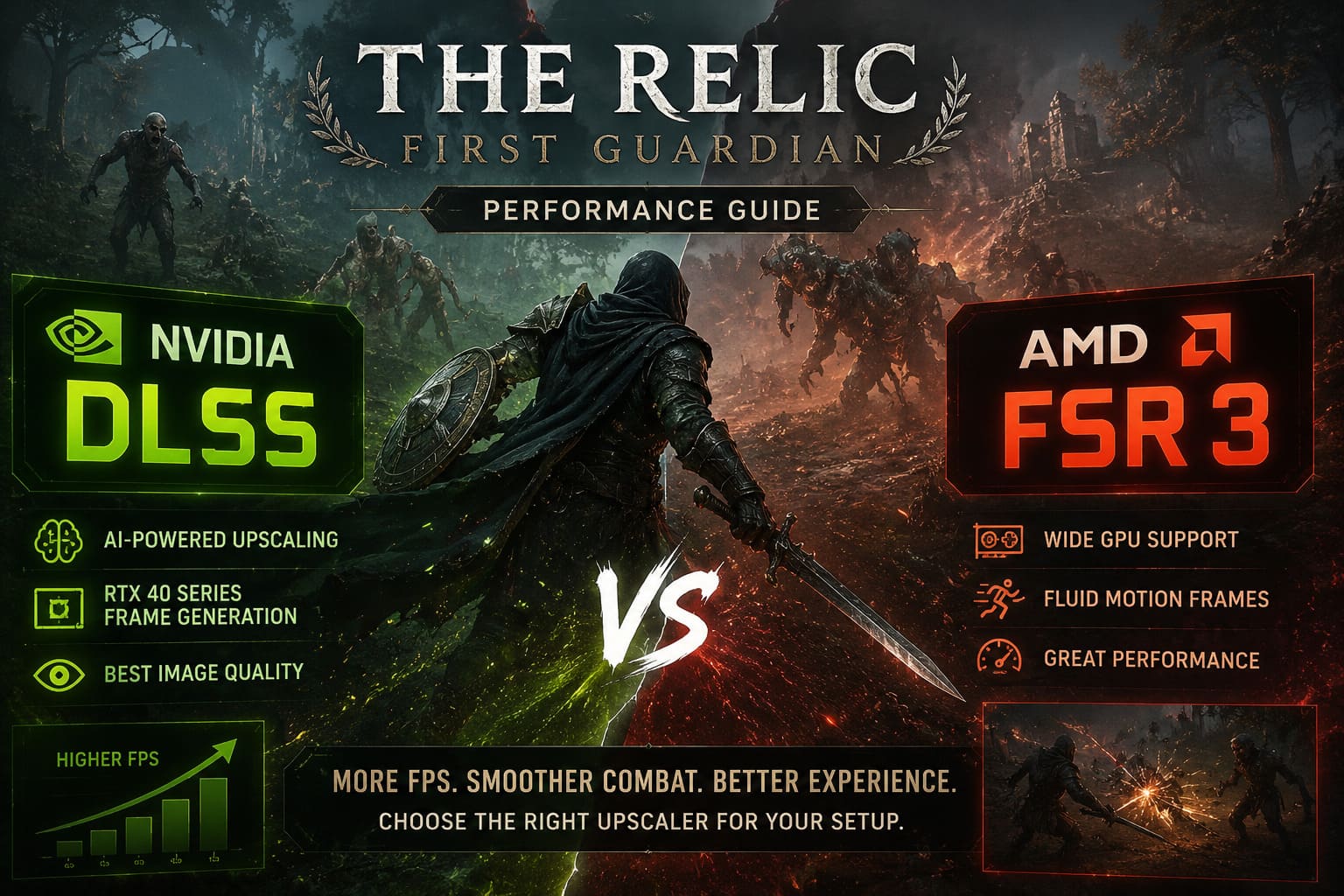
AMD takes a different approach with FSR 3. The biggest advantage of AMD’s technology is accessibility. Unlike DLSS, FSR 3 does not require dedicated AI hardware and works on a much wider range of graphics cards, including older NVIDIA GPUs, AMD Radeon cards, Intel Arc graphics cards, and some handheld gaming devices.
AMD Fluid Motion Frames technology powers FSR 3 Frame Generation by combining motion vectors and optical flow calculations to generate additional frames. This allows more players to improve performance without needing expensive modern hardware.
| Feature | NVIDIA DLSS | AMD FSR 3 |
|---|---|---|
| Hardware Support | RTX 20 Series and newer | Almost all modern GPUs |
| Upscaling Method | AI-powered reconstruction | Temporal and spatial reconstruction |
| Frame Generation | RTX 40 Series only | Wide hardware compatibility |
| Image Quality | Slightly superior overall | Very close at higher resolutions |
| Accessibility | Limited | Excellent |
Image Quality Comparison: Which Looks Better?
The world of Arsiltus is filled with abandoned ruins, detailed armor sets, dark environments, fog effects, and atmospheric locations. In a game like The Relic: First Guardian, image quality plays a huge role because the atmosphere depends heavily on small details. Poor upscaling settings can quickly reduce immersion and make the world feel less impressive.
After testing both options, DLSS still holds a small advantage in overall visual quality. NVIDIA’s AI reconstruction handles small details extremely well. Armor textures, distant objects, environmental details, and thin elements such as tree branches or weapon effects usually remain cleaner compared with other solutions.
DLSS is especially impressive during movement-heavy combat situations. Boss fights in The Relic: First Guardian often involve huge weapons, magical attacks, and constant particle effects. In these moments, DLSS generally produces fewer ghosting issues and less shimmering compared with alternative solutions.
However, AMD FSR 3 deserves a lot of respect because the difference is much smaller than previous generations. Earlier versions of FSR often struggled against DLSS, but FSR 3 represents a major improvement. At 1440p and 4K resolutions using Quality mode, many players will have difficulty noticing a significant difference during normal gameplay.
FSR 3 keeps environments sharp and delivers surprisingly clean results during combat. The biggest visual differences appear when using aggressive Performance settings or lower internal resolutions. In those situations, some particle effects, magical attacks, and fog elements can show minor pixelation or shimmering.
FPS Performance: How Much Can FSR 3 and DLSS Improve The Relic?
Performance is where both technologies become extremely valuable. The Relic: First Guardian can put serious pressure on PC hardware, especially during large boss encounters where physics effects, animations, and particles are constantly active.
Without frame generation, both DLSS and FSR 3 provide impressive improvements depending on the selected quality preset. Quality mode offers the best balance between image clarity and performance, while Balanced and Performance modes deliver bigger FPS increases with some reduction in visual detail.
In many situations, players can expect approximately 40% to 70% better performance compared with native rendering. A system struggling around 45 FPS can potentially move closer to a smoother 70 FPS experience simply by enabling the right upscaling option.
Frame Generation pushes performance even further. Both DLSS Frame Generation and FSR 3 Frame Generation can nearly double the displayed framerate in suitable conditions. A system producing around 50 FPS may reach more than 100 FPS after enabling frame generation.
For a game focused on precise defensive mechanics, this additional smoothness is extremely useful. Higher framerates make boss animations easier to read and create a more consistent feeling during difficult encounters.
Input Latency: Does Frame Generation Affect Combat?
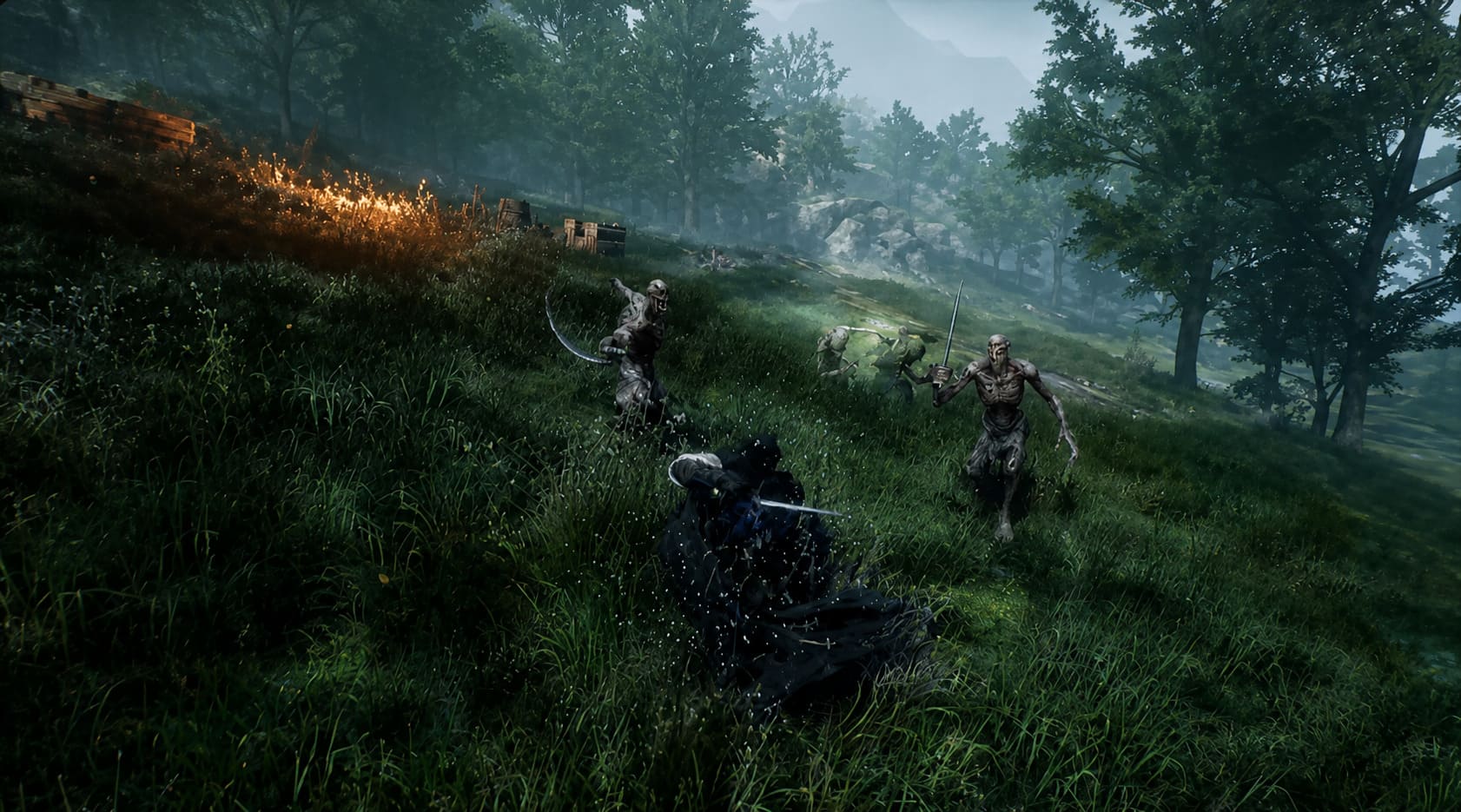
Higher FPS is important, but responsiveness matters even more in a Soulslike experience. A perfectly timed parry or dodge can decide whether you survive a difficult boss fight, meaning input latency should always be considered when choosing performance settings.
Frame generation naturally introduces a small amount of additional latency because generated frames require extra processing. Both NVIDIA and AMD have created technologies designed to reduce this effect and keep gameplay responsive.
For NVIDIA users, the biggest advantage comes from NVIDIA Reflex. When combined with DLSS Frame Generation, Reflex improves CPU and GPU communication by reducing unnecessary rendering queues. This helps maintain a more responsive feeling even when frame generation is active.
AMD counters with Radeon Anti-Lag technologies. FSR 3 Frame Generation works very well and provides smooth gameplay, but NVIDIA Reflex still has a slight advantage when it comes to competitive-level responsiveness and perfect timing during difficult parry windows.
For normal exploration, most players will barely notice the difference. However, during challenging boss fights where every reaction matters, RTX users gain a small technical advantage.
Hardware Compatibility: AMD Takes The Lead
The strongest advantage of AMD FSR 3 is hardware compatibility. Not every PC gamer owns an expensive RTX 40-series graphics card, and AMD’s solution gives a much larger audience access to modern performance improvements.
If you are using an older NVIDIA GTX card, AMD Radeon GPU, Intel Arc graphics card, or a handheld gaming PC, FSR 3 can still provide meaningful improvements. This makes it one of the most useful technologies for the wider PC gaming community.
DLSS remains a premium feature designed around NVIDIA’s ecosystem. DLSS upscaling requires RTX 20-series hardware or newer, while DLSS Frame Generation requires RTX 40-series graphics cards.
For players with modern NVIDIA hardware, DLSS is an excellent choice. For everyone else, FSR 3 is often the only realistic way to improve performance without upgrading expensive components.
Best The Relic: First Guardian Settings for Your GPU
The best choice between FSR 3 and DLSS depends entirely on your hardware configuration. After testing both technologies, these are the settings I would personally recommend for the smoothest experience.
For NVIDIA RTX 40-Series Players
- Enable DLSS Quality Mode
- Activate DLSS Frame Generation
- Turn on NVIDIA Reflex
- Use higher graphical settings while maintaining stable FPS
This combination provides the strongest balance between image quality, smooth performance, and responsive controls.
For AMD Radeon, Intel Arc, and Older NVIDIA GPUs
- Use FSR 3 Quality Mode at 1440p or 4K
- Switch to Balanced mode if you need additional FPS
- Enable Frame Generation when your base framerate reaches around 50-60 FPS
- Avoid Performance mode unless you absolutely need maximum frames
Keeping a stable native framerate before enabling frame generation will provide better image quality and reduce the feeling of delayed input.
Final Thoughts
After playing many demanding PC games, I believe The Relic: First Guardian benefits enormously from modern upscaling technology. The combat system requires consistency, and unstable performance can completely change how a boss encounter feels.
NVIDIA DLSS remains the best choice for RTX 40-series owners because it delivers slightly better image quality, cleaner motion handling, and excellent latency control through Reflex. However, AMD FSR 3 is an impressive alternative that allows far more players to enjoy smoother gameplay without expensive hardware upgrades.
The choice is simple: RTX users should choose DLSS, while everyone else should take advantage of FSR 3. Both technologies allow players to experience the dangerous world of Arsiltus with better performance, smoother combat, and fewer technical limitations.