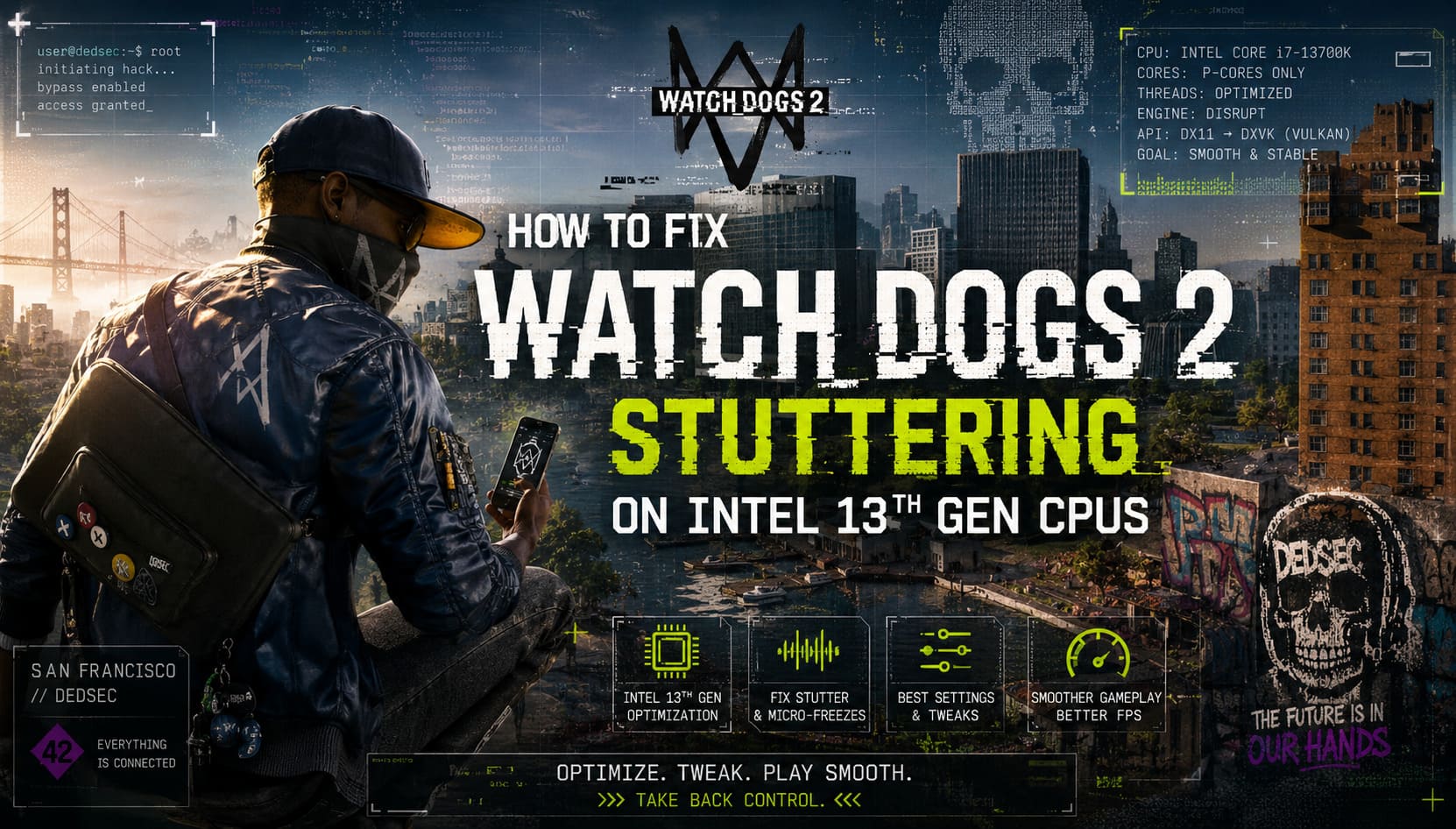
How to Fix Watch Dogs 2 Stuttering on Intel 13th Gen CPUs
If you’ve ever tried running Watch Dogs 2 on a modern PC with an Intel 13th Gen processor like the i7-13700K or i9-13900K, you probably expected smooth, effortless performance. Instead, what many players experience is the exact opposite: random stutters, micro-freezes while driving through San Francisco, and inconsistent frame pacing that ruins immersion even when FPS looks high on paper.
As someone who has played a wide range of PC games across different generations of hardware, I initially assumed the issue was my setup. But after testing, tweaking, and digging through community discussions, it became obvious that this is not a hardware limitation. It’s a classic compatibility problem between an older game engine and Intel’s modern hybrid CPU architecture.
Why Watch Dogs 2 Stutters on Modern CPUs
The core problem comes from Ubisoft’s Disrupt engine, which was never designed for today’s CPU design. Intel 13th Gen processors combine Performance Cores (P-Cores) and Efficiency Cores (E-Cores), along with Hyper-Threading. The game engine doesn’t properly understand or manage this structure.
Instead of distributing workloads efficiently, the engine often assigns tasks randomly, sometimes pushing critical threads to slower E-Cores. It also struggles when too many logical threads are available, which leads to unstable frame times and constant micro-stutter.
Main causes of instability
- Incorrect CPU thread scheduling across P-Cores and E-Cores
- Excessive logical threads confusing the game engine
- Outdated DirectX 11 architecture limitations
- Poor frame pacing under modern high-core CPUs
The result is a game that feels inconsistent, even on high-end gaming rigs.
Fix 1: Restrict CPU Cores and Thread Usage
This is the most effective fix I personally found while testing different methods.
Watch Dogs 2 performs significantly better when it is restricted to a controlled number of physical cores. The goal is to eliminate unpredictability caused by E-Cores and excessive logical threads.
Recommended approach
- Use Process Lasso or ParkControl
- Disable E-Cores for WatchDogs2.exe
- Force game to use only P-Cores
- Optionally disable Hyper-Threading per process
Once applied, the improvement is immediate. Driving through dense areas becomes smoother, and those annoying half-second freezes almost disappear. It feels like the game finally “understands” the CPU it is running on.
Fix 2: Windows Power Plan and Priority Adjustments
Windows can also interfere with older games by dynamically shifting power usage and prioritizing background tasks.
Power settings optimization
- Set Windows Power Plan to High Performance or Ultimate Performance
- Prevent aggressive CPU downclocking
- Reduce core parking behavior
Then adjust process priority manually to ensure the game gets enough system attention.
Process priority setup
- Open Task Manager (Ctrl + Shift + Esc)
- Go to Details tab
- Find WatchDogs2.exe
- Set priority to Above Normal or High
This ensures the game is not pushed behind background Windows processes during heavy system activity.
Fix 3: DXVK Vulkan Translation Layer
One of the most powerful improvements comes from replacing DirectX 11 behavior with Vulkan through DXVK. Watch Dogs 2 relies heavily on DirectX 11, which creates CPU overhead and shader compilation stutters on modern systems.
DXVK translates DirectX calls into Vulkan, significantly reducing CPU bottlenecks and improving frame consistency.
Installation steps
- Download DXVK from the official release source
- Extract the archive
- Copy d3d11.dll and dxgi.dll from the x64 folder
- Paste them into the game installation directory
After applying DXVK, many players report much smoother traversal and fewer stutters when moving through new areas of the city.
Important note
Some anti-cheat systems may react to modified DLL files. This is generally not an issue for single-player use, but it is recommended to keep backups of original files before making changes.
Fix 4: Optimize In-Game Graphics Settings
Even with strong hardware, certain settings in Watch Dogs 2 are poorly optimized and can heavily impact performance.
Key settings to adjust
- Extra Details: Set to 0%–50% for better CPU performance
- Temporal Filtering: Turn ON for smoother frame delivery
- Screen Space Reflections: Avoid Ultra, use High or Very High
Extra Details is especially problematic because it increases object rendering distance in a way that heavily stresses the CPU. SSR at Ultra can also cause severe frame pacing issues in rainy environments.
Fix 5: Frame Rate Caps and Display Optimization
Uncapped FPS might sound ideal, but in older engines it often causes instability. Frame rate fluctuations can feel like stuttering even when performance is technically high.
Best practices
- Cap FPS using RTSS or NVIDIA Control Panel
- Match refresh rate (60/120/144 Hz)
- Use Fast Sync if available
- Switch to Borderless Windowed mode if fullscreen is unstable
Borderless mode often improves stability because Windows handles frame presentation more consistently than the game’s outdated fullscreen implementation.
Final Thoughts
After testing all these fixes, it becomes clear that Watch Dogs 2 is not a broken game, but rather a product of its time running on hardware it was never designed to understand. Intel 13th Gen CPUs expose weaknesses in older engines that didn’t anticipate hybrid architecture.
Once CPU affinity is controlled, DXVK is applied, and heavy graphics settings are toned down, the game transforms from a stutter-heavy experience into something surprisingly smooth and enjoyable again.
It still won’t behave like a modern AAA release, but it becomes fully playable without constant frustration, which is what most players ultimately want.