The Ranchers Steam Deck Compatibility: Performance, Best Settings, and Full Guide (2026)
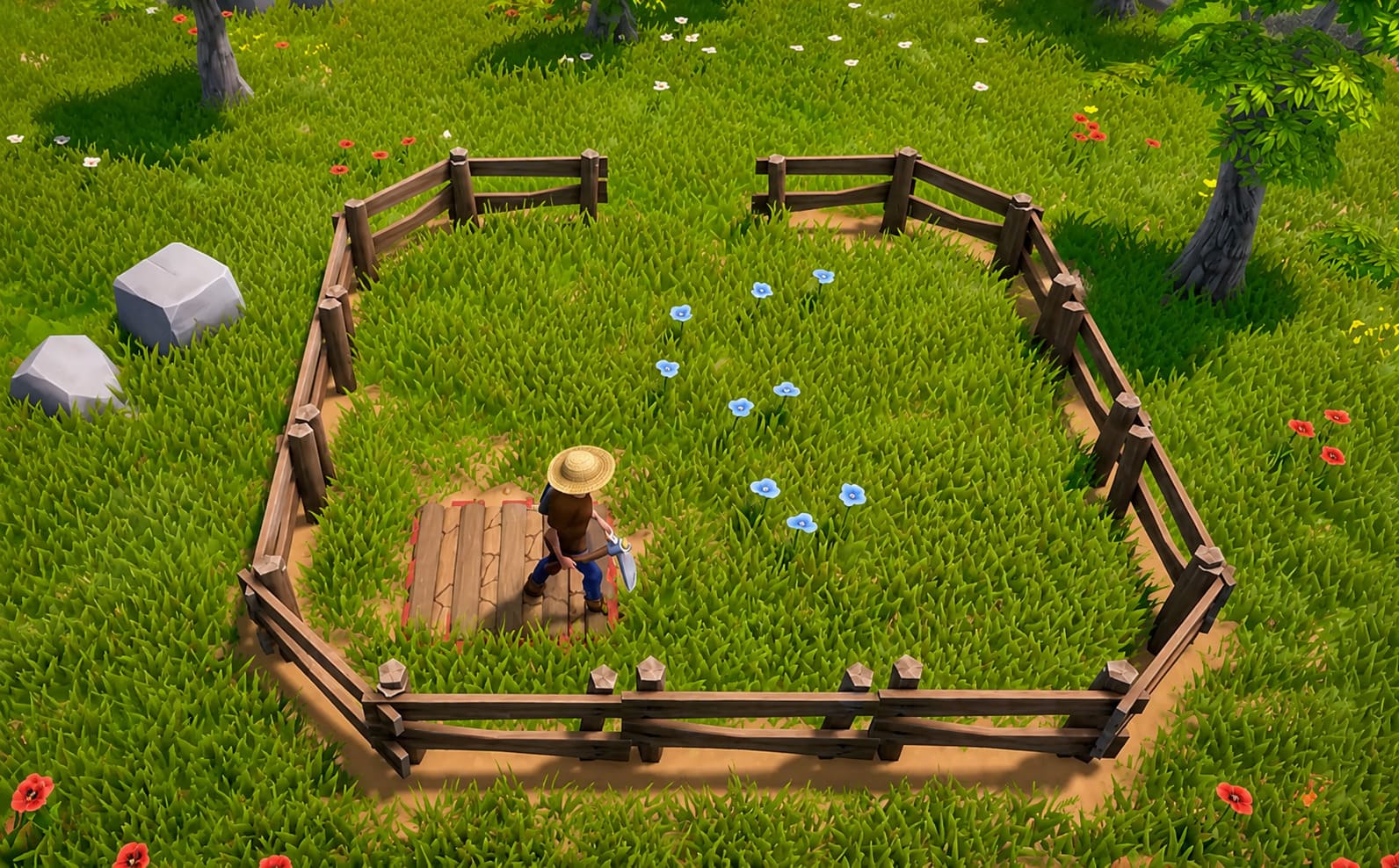
There is something incredibly satisfying about playing a farming game on a Steam Deck.
Maybe it is the portability. Maybe it is the fact that games built around slow progression, resource gathering, building, and exploration simply feel perfect on a handheld. You can spend ten minutes checking your crops, another twenty driving around the map, and suddenly realize you have been playing for three hours.
That is exactly why I was curious about The Ranchers on Steam Deck.
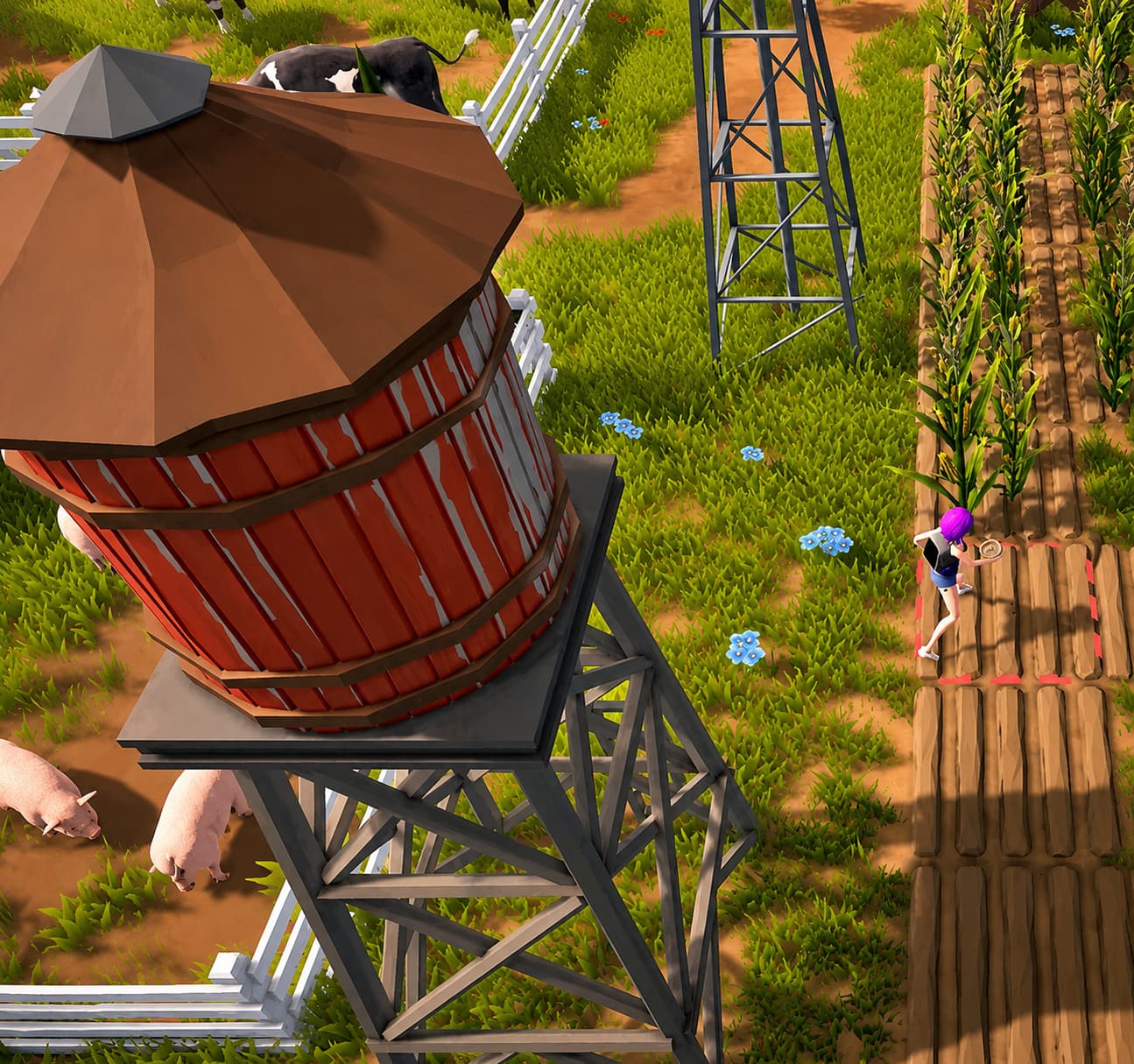
At first glance, The Ranchers looks like the kind of game that could become a handheld favorite. It mixes farming and ranch management with open-world exploration, vehicles, construction, crafting, combat, and online co-op. It is much more ambitious than a traditional cozy farming simulator, and that ambition immediately raises an important question: can the Steam Deck actually handle it without turning the experience into a technical headache?
The short answer is yes, with a few compromises.
The longer answer is much more interesting.
After looking at the game’s Steam Deck compatibility, controller support, performance behavior, and the settings that make the biggest difference, I think The Ranchers has the potential to be one of those games that feels surprisingly natural on Valve’s handheld. It is not a perfect locked-60-FPS experience everywhere, and I would not recommend blindly pushing every graphical option to Ultra. But if you approach it with the right settings, the game can deliver a very enjoyable portable ranching experience.
Here is everything you need to know about The Ranchers Steam Deck performance and the best settings to use in 2026.
Is The Ranchers Steam Deck Verified?
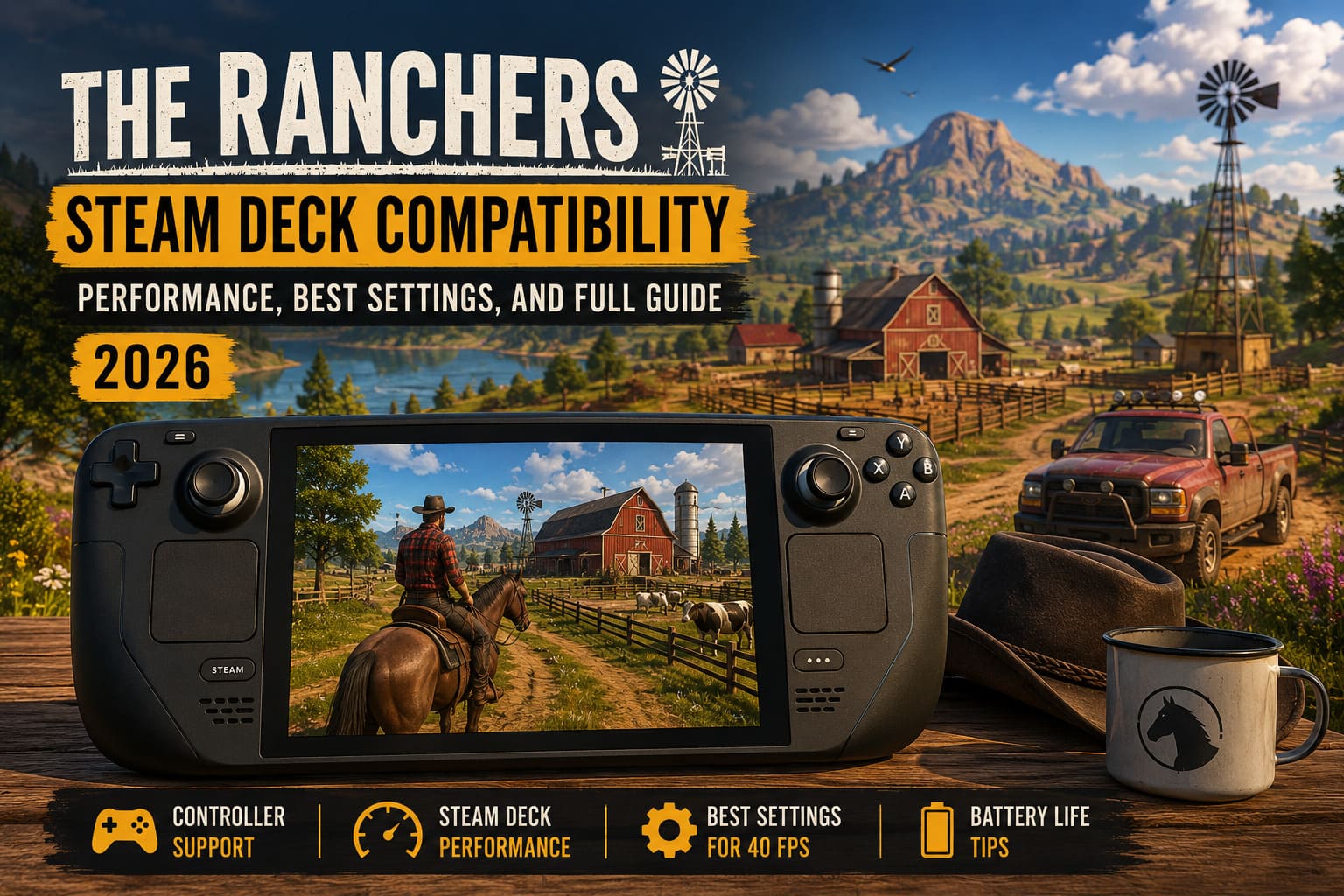
This is the first thing most Steam Deck owners will want to know.
The official compatibility label is obviously important, but with an Early Access game, I would not treat the badge as the final word. Steam Deck compatibility ratings can change as developers patch their games, update Proton compatibility, improve controller support, or fix problems with handheld-specific interfaces.
That is especially true for a game like The Ranchers.
It is a large open-world simulation with multiple systems running at the same time. You have farming, vehicles, exploration, construction, NPCs, weather, environmental effects, and multiplayer. A game with this many moving parts can behave very differently depending on where you are in the world.
In my experience with games in this genre, the real question is not simply “Does it launch?”
It is:
“Does it remain enjoyable after 10, 20, or 50 hours?”
And that is where The Ranchers becomes more interesting.
The game is clearly designed with controller-based gameplay in mind, which is a huge advantage for Steam Deck users. You are not fighting against a keyboard-and-mouse interface that has been awkwardly squeezed onto a handheld.
Movement, farming activities, vehicle controls, exploration, and general interaction feel much closer to what you would expect from a console-style experience.
That makes a massive difference.
My Steam Deck Performance Expectations
The Ranchers is the type of game where performance depends heavily on what you are doing.
Walking around your early ranch is one thing. Driving quickly through a large open-world area while the game loads distant objects, foliage, NPCs, and environmental details is something completely different.
Then you add multiplayer.
Then you add a busy farm.
Then you add automated machinery and a large number of objects.
This is where I would expect the Steam Deck to start working much harder.
The good news is that you do not necessarily need 60 FPS to enjoy this game. In fact, I think chasing a perfect 60 FPS is the wrong approach for a long-session farming simulator.
A stable 40 FPS feels like the sweet spot.
It gives the game enough fluidity to make driving and exploration feel responsive while leaving some performance headroom for those moments when the world becomes more demanding.
| Scenario | Expected Experience | Recommended Target |
|---|---|---|
| Small Ranch | Smooth and comfortable | 40–60 FPS |
| Rural Exploration | Generally smooth | Around 40 FPS |
| Fast Vehicle Travel | More demanding | 40 FPS Cap |
| Busy Town Areas | Possible frame-time dips | 30–40 FPS |
| Large Automated Farms | Heavier GPU/CPU Load | 30–40 FPS |
| 4-Player Co-Op | Most demanding scenario | 30–40 FPS |
The important thing here is consistency.
I would rather play The Ranchers at a mostly stable 40 FPS than have the game bounce between 60 and 30 FPS every time I drive into a busy area.
That kind of uneven frame pacing is much more noticeable than a lower but stable frame rate.
Best The Ranchers Steam Deck Settings
If you are looking for a good starting point, I would not simply select the highest preset and hope for the best.
The Steam Deck is a clever little machine, but it still has limited thermal and power budgets. The Ranchers can make good use of that hardware, but the game does not need to look like a desktop PC running at maximum settings to look good.
This is the configuration I would personally start with:
- Resolution: 1280×800
- Display Mode: Fullscreen or Borderless
- V-Sync: Off
- Graphics Preset: Custom
- Texture Quality: High
- Shadow Quality: Low or Medium
- Anti-Aliasing: SMAA or FXAA
- View Distance: Medium
- Foliage Density: Medium
- Ambient Occlusion: Medium
- Motion Blur: Off
The biggest thing I would recommend turning down is shadow quality.
Shadows are often one of those settings that look impressive in screenshots but can quietly consume a surprising amount of performance. On a seven-inch Steam Deck display, the difference between medium and ultra shadows is rarely worth the additional GPU load.
The same logic applies to view distance.
The Ranchers has a big world, and it is tempting to crank everything up because you want to see every tree and object from miles away. But when you are driving quickly across the map, the hardware has to work harder to maintain that level of detail.
Medium view distance is a much more sensible compromise.
You still get a convincing open world without asking the Steam Deck to render the entire countryside at maximum detail.
40 FPS Is My Sweet Spot
If I were setting up The Ranchers for my own Steam Deck, I would start with a 40 FPS cap.
There is a reason this configuration has become so popular among Steam Deck players. It is a very comfortable middle ground between image quality, responsiveness, battery life, and hardware temperature.
A 60 FPS target sounds better on paper, obviously.
But if maintaining 60 FPS means constantly hitting the power limit, increasing fan noise, and suffering frequent drops whenever you enter a busy location, the experience can actually feel worse.
A stable 40 FPS is different.
The controls remain responsive. Camera movement feels smooth. Driving is enjoyable. And the Steam Deck does not have to run at maximum power every second you play.
For a game where I might spend an entire evening farming, building, exploring, and chatting with friends, that is the setup I would choose.
What About Battery Life?
This is where handheld optimization becomes particularly important.
The Ranchers is not a lightweight 2D farming game. It has a large 3D environment and multiple systems operating simultaneously. If you run it with unrestricted frame rates and high graphical settings, the Steam Deck will naturally consume more power.
I would experiment with a 10W to 12W TDP limit if your particular setup remains stable at that power level.
However, I would not blindly apply a low TDP limit and assume it will work everywhere.
Your performance requirements will change depending on what you are doing.
Exploring a quiet area is not the same as hosting a multiplayer session on a large, heavily automated farm. If you notice frequent frame drops or sluggish controls after lowering the power limit, simply give the system more room to breathe.
The goal should be efficient performance, not the lowest possible wattage.
FSR Can Help When Things Get Heavy
If The Ranchers starts struggling during demanding multiplayer sessions or in particularly busy areas, resolution scaling can be a useful option.
Dropping the internal resolution to something like 1152×720 and using FSR can reduce the GPU workload significantly.
On a Steam Deck screen, a good upscaler can look surprisingly clean.
I would start with a moderate sharpening level and adjust it until the image looks natural. Too much sharpening can create an ugly, overly processed appearance, especially around foliage and fine environmental details.
This is one of those settings where personal preference matters.
For me, I would rather sacrifice a little image clarity than deal with constant stuttering.
The UI Could Be Better on a Handheld
This is probably one of the areas I would keep an eye on as The Ranchers continues through Early Access.
The actual gameplay experience can work nicely on a handheld, but management-heavy games often have problems with menus.
Crafting screens.
Inventory windows.
Tooltips.
Trading interfaces.
Chat boxes.
All of these can be perfectly readable on a 24-inch monitor and suddenly feel cramped on a Steam Deck.
If the game offers UI scaling, I would increase it slightly rather than immediately reaching for the system magnifier.
Even a modest bump can make long sessions much more comfortable.
The same applies to controller layouts.
The Steam Deck’s trackpad can be incredibly useful for menus, especially if you prefer a mouse-like pointer when managing inventory or navigating complicated interfaces. The rear buttons are also perfect for functions you use frequently.
I personally like mapping one rear button to a frequently accessed menu or inventory function. It saves you from constantly pressing multiple buttons just to get to something you use every few minutes.
What If The Ranchers Stops Launching?
Early Access games occasionally break after major updates.
That is not necessarily a Steam Deck-specific problem, but Proton can sometimes make troubleshooting more complicated.
If the game suddenly stops launching after an update, I would work through the basic fixes first:
- Restart the Steam Deck completely.
- Verify the game’s files.
- Check for a new SteamOS update.
- Try a different Proton version.
- Test Proton Experimental if the stable configuration is failing.
- Consider Proton GE if you are comfortable using community Proton builds.
I would not immediately start changing dozens of system files or installing complicated tweaks.
Most of the time, simple troubleshooting is enough.
And remember that Early Access games change constantly. A problem that exists today might disappear with the next patch.
The Ranchers Lore Explained: The Deep Secrets Behind 2026’s Most Ambitious Open-World Farming RPG
Is The Ranchers Good on Steam Deck?
My answer is yes, but I would play it with realistic expectations.
The Ranchers is not the kind of game I would recommend buying specifically because you want a flawless 60 FPS Steam Deck showcase. That is not where I think its strengths are.
Its appeal is the combination of farming, exploration, vehicles, construction, and multiplayer.
That combination is exactly what makes it so attractive on a handheld.
I can imagine spending an evening sitting on the couch, checking the ranch, jumping into a truck, driving into town, gathering resources, and then joining friends for a multiplayer session. That kind of flexible gameplay loop feels almost tailor-made for portable gaming.
The Steam Deck also makes the slower parts of The Ranchers more enjoyable.
You do not have to sit at your desk for every farming session.
You can play for twenty minutes.
You can play for three hours.
You can make progress while traveling.
That is the real advantage.
Final Verdict
The Ranchers on Steam Deck is a promising handheld experience, especially if you are willing to prioritize stable performance over maximum graphics.
My recommendation would be to target 40 FPS, keep shadows and view distance around medium settings, use high-quality textures, disable motion blur, and experiment with resolution scaling when multiplayer or large farms begin pushing the hardware.
The game still has the usual Early Access question marks. Optimization can change. Steam Deck compatibility can improve. New patches can introduce problems and then fix them later.
But that is also the exciting part.
The Ranchers feels like the sort of game that could become significantly better on Steam Deck as development continues.
For me, the biggest selling point is not raw performance. It is the fact that the game’s core gameplay loop makes sense on a handheld. Farming, gathering, building, exploring, driving, and gradually expanding your little piece of the world are all activities that work beautifully when you can pick up the Steam Deck whenever you have some free time.
If you are a Steam Deck owner who loves open-world farming games, survival mechanics, cozy progression, and co-op adventures, The Ranchers is absolutely worth keeping on your radar in 2026.
Just don’t obsess over Ultra settings.
Lock the frame rate.
Tune the shadows.
Give the Steam Deck some breathing room.
Then get back to farming.
Because honestly, that is what I want from a game like this. I want to stop thinking about performance after the initial setup and simply disappear into the world. If The Ranchers can continue improving its optimization while expanding its already ambitious gameplay systems, it has a very real chance of becoming one of those games that permanently lives on my Steam Deck.