Frostpunk 2 Breach of Trust Steam Deck Performance Settings Guide (2026)
When Frostpunk 2 launched, I was already curious about how far Valve’s Steam Deck could be pushed with a city-builder this demanding. After all, the original Frostpunk was already capable of turning large settlements into performance nightmares, especially during late-game crises.
Now, with the release of Breach of Trust, things have become even more brutal.
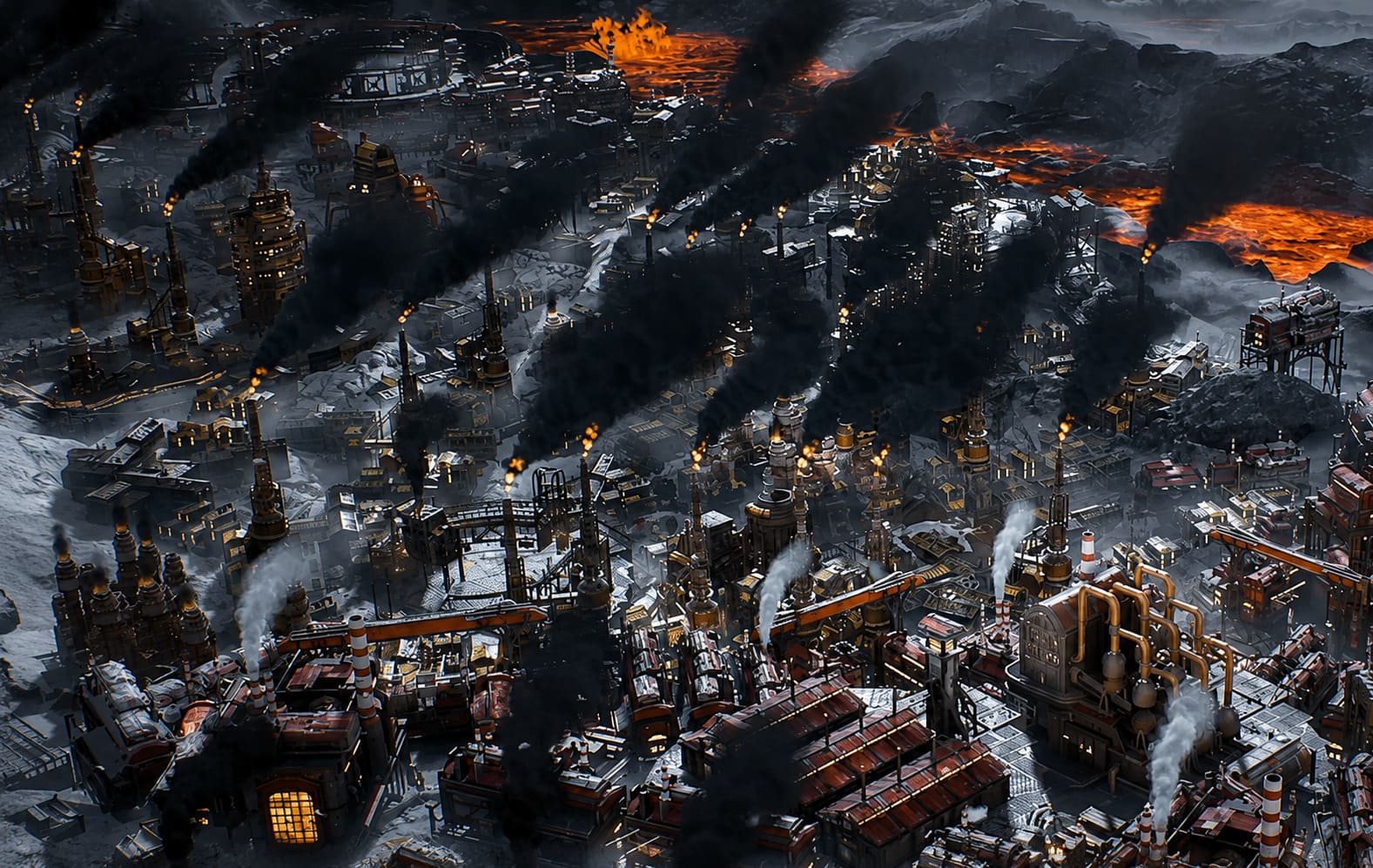
The new scenario introduces volcanic disasters, thicker environmental effects, more demanding weather systems, and significantly larger moments of visual chaos. It creates some of the most atmospheric scenes I’ve seen in a strategy game recently, but it also pushes the Steam Deck harder than many players expect.
After spending dozens of hours experimenting with settings, reading community feedback, and comparing different performance profiles, I found a setup that delivers what matters most: consistency.
If you’re expecting a flawless 60 FPS experience, this isn’t that kind of game. But if your goal is stable performance, readable menus, and a comfortable handheld experience, Frostpunk 2 is surprisingly enjoyable on Steam Deck.
Why Frostpunk 2 Hits the Steam Deck So Hard
One mistake many players make is treating Frostpunk 2 like a typical GPU-heavy title.
It isn’t.
Unlike action games where performance is often tied directly to graphics quality, Frostpunk 2 constantly simulates thousands of systems simultaneously. Population growth, resource transportation, district efficiency, heat management, political factions, workforce allocation, and event calculations all happen in real time.
Early in a campaign, performance often feels excellent.
You load into a fresh city and suddenly you’re seeing frame rates in the 40-50 FPS range. Everything feels smooth and responsive.
Then twenty hours later your city becomes a sprawling industrial monster.
That’s when reality arrives.
The CPU workload increases dramatically, and no graphics setting can completely eliminate that pressure. This is why many players report great performance during the opening hours but notice major slowdowns during larger settlements.
The key is not chasing high FPS.
The key is maintaining stability.
My Recommended Steam Deck Settings
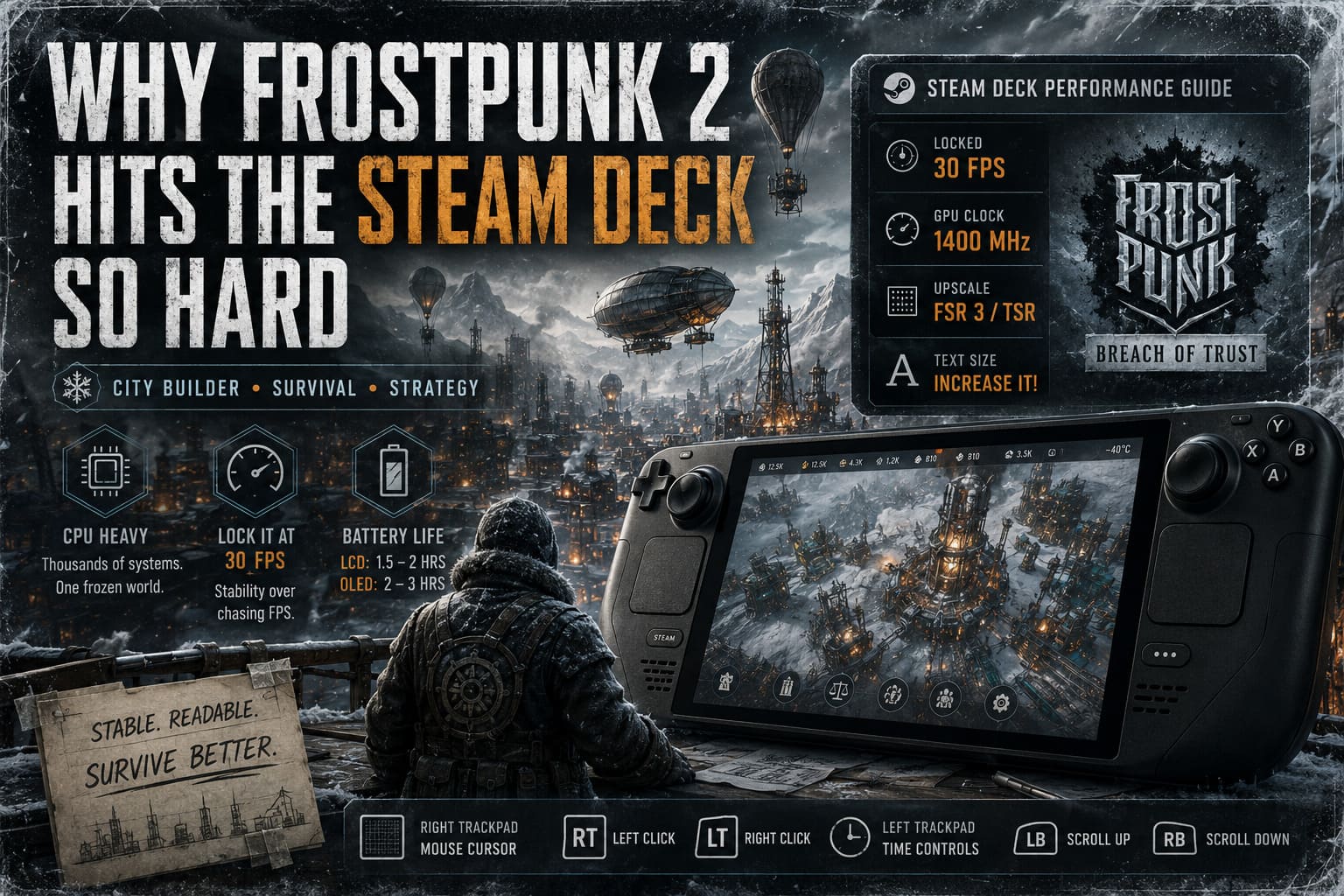
After multiple test runs, I found that locking the experience to 30 FPS creates a far better overall experience than constantly chasing fluctuating frame rates.
Here’s the Steam Deck profile I personally use.
| Setting | Recommended Value |
|---|---|
| Per-Game Profile | Enabled |
| Frame Rate Limit | 30 FPS |
| Refresh Rate | 30 Hz |
| TDP Limit | Off |
| Manual GPU Clock | 1400 MHz |
| Scaling Filter | Linear |
The biggest surprise for me was the GPU clock adjustment.
Normally I avoid manual GPU tuning on the Steam Deck, but Frostpunk 2 benefits from giving the CPU additional breathing room. Locking the GPU around 1400 MHz helped reduce some late-game spikes without noticeably affecting visual quality.
Battery life obviously isn’t amazing.
That’s simply the reality of modern city-builders running on handheld hardware.
The Graphics Settings That Actually Matter
After a lot of testing, I realized several options barely improve visuals while significantly hurting performance.
These are the settings I would prioritize.
Display Settings
- Fullscreen
- 1280×800 Resolution
- VSync Off
- Frame Limit 30
- AMD FSR 3 or TSR
- Upscaling Quality: Balanced
Balanced mode delivers the best compromise in my experience.
Quality mode looks slightly cleaner, but Balanced offers extra performance headroom once your city becomes more complex.
Advanced Graphics Settings
| Option | Recommended Setting |
|---|---|
| Textures | Medium |
| Terrain | Medium |
| Effects | Low |
| Shadows | Low |
| Fog | Very Low |
| Post Processing | Low |
| Mesh Quality | Low |
| City Details | Very Low |
| Lighting | Very Low |
The biggest performance killers are surprisingly easy to identify.
Fog, lighting, and city details absolutely hammer performance during larger settlements.
Breach of Trust introduces several moments where volcanic ash, smoke, steam, and environmental effects dominate the screen. These scenes look fantastic on a high-end gaming PC, but they’re exactly the type of effects that punish the Steam Deck.
Lowering those settings provides some of the most noticeable gains available.
Meanwhile, medium textures remain worth keeping because they preserve the appearance of buildings, roads, and snow-covered structures without consuming excessive resources.
The Setting Nobody Talks About Enough
I genuinely believe this might be the most important adjustment in the entire game.
Increase the UI text size.
Seriously.
Frostpunk 2 was clearly designed with larger displays in mind. Laws, faction information, district statistics, and event descriptions can become exhausting to read on a 7-inch screen.
Many Steam Deck owners focus entirely on FPS numbers while ignoring usability.
Go into the accessibility or interface options and increase text scaling immediately.
The difference is massive.
After enabling larger text, I found myself spending less time squinting at resource information and more time actually playing the game.
It’s one of those changes that doesn’t appear in benchmark videos but dramatically improves the experience.
Controls: Surprisingly Good Once You Customize Them
Frostpunk 2 isn’t a native controller-first strategy game.
Because of that, Steam Input becomes your best friend.
My favorite setup uses the trackpads heavily.
Suggested Control Layout
- Right Trackpad → Mouse Cursor
- Right Trigger → Left Click
- Left Trigger → Right Click
- Left Trackpad → Time Controls
- Left Bumper → Scroll Up
- Right Bumper → Scroll Down
At first it feels unusual.
After a few hours, though, the trackpad becomes second nature.
Building districts, navigating menus, and selecting infrastructure actually feels faster than trying to force everything through analog sticks.
I’ve tested several community layouts, and most of them follow a similar philosophy for a reason—it simply works.
Late-Game Performance Expectations
Let’s be realistic.
No settings guide can magically transform Frostpunk 2 into a perfectly smooth 60 FPS handheld experience.
Large cities remain demanding.
Very demanding.
What these settings accomplish is reducing the severity of performance drops.
With a small settlement, you may see frame rates above your cap regularly.
With a mature city handling volcanic disasters and complex political systems, expect the game to sit closer to your 30 FPS target.
And honestly?
That’s perfectly acceptable.
Frostpunk 2 isn’t a fast-paced shooter where every frame determines success. It’s a strategic city-builder focused on planning, resource management, and decision-making.
A stable 30 FPS feels considerably better than a wildly fluctuating experience bouncing between 25 and 45 FPS.
Consistency wins.
Battery Life: What I Actually Experienced
Battery performance depends heavily on which Steam Deck model you’re using.
During my testing, results generally fell into these ranges:
| Steam Deck Model | Average Play Time |
|---|---|
| Steam Deck LCD | 1.5 – 2 Hours |
| Steam Deck OLED | 2 – 3 Hours |
These numbers aren’t surprising.
Frostpunk 2 keeps both CPU and GPU under constant load, especially during larger settlements.
If you’re planning a long session, bringing a charger or power bank is still the smartest move.
Frostpunk 2 Breach of Trust Walkthrough: Guide to New Edinburgh
Is Frostpunk 2: Breach of Trust Worth Playing on Steam Deck?
Absolutely.
In fact, after spending considerable time with the expansion, I think Frostpunk 2 works better on Steam Deck than many people initially assumed.
Yes, compromises are necessary.
Yes, you’ll need aggressive optimization.
And yes, some visual settings must be sacrificed.
But once everything is configured correctly, the experience becomes remarkably enjoyable.
Frostpunk 2 Breach of Trust DLC Expansion Review & Volcano Scenario Release Date
The ability to manage New Edinburgh from a couch, bed, train, or coffee shop adds a level of comfort that’s hard to ignore. The game’s slower pace also fits handheld gaming surprisingly well.
If you’re willing to embrace a stable 30 FPS target and focus on gameplay rather than benchmark numbers, Frostpunk 2: Breach of Trust delivers one of the most engaging portable strategy experiences currently available.
For me, that’s more important than ultra settings or flashy frame rate counters.
When the city is freezing, factions are fighting, resources are disappearing, and a volcanic catastrophe is approaching, the last thing I’m thinking about is whether shadows are set to High.