Blades of Fire Frame Rate Drop After 2.0 Update: Comprehensive PC, Steam Deck, and Console Performance Optimization Guide
When I first booted up Blades of Fire after the massive 2.0 update, I was honestly excited. New Game Plus, Boss Revival Mode, harder difficulty settings, fresh spell mechanics — it felt like the kind of content drop that gives an action RPG a second life. But after about fifteen minutes, the excitement turned into frustration.
My frame rate was all over the place.
One moment the game ran smoothly at 60 FPS, then suddenly combat would turn into a stuttering mess the second multiple spell effects or heavy particle animations filled the screen. Boss fights became inconsistent, traversal started hitching randomly, and even menus felt sluggish at times. After digging through forums, experimenting for hours, and comparing results with other players, I realized the issue isn’t just “bad optimization.” The 2.0 patch changed a lot under the hood, and some systems simply aren’t handling it well yet.
This guide is everything that actually helped me recover performance on PC, Steam Deck, and consoles — without sacrificing the game’s atmosphere.
Why Blades of Fire 2.0 Suddenly Performs Worse
The strange thing is that many players had excellent performance before the update. Even mid-range GPUs handled the game surprisingly well at launch. After Version 2.0, though, several technical problems started stacking together.
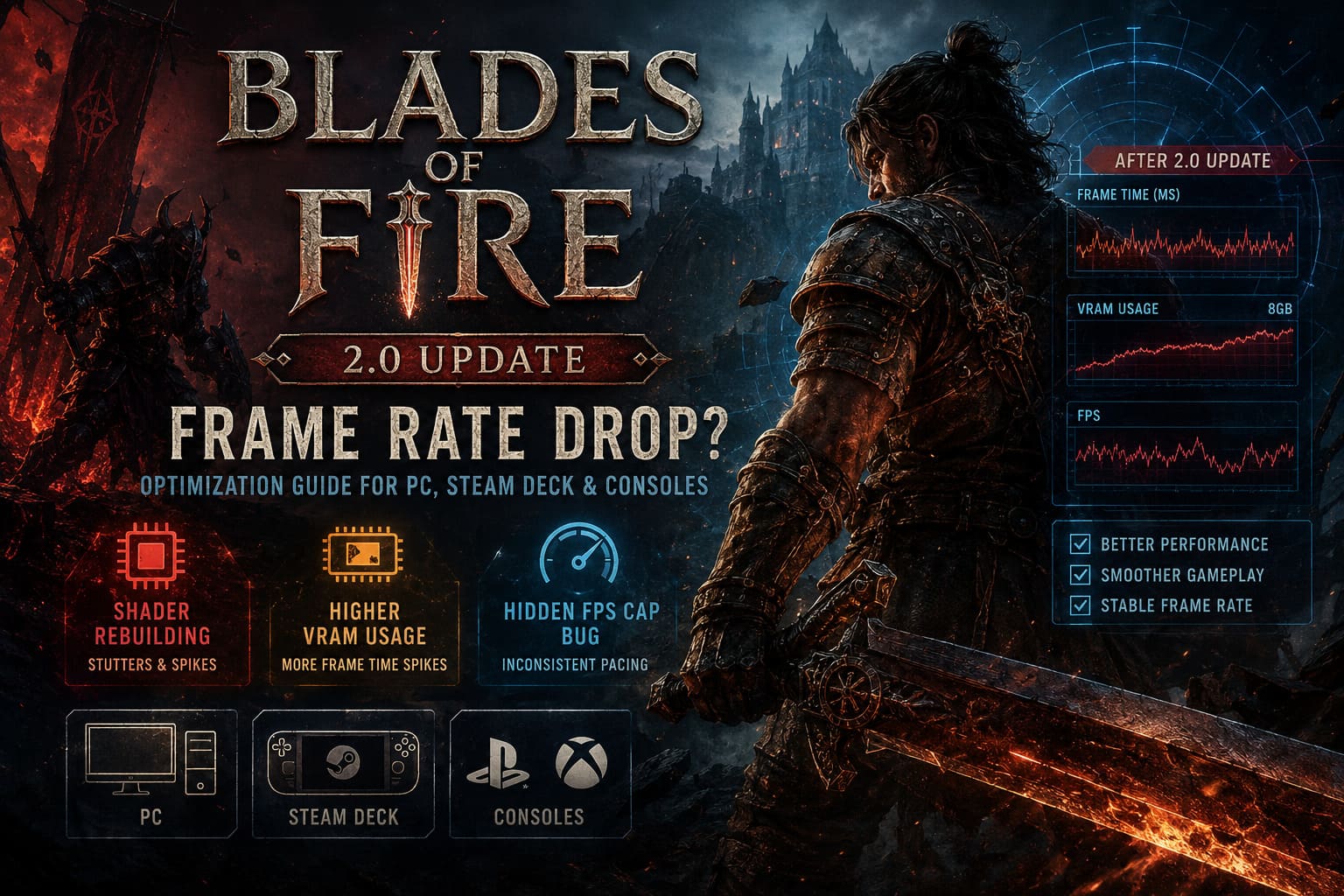
The biggest culprit: shader rebuilding
The patch introduced new visual systems, updated effects, weapon assets, gore variations, and expanded spell animations. Every time your GPU encounters one of these assets for the first time, it compiles shaders in real time.
That’s why the game often stutters:
- during first-time boss attacks
- while entering new zones
- when using Arcana abilities
- during heavy combat encounters
The engine simply pauses to build shaders on the fly.
And honestly? You can feel it immediately.
VRAM Usage Is Way Higher Now
This update quietly became brutal for 8GB graphics cards.
I tested the game on multiple setups, and VRAM spikes are much more aggressive now, especially at Ultra textures. Once VRAM fills up, the engine starts rapidly streaming assets between system memory and the GPU. That’s where those nasty frame-time spikes come from.
If you’re using:
- RTX 3060 Ti
- RTX 3070
- RX 6700 XT
- older 8GB cards
…you’ll probably notice the issue quickly at higher settings.
The good news is that fixing it doesn’t require destroying visual quality.
The First Settings I Changed (Huge Difference)
These were the fastest fixes that immediately improved stability for me.
| Setting | Recommended Value | Why It Helps |
|---|---|---|
| Texture Quality | Medium/Balanced | Reduces VRAM spikes |
| Volumetrics | Balanced | Massive FPS recovery |
| Shadow Quality | Balanced | Removes GPU pressure |
| DLSS / FSR | Quality or Balanced | Stabilizes frame pacing |
| Motion Blur | Off | Cleaner camera movement |
| Object Detail | Balanced | Prevents streaming stutter |
The volumetric setting alone gave me almost 15 FPS back during large fights.
The Hidden FPS Cap Bug Nobody Notices
This one drove me insane because the game never explains it properly.
Inside the graphics settings, there are actually two different frame-rate targets:
- your visible frame cap
- a hidden FPS target inside the upscaling menu
After the patch, these values can desync.
So you might think you capped the game at 60 FPS, but internally the engine is still trying to target 120 or unlimited. That mismatch creates terrible frame pacing and weird micro-stutters.
What fixed it for me:
- Set BOTH values to the same number
- If you have a 60Hz monitor, lock both to 60
- If using 120Hz or 144Hz, match everything exactly
The game instantly felt smoother afterward.
Not necessarily higher FPS — just consistent.
And consistency matters way more in a fast melee game like this.
Blades of Fire Lore Explained: The Full Story of Aran and Adso
Driver Problems Are Real Right Now
This update launched right when NVIDIA and AMD released fresh drivers for the Steam version. Unfortunately, some of those drivers seem unstable with MercurySteam’s engine.
I actually got better performance by rolling back drivers.
That almost never happens anymore.
If you’re on NVIDIA:
A lot of players are reporting issues with newer branches, especially on RTX 30 and RTX 40 GPUs.
Rolling back to an older stable driver noticeably reduced:
- shader hitching
- frame pacing spikes
- random freezes
If you’re on AMD:
Clean shader resets help a ton.
The Adrenalin shader cache reset noticeably improved traversal smoothness on my secondary setup.
My Recommended PC Optimization Setup
After hours of tweaking, this became the sweet spot for visual quality and smooth gameplay.
Best Settings for Most GPUs
| Hardware Tier | Resolution | Upscaling | Expected FPS |
|---|---|---|---|
| RTX 3060 / RX 6700 XT | 1080p | DLSS/FSR Quality | 60 FPS |
| RTX 3070 / 4070 | 1440p | Balanced | 70–100 FPS |
| RTX 4080 / 5080 | 1440p Ultra | Quality | 100+ FPS |
| Steam Deck | 800p | FSR Balanced | 30 FPS Stable |
Windows Settings That Actually Matter
Normally I ignore “Windows optimization” guides because most are placebo nonsense.
But with Blades of Fire, borderless rendering makes Windows behavior surprisingly important.
These changes genuinely helped:
- Enable Hardware Accelerated GPU Scheduling (HAGS)
- Force the game executable to High Performance
- Disable unnecessary overlays
- Close browser tabs before launching
- Let shader compilation finish after startup
The last one matters more than people realize.
If you instantly load into combat after booting the game, shader compilation keeps happening aggressively in the background.
I usually wait a minute in the menu now before jumping in.
That alone reduced early-session stutters.
Steam Deck Performance Is Better Than Expected
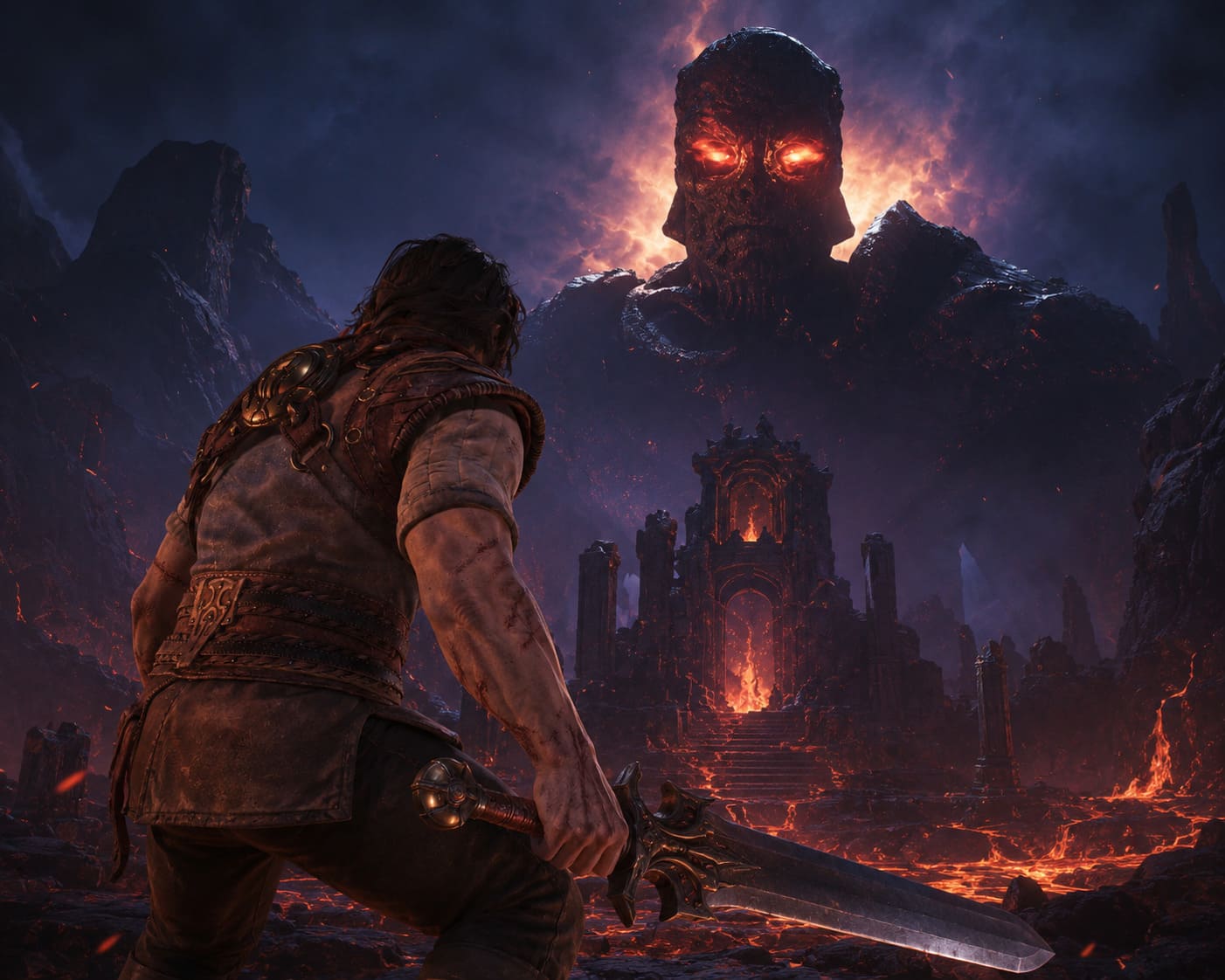
I honestly expected the Steam Deck version to struggle badly after this patch.
Surprisingly, MercurySteam did a decent job with the new Deck preset.
The problem is that uncapped frame pacing feels awful on handheld. The game jumps between:
- 28 FPS
- 35 FPS
- 42 FPS
…and the fluctuations feel worse than a locked lower frame rate.
My Steam Deck setup:
- Steam Deck preset enabled
- 30 FPS cap
- 60Hz refresh rate
- FSR Balanced
- Motion Blur OFF
Once capped properly, the game becomes dramatically smoother.
Not perfect — but very playable.
Boss fights especially become much easier to read when frame pacing stops fluctuating.
Console Players Are Seeing the Same Problems
A lot of people assumed the performance issues were PC-only.
They aren’t.
The PlayStation 5 and Xbox Series X versions also started dropping frames more frequently after 2.0, especially during:
- spell-heavy fights
- gore-intensive encounters
- large enemy groups
- cinematic transitions
The consoles still target 60 FPS using aggressive upscaling, but the new effects clearly increased system load.
The best fixes on console:
- Fully power-cycle the console
- Clear temporary cache
- Reinstall the game if stuttering persists
- Enable VRR if your display supports it
VRR makes a surprisingly big difference here because most drops are small but constant.
The Biggest Mistake Players Make
A lot of people immediately crank every setting back to Ultra after installing the patch.
Honestly, this game barely looks different between Ultra and Balanced in motion.
But performance changes dramatically.
The visual gains from Ultra volumetrics and shadows are tiny during actual gameplay, while the GPU cost is massive.
Balanced settings currently feel like the intended experience.
Is MercurySteam Going to Fix This?
Probably yes.
Historically, MercurySteam reacts pretty quickly to major optimization complaints. The studio already acknowledged stability concerns shortly after launch, and additional hotfixes are likely coming.
The biggest areas that still need work are:
- shader precompilation
- VRAM management
- frame pacing consistency
- asset streaming optimization
Right now the game feels like it’s one optimization patch away from being genuinely excellent again.
Because underneath the technical mess, Blades of Fire still has some of the best melee combat and atmosphere I’ve played this year.
And once the stutter disappears, that combat finally gets room to shine again.
Final Thoughts
After testing dozens of tweaks, the biggest improvements came from:
- synchronizing FPS targets
- reducing VRAM-heavy settings
- rebuilding shader caches
- locking stable frame rates
- avoiding Ultra volumetric effects
The difference afterward was night and day.
Instead of fighting the frame pacing, I could actually focus on the combat again — which is exactly where this game is at its best.
If you’re struggling after the 2.0 update, don’t assume your hardware suddenly became outdated. Right now, Blades of Fire simply needs smarter configuration than before.
And until the next hotfix arrives, these optimizations are the closest thing to a real cure.