Dune Awakening PS5 Best Settings Guide: Performance vs Quality Mode Optimized
Dune: Awakening has finally arrived on PlayStation 5, giving console players their chance to step onto Arrakis without needing a gaming PC capable of pushing Unreal Engine 5. The PS5 release on September 22, 2026, is a pretty big moment for Funcom’s survival MMO, especially because this isn’t simply an old PC build being dropped onto a console.
The PlayStation version arrives alongside a substantial package of content, including the highly anticipated single-player mode, the conclusion of the Book One campaign, and the major features introduced with Update 1.5. That’s a lot to throw at players on day one.
But before worrying about spice, sandworms, bases, or the best weapons, there’s one thing I would change almost immediately: the graphics settings.
Arrakis is beautiful, but it is also brutal on hardware. Huge open environments, detailed structures, player-built bases, storms, vehicles, combat effects, and Unreal Engine 5’s rendering systems can put serious pressure on the PS5. Thankfully, you don’t have to sacrifice the entire visual experience just to get good performance.
After looking at how the console version handles its graphics modes, the choice is fairly straightforward for me: Performance Mode is the setting I’d use for everyday gameplay.
Here’s why.

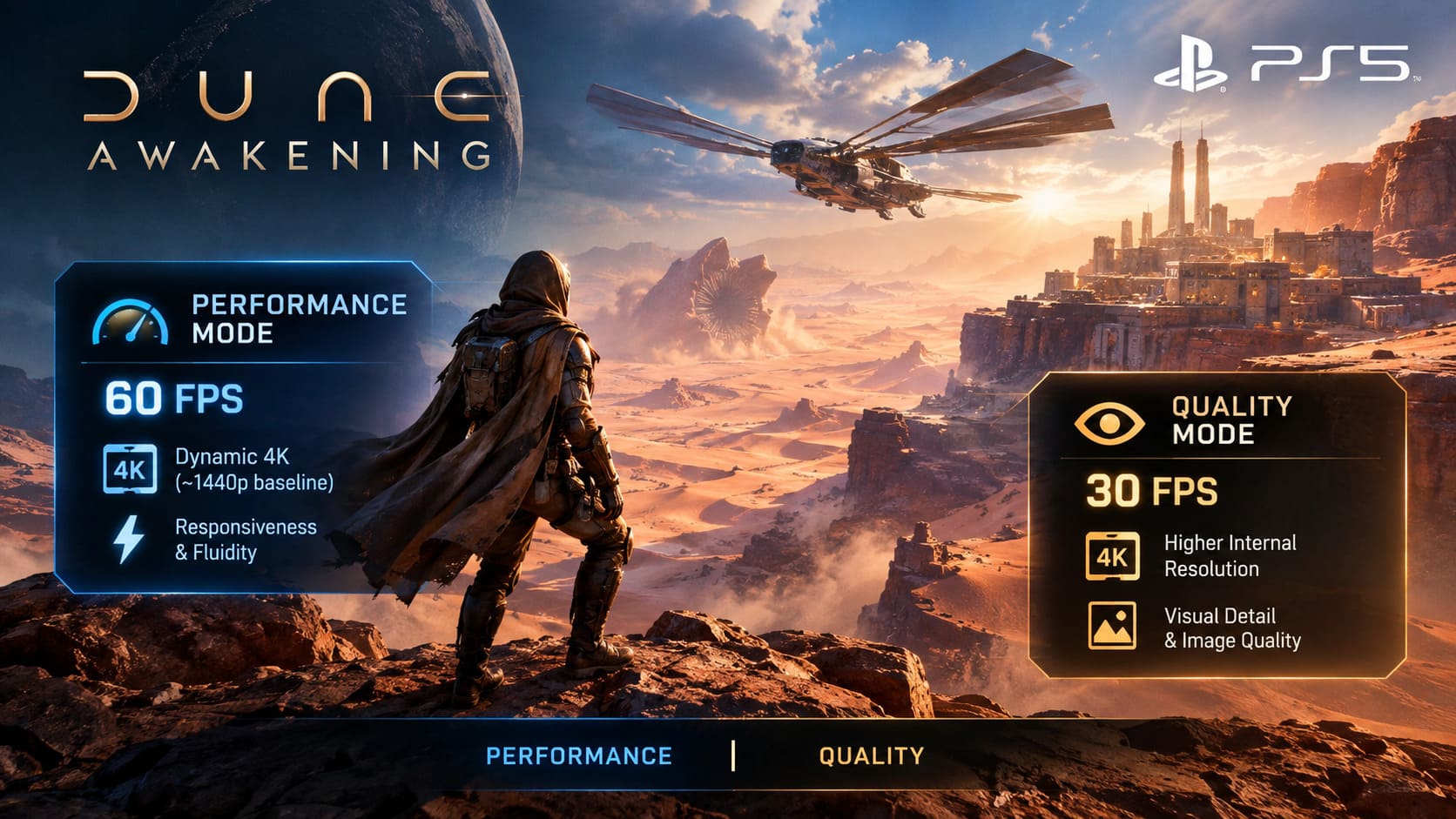
Dune Awakening PS5 Performance Mode vs Quality Mode
The standard PS5 gives players two main graphics configurations: Performance Mode and Quality Mode.
Both are designed around dynamic resolution and temporal reconstruction, allowing the console to adjust rendering resolution depending on what is happening on screen. That is particularly important in Dune: Awakening because the workload can change dramatically between standing inside a small shelter and flying an Ornithopter across a huge section of Arrakis.
| Graphics Mode | Target FPS | Resolution Approach | Main Focus |
|---|---|---|---|
| Performance | 60 FPS | Dynamic 4K, generally around a 1440p internal baseline before upscaling | Responsiveness and fluidity |
| Quality | 30 FPS | Higher dynamic internal resolution | Visual detail and image quality |
Performance Mode — The Setting I Prefer
Performance Mode targets 60 FPS, using dynamic resolution to maintain that target when the scene becomes demanding.
And honestly, this is where Dune: Awakening feels the most natural.
This isn’t a slow cinematic adventure where 30 FPS is always an acceptable compromise. You’re constantly moving, scanning the environment, fighting, harvesting resources, managing inventory, building structures, and occasionally trying to get away from something that would very much like to turn you into desert food.
At 60 FPS, camera movement feels noticeably more responsive. Turning quickly, aiming ranged weapons, tracking another player, or simply looking around while sprinting across the desert all benefit from the higher frame rate.
The interesting part is that Performance Mode doesn’t look like the visual sacrifice some players might expect. Dynamic resolution does its job surprisingly well, and the reconstructed image can remain sharp enough that you’re not constantly thinking about the lower internal resolution.
For normal gameplay, I would choose Performance Mode without much hesitation.
Quality Mode — Better for Players Who Want the Cinematic Look
Quality Mode drops the target to 30 FPS, allowing the PS5 to dedicate more GPU resources to visual quality.
The higher internal resolution can produce a cleaner image, particularly when you’re standing still and looking across a detailed environment. You’ll also benefit from stronger environmental detail, improved lighting, more demanding shadow work, and better texture filtering over long distances.
If you’re the kind of player who likes to stop on top of a dune and simply stare at the horizon, Quality Mode has an obvious appeal.
And Dune: Awakening is absolutely the kind of game where that can be tempting. Arrakis can look incredible when the lighting, sand, architecture, and enormous landscapes come together.
But there’s a trade-off.
Once you start moving quickly or fighting, 30 FPS becomes much easier to notice. The difference isn’t subtle when you’re used to 60 FPS. Camera movement feels heavier, aiming feels less immediate, and fast environmental movement can look less fluid.
For screenshots and slower exploration, I’d understand choosing Quality Mode. For actually playing the game for several hours, I’d still stick with Performance.
What Changes on PS5 Pro?
The PS5 Pro gives Dune: Awakening more hardware headroom, and that changes the equation somewhat.
Funcom still maintains the basic Performance and Quality split, but the stronger hardware allows the game to push its visual targets further.
In Performance Mode, the PS5 Pro can maintain a higher internal resolution baseline than the standard PS5. That means the image can remain cleaner during demanding moments where the base console may need to reduce resolution more aggressively.
The difference becomes particularly useful during busy scenes. Large bases, heavy environmental activity, fast traversal, and combat can all increase the rendering workload.
Quality Mode also benefits from the additional hardware. On PS5 Pro, the game can introduce more advanced lighting features, including ray-traced effects and enhanced global illumination, while still targeting 30 FPS.
That can make reflective surfaces, metallic structures, and water look considerably more convincing.
Still, my recommendation doesn’t completely change.
If you’re buying or already using a PS5 Pro, Performance Mode remains the setting I’d start with, especially if responsiveness matters more to you than squeezing every last bit of visual fidelity from Arrakis.
Why 60 FPS Matters So Much in Dune: Awakening
There’s a reason so many players gravitate toward Performance Mode in survival games.
It’s not just about making the game look smoother. It’s about how the game feels.
Dune: Awakening constantly asks you to react to what’s happening around you. You’re not just walking through a static environment. You might be harvesting resources one moment, fighting another player the next, jumping into a vehicle, or trying to escape a dangerous environmental event.
A higher frame rate makes those transitions feel more immediate.
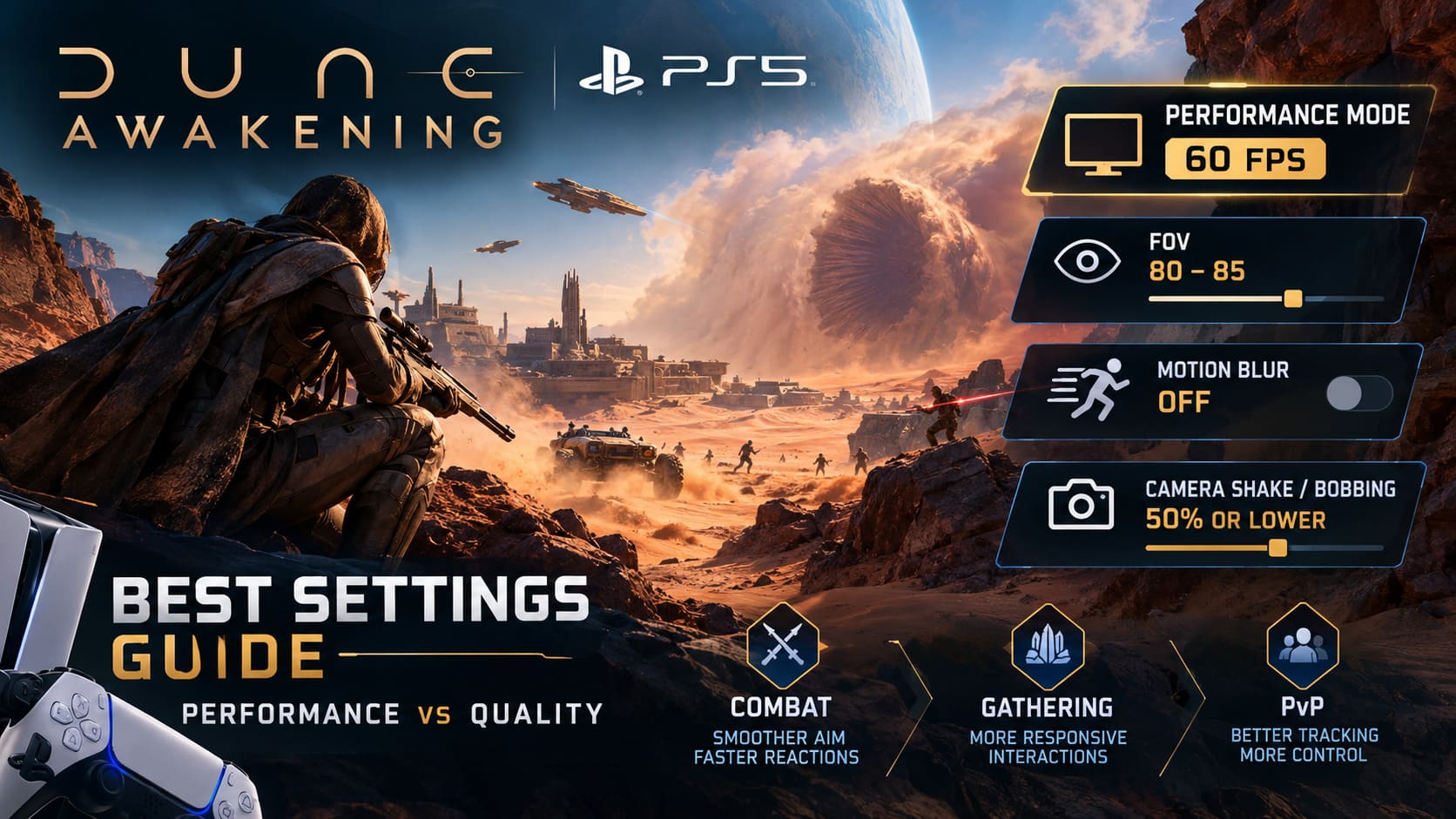
Combat
This is probably the biggest advantage.
When you’re aiming a weapon or tracking an enemy moving across your screen, 60 FPS gives you significantly more visual information between each frame compared with 30 FPS.
That makes fast camera movements easier to follow and helps reduce the feeling of sluggishness during close-range combat.
Resource Gathering
This sounds less important, but it actually adds up over dozens of hours.
Cutting through wreckage, interacting with objects, scanning the environment, and lining up tools all feel more responsive at 60 FPS.
It’s one of those things you might not notice immediately. Then you switch to 30 FPS and suddenly everything feels heavier.
PvP
If you spend a lot of time fighting other players, I’d consider Performance Mode almost mandatory for your personal setup.
I’m not saying 30 FPS makes PvP impossible. It doesn’t. But when another player is moving quickly and you’re trying to track them across a bright desert landscape, additional responsiveness is extremely valuable.
My Recommended Dune Awakening PS5 Settings
The graphics preset is only part of the equation. A few additional options can make the image much cleaner.
Field of View
The default FOV is around 90, but I prefer keeping it slightly lower.
My recommendation is:
FOV: 80–85
A wider FOV gives you more peripheral vision, which can be useful in combat and exploration. However, pushing it too far can make the edges of the screen look distorted and can make the overall image feel less natural.
For me, 80–85 is the comfortable middle ground.
You still get enough peripheral visibility without making the world look stretched.
Motion Blur
Motion Blur: Off
This one is easy.
I understand why developers use motion blur. It can make a game look more cinematic and can hide some of the visual roughness created by rapid camera movement.
But in a survival game, I want to see what’s happening.
When sprinting across Arrakis, looking for enemies, watching for wildlife, or trying to identify something in the distance, motion blur simply gets in the way.
Turning it off makes the image feel sharper and more immediate.
Camera Shake and Bobbing
I’d also reduce Camera Shake / Camera Bobbing to around 50% or lower.
You don’t necessarily need to disable these effects completely. Some movement helps sell the weight of the character and the environment.
But when explosions, combat, storms, and heavy movement all happen at once, excessive camera shake can make the screen unnecessarily chaotic.
Reducing it gives you a cleaner view without completely removing the game’s physical feel.
Brightness, Gamma and Accessibility Settings
Arrakis is an extreme environment visually.
The desert can be painfully bright, while caves, rocky areas, and interiors can become surprisingly dark.
If you’re struggling to see resources or enemies in shadowy locations, don’t immediately blame the game’s graphics settings. Check your brightness and gamma first.
I prefer adjusting these carefully rather than dramatically increasing brightness. Washing out the entire image just to make dark areas visible defeats the purpose.
The PS5’s accessibility options can also help players who have trouble distinguishing certain visual elements.
The goal is simple: make dark areas readable without turning the bright desert into a white screen.
Does Dynamic Resolution Actually Matter?
Yes, but I think players sometimes worry about it more than they need to.
Dynamic resolution is basically the console’s way of saying, “This scene is getting expensive to render, so let’s temporarily reduce the internal resolution and rebuild the final image.”
In an enormous game like Dune: Awakening, that’s a reasonable compromise.
You may notice the image become slightly softer during particularly demanding moments, especially when flying quickly through the world or approaching large player-built locations.
I’d much rather have that brief reduction in sharpness than have the game constantly stutter because it is trying to maintain a fixed resolution at all costs.
A stable frame rate is usually more valuable than a perfect pixel count.
Dune Awakening Water Guide: Methods to Farm Infinite Water on Arrakis
What About Large Player Bases?
This is another situation where Performance Mode makes sense.
Dune: Awakening allows players to create increasingly elaborate bases, and large structures can contain a lot of assets that need to be streamed as you approach them.
If you’re flying toward a massive player settlement or an industrial area filled with structures and machines, the PS5 has significantly more work to do.
Dynamic resolution can step in here and reduce rendering load when necessary.
You might occasionally see a small reduction in image clarity as the game adjusts, but that’s preferable to aggressive hitching or major frame-time spikes.
It’s one of those technical compromises that becomes much easier to appreciate once you’re actually playing.
Dune Awakening Spice Harvesting Guide: How to Farm Spice Melange Safely
My Final Dune Awakening PS5 Settings
After weighing the two modes, I would personally build my setup around 60 FPS rather than maximum visual fidelity.
Here’s the configuration I’d start with:
- Graphics Mode: Performance
- Target: 60 FPS
- FOV: 80–85
- Motion Blur: Off
- Camera Shake/Bobbing: 50% or lower
- Film Grain: Off
- Chromatic Aberration: Off
- Brightness/Gamma: Adjust according to your display and room
- Quality Mode: Use when you specifically want the most cinematic presentation
The important thing is that there isn’t a universally correct choice here.
If you play Dune: Awakening mainly for exploration, building, screenshots, and soaking in the atmosphere of Arrakis, Quality Mode has a legitimate advantage. The additional visual detail and higher internal resolution can make an already impressive world look even better.
But if you’re planning to spend dozens or hundreds of hours gathering resources, fighting, exploring, driving vehicles, building bases, and dealing with PvP, Performance Mode is the one I’d choose.
Dune: Awakening already gives you enough things to worry about. Sandworms, rival players, storms, resources and survival are more than enough.
I don’t need my graphics settings fighting me too.
For the standard PS5, Performance Mode at 60 FPS with an 80–85 FOV, disabled motion blur, and reduced camera shake is my preferred setup. On PS5 Pro, the additional hardware gives you more visual headroom, but I’d still begin with Performance Mode and only move to Quality if you decide that the extra graphical detail is worth giving up the higher frame rate.
Arrakis is at its best when you’re actually moving through it. And for me, smooth movement wins.